
B U N R I👾 @Live2D
@Bunrily • 6,531 subscribers
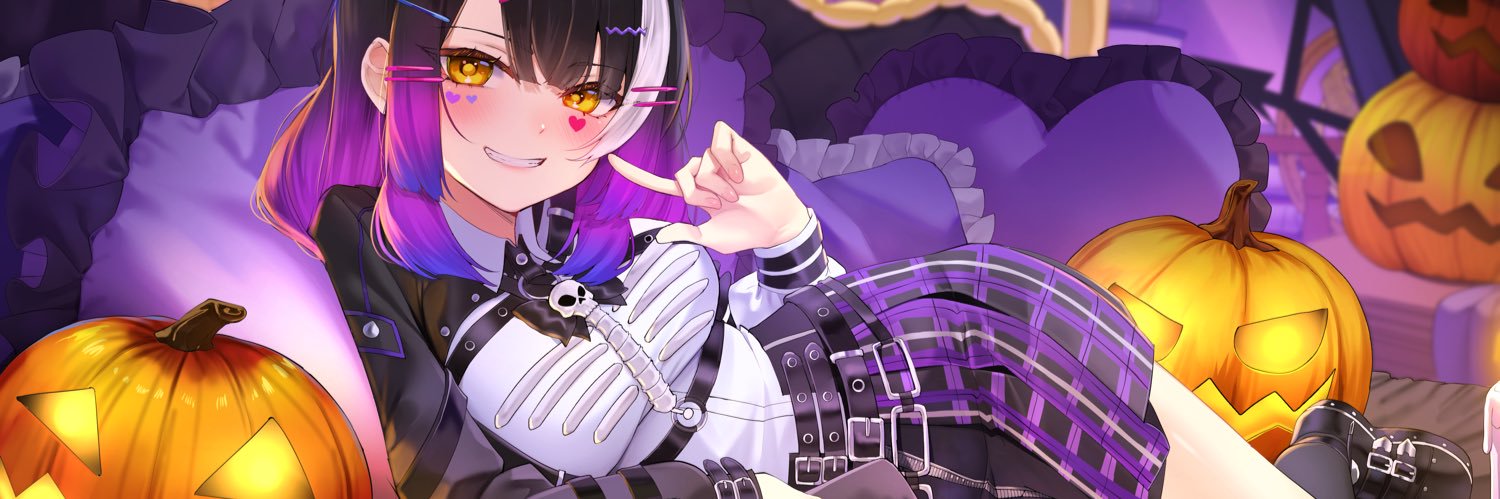
• Live2D CMS on Vgen : https://t.co/Pyo6nHacig | TH / EN OK! • Contact for work [email protected] • header: Korozu ICO: @Sleeplezzstudio
Videos


I was in charge of rigging Live2D model for Zona🐳 - Repise project! , the frist genaration member of Polygon Project. Vtuber : @ ZonaPLG Artist : Daefny ✧˖ Rig:me I am really thankful to Daefny and Polygon work team for cutting and advising support. 🙏💖 #Live2D #ZONAREPRISE
B U N R I👾 @Live2D106,068 Aufrufe • vor 3 Jahren

I’m trying to re-texture my avatar in #EmoteLab it’s very cute! > Texture Cache > CoffeeBean > Custom Textures - Go back to EmoteLab and click Reload Textures. Method 2: Easier Way to Edit Textures Directly - Go to Settings → Open Character Folder. - Find the version you are using, then open your character folder. - Click Regions. - You will find the textures used by the character there. You can edit these textures directly as well. 💡Tip: I recommend editing the WeightTransfer folder first, then Click Unload Current Model and Load the model again to refresh the textures. Finally, You will get your own EmoteLab texture!!
B U N R I👾 @Live2D23,821 Aufrufe • vor 8 Monaten

This is how i separate parts for Animated Illustration ✨ Artist : Korozus #Live2D #Live2DWIP #cutpart
B U N R I👾 @Live2D12,144 Aufrufe • vor 8 Monaten


Keine weiteren Inhalte verfügbar