#xboxcloudgaming


So accurate 😭🙏 #creatorsearchinsights #gta6 #xboxone #xboxcloudgaming #xbox Grand Theft Auto VI will be playable on Xbox One at launch through Xbox Cloud Gaming. Streaming starts on November 19, 2026 at 1 a.m. ET on Xbox One, Xbox Series X and Xbox Series S in supported markets. If you’re wondering whether GTA 6 can run on an older Xbox, Xbox One owners can play by streaming the game over the internet, without installing it on the console. Xbox Series X and Series S owners can pre-install GTA 6 and play it natively when it unlocks at midnight local time. Rockstar Games confirmed that the cloud stream uses Xbox Series S graphics settings, even if you’re streaming on a Series X. A local install on Series X offers the highest visual fidelity on Xbox, while streaming quality depends on your internet connection. GTA 6 must be purchased separately. In supported markets, Xbox starts selling cloud playtime on November 11, giving players a way to stream eligible games they own without a Game Pass subscription. Xbox One and Xbox Series X|S are the devices confirmed for GTA 6 cloud streaming at launch. Remote Play is also supported on Xbox and PlayStation and streams from your own console. Xbox says GTA VI is already the most pre-ordered game in Microsoft Store history. The announcement is the first step in Xbox’s new 10-year partnership with Take-Two Interactive, with more Rockstar titles, including GTA V and Red Dead Redemption 2, planned for Xbox Cloud Gaming in the coming months.
Game Rush285,000 görüntüleme • 4 gün önce
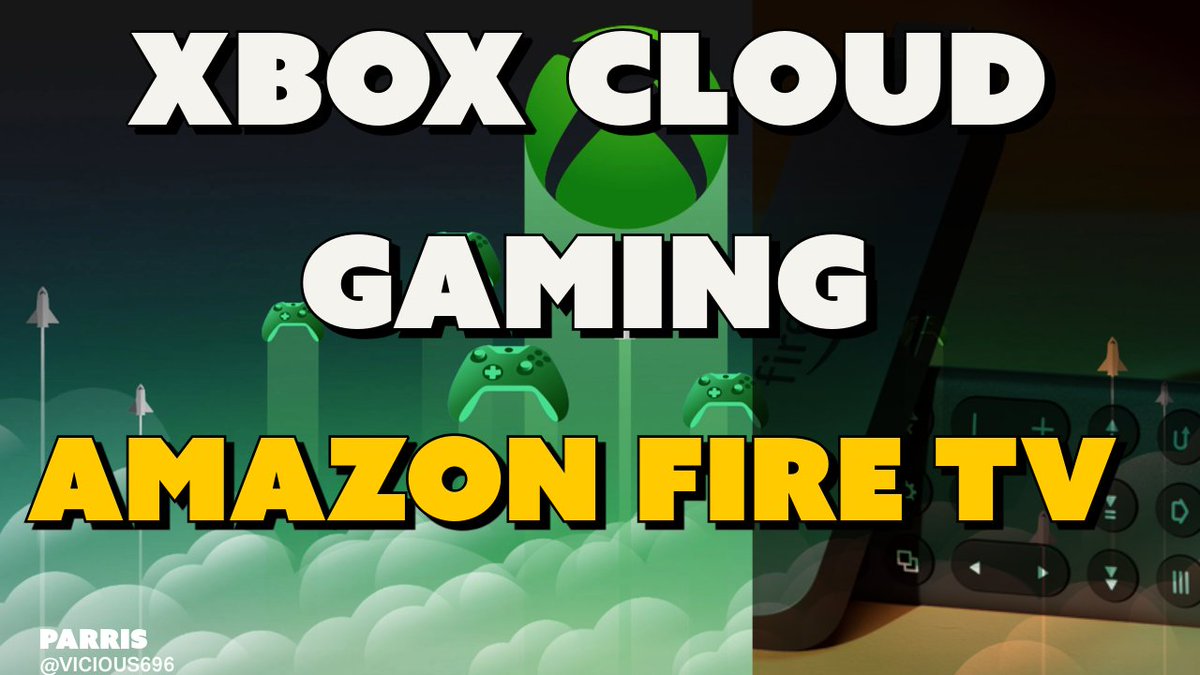

Xbox Cloud Gaming on Amazon Fire TV Early access provided by @Xbox #XboxCloudGaming
Parris233,805 görüntüleme • 2 yıl önce

🔥Guía PRO: DESDE CERO EN CONSOLA 🎮 (Sin Mods) #fs25 ¿Quieres empezar una partida 100% limpia en consola pero no sabes qué opciones elegir en el menú? 🚜 En este tutorial te muestro el paso a paso exacto para configurar una partida de CERO (Start from Scratch) en Farming Simulator 25 desde Xbox / PlayStation y sin activar un solo mod. Vemos desde la selección del mapa (Zielonka) y el modo de dificultad correcto, hasta el proceso de carga y los primeros pasos indispensables al aparecer en la granja. Además, te enseño cómo usar la casa para cambiarte de ropa y pasar la noche, y un detalle importantísimo que debes saber sobre su venta. ¡Aprende a preparar tu partida perfecta desde el primer segundo! 🌾⚙️ 🎮 Tutorial enfocado en la interfaz y ajustes para Consolas (Xbox / PlayStation). Si este tutorial te ayudó a arrancar tu partida sin dudas, apoya el canal con un Like 👍, Suscríbete 🔔 para más guías directas al grano y déjame en los comentarios qué mapa elegiste para tu aventura. ¡Nos vemos en el campo! 🚜🌾 🎥 Si te gusta este contenido: 👍 Dale like al vídeo 🔔 Suscríbete para no perderte nada 💬 Déjanos un comentario 🎥 If you enjoy this content: 👍 Give the video a like 🔔 Subscribe for more farming adventures 💬 Drop a comment ¡Vamos juntos a construir la granja de nuestros sueños! 🚜💨 Let’s build our dream farm together! 🚜💨 🖥️ MI SETUP DE SIMULACIÓN (PC Gaming): - Procesador: Intel Core Ultra5 245KF - Gráfica: NVIDIA GeForce RTX 5060 TI (8GB VRAM) Controles: 🏎️ Volante: Hori Racing Wheel Overdrive (RWD) para Xbox 🕹️ Joystick: Thrustmaster SimTask FarmStick (Control de grúas y palas) 🎮 Mando: Xbox Wireless Controller (Stormcloud Vapor) 📌 Sígueme en redes sociales para más contenido: 📌 Follow me on social media for more content: YouTube: @FarmiNomics 📱 TikTok: @profesor.equilibr Tips | Propinas: Propinas: #fs25gameplay #fs25dlc #tutorial #tutorials #ls25 #landwirtschaft #landwirtschaftssimulator25 #felizgranjeada #gameplay #farmsimulation #farmsim #tractors #traktor #modsfs25 #farmingsimulator25 #mejoresmods #virtualfarming #howto #fs25mods #topmods #cloudgaming #xbox #xboxcloudgaming #iniciardecero💪
Profesor Equilibrio22,700 görüntüleme • 3 ay önce


How to get @XBOX cloud gaming on your android device #aynthor #handheld #xbox #xboxcloudgaming
softsilicon13,400 görüntüleme • 5 ay önce


Respuesta a @Zunk Walter Título: ¡Domina Age of Empires en tu Mac! 4 Métodos Fáciles y Rápidos 🖥️🎮 ¿Tienes una Macbook y quieres jugar Age of Empires 1, 2, 3 o Mythology? ¡No hay problema! En este video te muestro 4 opciones fáciles para que disfrutes de tus juegos RTS favoritos en tu Mac. Desde GeForce Now hasta la instalación de Windows nativo, ¡hay una opción para todos! Desliza y descubre cuál es la mejor para ti. #AgeOfEmpires #GamingOnMac #RTSgames #MacbookGaming #AgeOfEmpires #GamingOnMac #MacbookGaming #GeForceNow #XBOXCloudGaming #Parallels #WindowsOnMac #RTSgames #GamingTips
IamAlextremo 🛡️⚔️28,300 görüntüleme • 3 yıl önce
Daha fazla içerik yok.