Loading video...
Video Failed to Load
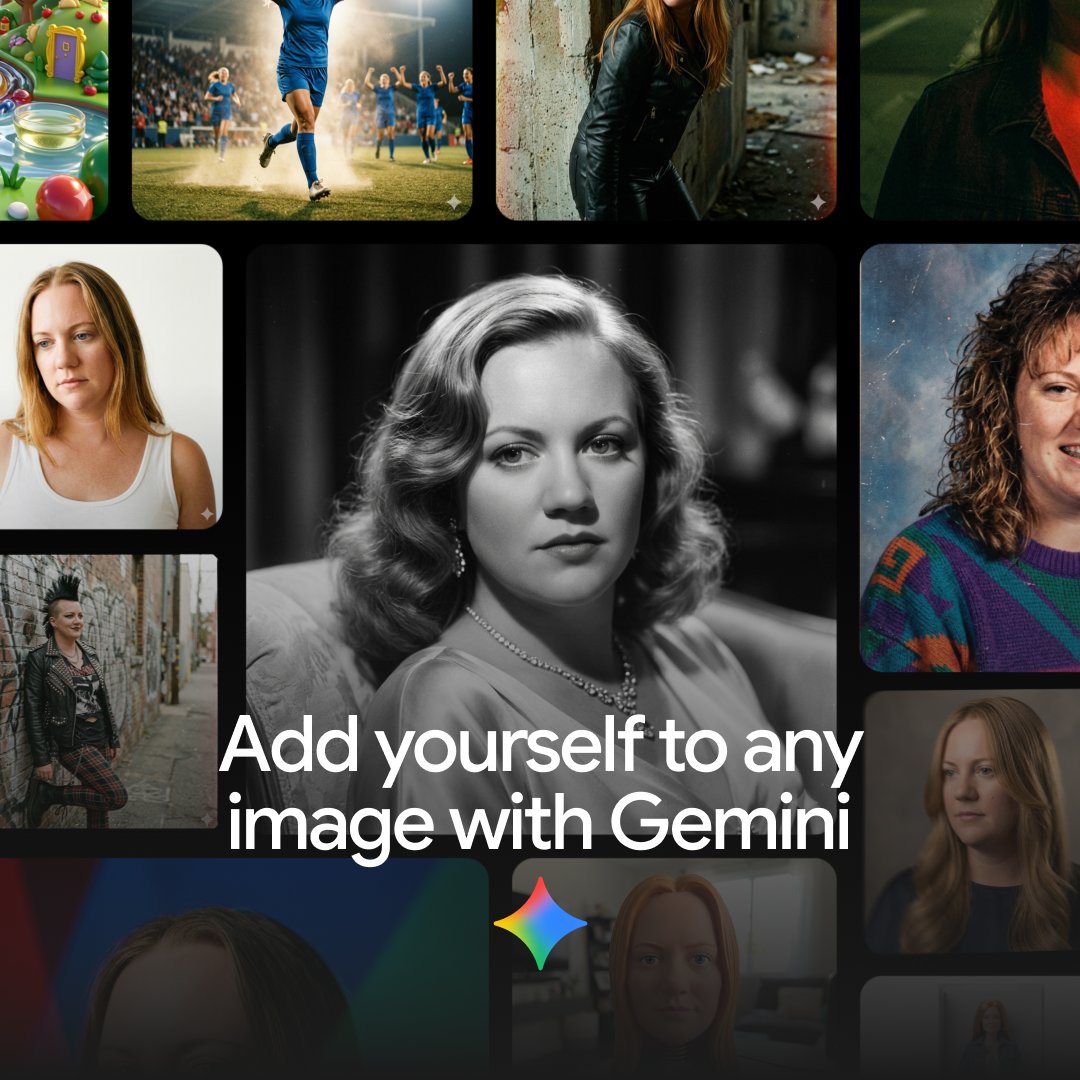
1/ Create your avatar → Open Midjourney in Discord → Upload 2 selfies → Use the prompt in the video (or a variation of it) → Regenerate until you're happy with your avatar

71,094 views • 3 years ago •via X (Twitter)
10 Comments

You can easily create your own animated avatar. It takes less than 10 minutes. I'll show you how in 3 simple steps:
2/ Clone your voice → Record your voice on your phone for at least 1min → Go to → Use the Voice Lab to clone your voice
3/ Create animation video → Go to → Upload your avatar from step 1 → Upload your voice from step 2 → Generate video!
Here are some cool use cases for your animated avatar: · Send bday wishes to friends & family · Onboard new colleagues · Bedtime story for your kids · Intro to your presentation or meeting · Motivational message to friends or colleagues · FAQ answers Can you think of more? 👇
If you enjoyed this, you'll love my weekly newsletter. My mission is to transform you into an AI prompt expert, by providing: · valuable tips · powerful secrets · unconventional hacks Join 6000+ subscribers here:
Thanks for reading! I hope you've found this thread helpful. If you did, I'd really appreciate if you would: 1. Follow me @moritzkremb for more. 2. Like/Retweet the tweet below to share it with others:

@CapacitiesHQ save

Upload two selfies to AI, nah you're alright I'll give that one a miss.

Midjourney Playground? Is that something different than a regular Midjourney?

I can’t find the avatar channel in midjourney discord, I can’t see the midjourney playground you have screenshotted.