Video wird geladen...
Video konnte nicht geladen werden
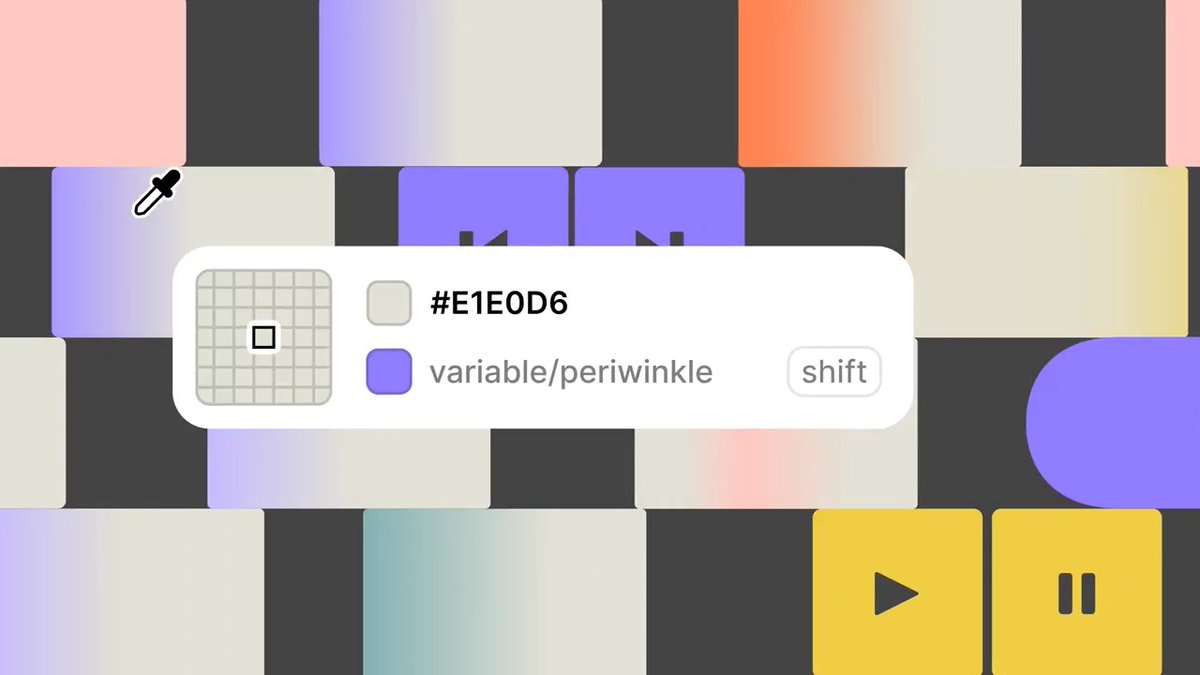
3 design system updates for you → Hide & show variable paints → Go-to-main component shortcut → Duplicate & copy styles

139,875 Aufrufe • vor 1 Jahr •via X (Twitter)
10 Kommentare

JK there’s more → Improved UI component description → Drag the variable modal from the entire header → Variable changes auto-save → Tooltips on component names → Edit button now properly aligned → Style window text overflow improvement

INTRODUCING: Agentic Security - LLM Security Scanner! 🔍 🔑 Features: Scans for prompt injections, jailbreaking & more. Provides detailed reports & options to customize attack rules. 🔗access the GitHub Link ↓

Can we get the ability to hide specific properties for nested components. For example: I have a button with 4 different styles but I want the designer to use a specific style when nested within a modal. Let me hide that nested button component “Style” property.

yo! these are dope. 🤌

Jump to source and back for the win !!! 🎉🎉🎉

This is cool

Awesome! Quick question, what happens if I have variables inside the styles? Do I need to re-connect the variables? How does that work?

oh my god

awesome

What did you break during this and the previous update? Now if I have a responsive component and it has a border it is no longer responsive on the prototype. Next example, if I have a button that has rounding but no background then on hover these roundings disappear!




![File Upload component, now in code. 🔥 Drag-and-drop, progress, and file icons, shipped as clean React, perfectly matched to the Figma design. A complete design & code ecosystem. → [Create UI - Design System]™](https://image.24vids.com/tw-2071598615315788183/amplify_video_thumb/2071598092013432832/img/nyFo21v1b9C-m4GC.jpg)


