Video yükleniyor...

Video Yüklenemedi

Ana Sayfaya Dön

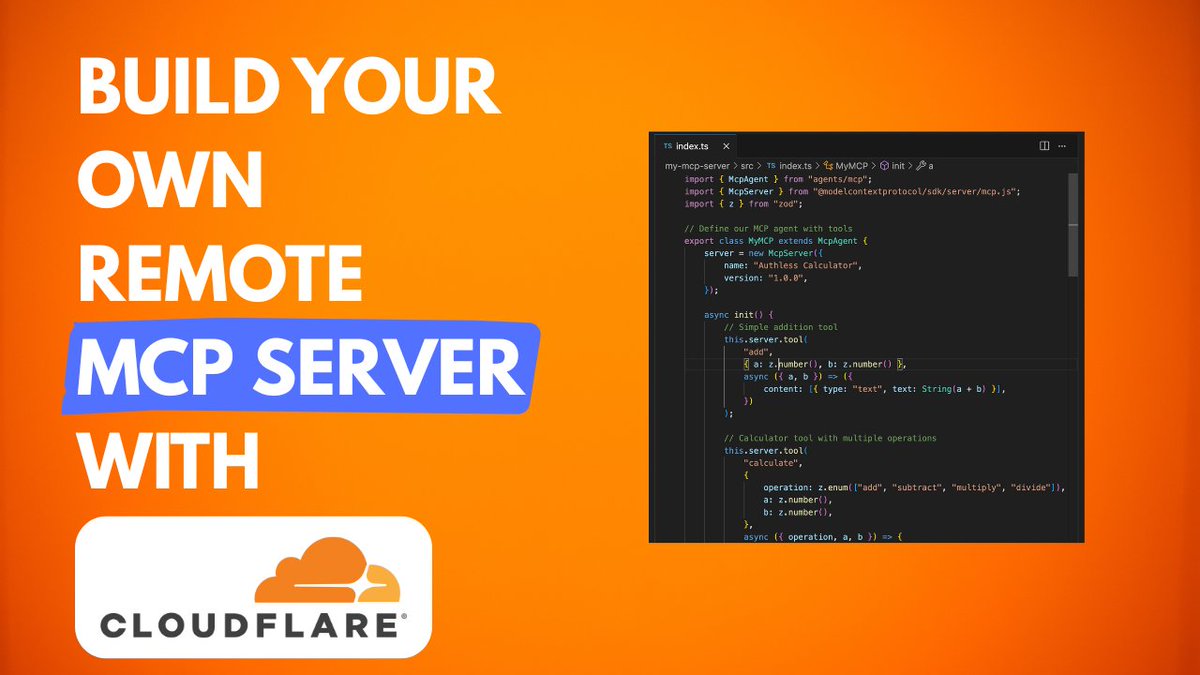
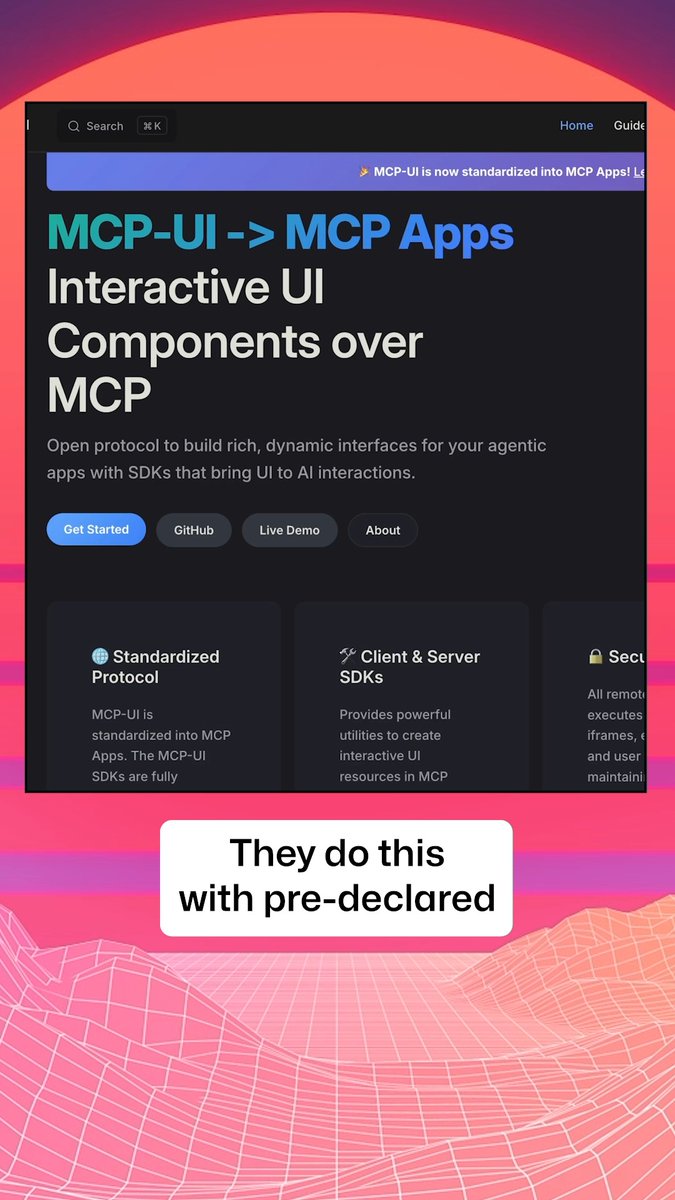
.Anthropic will support stateless remote MCP servers with “just HTTP” as transport. We’re quite excited about this! So we gave a “lightning talk” at an MCP meetup hosted by Paul Butler Cloudflare Developers yesterday.
100,999 görüntüleme • 1 yıl önce •via X (Twitter)

11 Yorum

OpenTools profil fotoğrafı
OpenTools1 yıl önce

It matters because the effort to turn existing REST APIs into more LLM-friendly MCP servers will get that much easier: - No new endpoints required (no /sse) - More options to deploy (serverless)

OpenTools profil fotoğrafı
OpenTools1 yıl önce

(Talk slides are here.)

Eddy Meme profil fotoğrafı
Eddy Meme1 yıl önce

Looking forward to connecting with you! #eddymeme #CryptoNews #TopNews

matthew k. Daniels profil fotoğrafı
matthew k. Daniels1 yıl önce

Hey does every tcp connection have reconnecting sockets so after your opening message there’s a disconnect and TLS wrapper for security? You made it sound like api calls just flying around unprotected. Also could save on compute just delete the poll[] information keep the reconnecting tcp assert

おくの profil fotoğrafı
おくの1 yıl önce

@AnthropicAI @paulgb @CloudflareDev i was a little frustrated with that the skinhead guy often failed taking pictures of the screen. I hope he found this post.

Gavin Ching profil fotoğrafı
Gavin Ching1 yıl önce

@AnthropicAI @paulgb @CloudflareDev I've been running over websockets on serverless workers on Cloudflare for my users and it definitely works too completely agree though, stateless remote MCP will make it much more simpler

Jad Esber 💥 profil fotoğrafı
Jad Esber 💥1 yıl önce

@AnthropicAI @paulgb @CloudflareDev Come through:

pelpa.sats | 🟧.pepe profil fotoğrafı
pelpa.sats | 🟧.pepe1 yıl önce

@AnthropicAI @paulgb @CloudflareDev @KingBootoshi

pelpa.sats | 🟧.pepe profil fotoğrafı
pelpa.sats | 🟧.pepe1 yıl önce

@AnthropicAI @paulgb @CloudflareDev @grok eli5

ryan yang profil fotoğrafı
ryan yang1 yıl önce

@AnthropicAI @paulgb @CloudflareDev http as transport? smart move. integrating new ai into legacy systems often feels like herding cats—stateless mcp servers could tame the chaos. incremental steps > full rewrites. curious how you handle versioning across services without coupling everything too tight?

Rodrigo profil fotoğrafı
Rodrigo1 yıl önce

@AnthropicAI @paulgb @CloudflareDev Is it Vercel’s triangle? 🤔

Benzer Videolar

New course: MCP: Build Rich-Context AI Apps with Anthropic. Learn to build AI apps that access tools, data, and prompts using the Model Context Protocol in this short course, created in partnership with Anthropic Anthropic and taught by Elie Schoppik Elie Schoppik, its Head of Technical Education. Connecting AI applications to external systems that bring rich context to LLM-based applications has often meant writing custom integrations for each use case. MCP is an open protocol that standardizes how LLMs access tools, data, and prompts from external sources, and simplifies how you provide context to your LLM-based applications. For example, you can provide context via third-party tools that let your LLM make API calls to search the web, access data from local docs, retrieve code from a GitHub repo, and so on. MCP, developed by Anthropic, is based on a client-server architecture that defines the communication details between an MCP client, hosted inside the AI application, and an MCP server that exposes tools, resources, and prompt templates. The server can be a subprocess launched by the client that runs locally or an independent process running remotely. In this hands-on course, you'll learn the core architecture behind MCP. You’ll create an MCP-compatible chatbot, build and deploy an MCP server, and connect the chatbot to your MCP server and other open-source servers. Here’s what you’ll do: - Understand why MCP makes AI development less fragmented and standardizes connections between AI applications and external data sources - Learn the core components of the client-server architecture of MCP and the underlying communication mechanism - Build a chatbot with custom tools for searching academic papers, and transform it into an MCP-compatible application - Build a local MCP server that exposes tools, resources, and prompt templates using FastMCP, and test it using MCP Inspector - Create an MCP client inside your chatbot to dynamically connect to your server - Connect your chatbot to reference servers built by Anthropic’s MCP team, such as filesystem, which implements filesystem operations, and fetch, which extracts contents from the web as markdown - Configure Claude Desktop to connect to your server and others, and explore how it abstracts away the low-level logic of MCP clients - Deploy your MCP server remotely and test it with the Inspector or other MCP-compatible applications - Learn about the roadmap for future MCP development, such as multi-agent architecture, MCP registry API, server discovery, authorization, and authentication MCP is an exciting and important technology that lets you build rich-context AI applications that connect to a growing ecosystem of MCP servers, with minimal integration work. Please sign up here!

Andrew Ng

142,010 görüntüleme • 1 yıl önce

If your MCP server has dozens of tools, it’s probably built wrong. You need tools that are specific and clear for each use case—but you also can’t have too many. This creates an almost impossible tradeoff that most companies don’t know how to solve. That’s why I interviewed my friend Alex Rattray (Alex Rattray), the founder and CEO of Stainless. Stainless builds APIs, SDKs, and MCP servers for companies like OpenAI and Anthropic. Alex has spent years mastering how to make software talk to software, and he came on the show to share what he knows. I had him on Every 📧’s AI & I to talk about MCP and the future of the AI-native internet. We get into: • Design MCP servers to be lean and precise. Alex’s best practices for building reliable MCP servers start with keeping the toolset small, giving each tool a precise name and description, and minimizing the inputs and outputs the model has to handle. At Stainless, they also often add a JSON filter on top to strip out unnecessary data. • Make complex APIs manageable with dynamic mode. To solve the problem of how an AI figures out which tool to use in larger APIs, Stainless switches to “dynamic mode,” where the model gets only three tools: List the endpoints, pick one and learn about it, and then execute it. • MCP servers as business copilots. At Stainless, Alex uses MCP servers to connect tools like Notion and HubSpot, so he can ask questions like, “Which customers signed up last week?” The system queries multiple databases and returns a summary that would’ve otherwise taken multiple logins and searches. • Create a “brain” for your company with Claude Code. Alex built a shared company brain at Stainless by keeping Claude Code running on his system and asking it to save useful inputs—like customer feedback and SQL queries—into GitHub. Over time, this creates a curated archive his team can query easily. • The future of MCP is code execution. Instead of giving models hundreds of tools, Alex believes the most powerful setup will be a simple code execution tool and a doc search tool. The AI writes code against an API’s SDK, runs it on a server, and checks the docs when it gets stuck. This is a must-watch for anyone who wants to understand MCP—and learn how to use them as a competitive edge. Watch below! Timestamps: Introduction: 00:01:14 Why Alex likes running barefoot: 00:02:54 APIs and MCP, the connectors of the new internet: 00:05:09 Why MCP servers are hard to get right: 00:10:53 Design principles for reliable MCP servers: 00:20:07 Scaling MCP servers for large APIs: 00:23:50 Using MCP for business ops at Stainless: 00:25:14 Building a company brain with Claude Code: 00:28:12 Where MCP goes from here: 00:33:59 Alex’s take on the security model for MCP: 00:41:10

Dan Shipper 📧

15,645 görüntüleme • 9 ay önce

new chapter begins: a terminal for the agentic future, built on blockchain, powered by AI. This is our marketplace—a glimpse of what AGI will mean for crypto. Today, we launch 3 agents—Image Generation, Token Swap Agent, & Blockchain Tax Estimate Agent—out of hundreds to come. We see an agentic future where AI guides every step: buying online, managing finances, transacting globally. FOMO’s here to make that real, with experts at your side. Our Model Context Protocol (MCP) ties it together—agents talking, reasoning, scaling across crypto and DeFi. It’s orchestration with a brain, evolving daily. FOMO’s not just building tools; we’re pushing intelligent automation into blockchain’s core. Our Model Context Protocol (MCP) is the backbone. Think of it as a conductor for AI agents—each runs its own logic (workflows, API calls, LLMs), but MCP syncs them on-chain. Agents share context via a lightweight event bus, logged to a blockchain ledger. Agent A (say, Market Analysis) pulls stock data, flags trends. Agent B (Email Sales) reads that, drafts outreach—both talk through MCP’s orchestration layer. We use Web3 hooks to settle fees or split revenue, all transparent. It’s messy, but it scales. Under the hood: MCP leans on a pub-sub model—agents publish tasks, others subscribe. We’re training them with RL loops to optimize gas costs and response times. Goal? A self-tuning swarm of agents reasoning over DeFi, NFTs, whatever’s next. This is FOMO’s bet on AGI. Welcome to the new FOMO. We’re not just building tools—we’re wiring AI into crypto’s future, agent by agent. A leader in blockchain intelligence, starting here. Join us as we push the boundaries.

FOMO

26,338 görüntüleme • 1 yıl önce

This Chinese guy created agents in Claude Code for MCP servers and single-handedly serves 6 marketing agencies a month from one iPhone, earning $5,000 from each. Inside he runs a pipeline of 7 agents on Claude Sonnet 4.6 that every Monday pulls a scan of the tech stack from a selected agency, develops an MCP server for its ad accounts, and over the course of a week brings it to production code ready to connect to Claude Desktop. No DevOps, no senior developer, no project manager. Just a Mac Mini in a work corner, an iPhone in the pocket, and a single API key. And traditional dev shops keep 5 people on project rates for the same contract, while his entire P&L is tokens, dirt-cheap hosting on Cloudflare, and Calendly. 7 agents run under a shared orchestrator-router and burn about 5 million tokens a day, which in the API bill comes out to $540 a month. The Mac Mini itself sits at home and keeps the entire orchestrator running 24/7, and from the iPhone the owner connects to it through a secure remote terminal and sees the output of any session right on the smartphone screen, wherever he happens to be. His starting system prompt looks like this: "you run a solo shop for custom MCP servers for marketing agencies. you hand out read-only tasks to 6 sub-agents and own all commits and shipping yourself. sub-agents: // Hunter (finds marketing agencies of 15 to 60 people that have no MCP access to Google Ads, Meta Ads, TikTok Ads, and HubSpot) // Mapper (pulls their tech stack, identifies 3 to 5 integration pains, and simultaneously writes the technical spec for the server: which tools, resources, and prompts to export through MCP, which auth flow and rate limit) // Coder (generates an MCP server in Python through the MCP SDK, deploys 8 to 15 tools for ad accounts and CRM) // Validator (connects the server to Claude Desktop, runs real client API keys in a sandbox, and checks for compliance with the MCP spec) // Shipper (writes a README, integration guide, deployment manual, packages the server, and hosts it on Cloudflare Workers or pushes to the GitHub of the client) // Mobile (always online on the iPhone, books demo calls in Calendly, picks up hot fixes, and confirms contracts through a secure remote terminal to the Mac Mini). only 1 owner agent works on 1 contract, no overlaps. you pull the owner out of observation mode only when a deal goes above $7,500 or the test coverage of the server drops below 85%." This prompt gives the system an understanding of its role and the limits of intervention from the very first line. It knows it is supposed to find agencies on its own. It knows it is supposed to bring every MCP server to production on its own. It knows it connects the live owner only on large deals or when the tests do not converge. → The pipeline runs without breaks, day or night → Hunter goes through about 130 marketing agencies on LinkedIn and Clutch per day → Mapper rolls out 4 audit reports with the tech stack and a final spec for each → Coder writes 1 to 2 MCP servers per week in Python with 8 to 15 tools → Validator validates every server through Claude Desktop with real client API keys → Shipper rolls out the full documentation package and pushes the finished product to Cloudflare Workers or the GitHub of the client And only when a contract breaks $7,500 or test coverage drops below 85% does the orchestrator pull the owner from whatever he is doing. And when the owner at that moment is behind the wheel or at a meeting in a coworking space, the Mobile agent in his iPhone picks up 1 contract in progress: confirms a meeting with the agency CMO in Calendly, opens a live demo of the MCP server through a secure terminal to the Mac Mini, and writes the test result to the shared state. The owner just swipes "approve" and in 15 minutes joins the Zoom demo. The fresh system log from last Wednesday looks like this: "hunter report: 132 agencies checked on LinkedIn and Clutch, 19 without MCP integrations, 8 with active requests for AI tooling in job posts, 4 with an open Q4 budget. passing to mapper." "coder: MCP server for Northwave Performance Marketing built in Python, 11 tools for Google Ads, Meta Ads, and GA4, 320 lines of code. exported to /Users/dev/mcp-shop/clients/northwave/server.py. validator connecting to Claude Desktop." "validator: 11 tools passed validation through Claude Desktop, test coverage 92%, average latency 380 ms. passing to shipper." "eval flag: contract with Pacific Reach Agency at $8,200 exceeds the approved limit of $7,500. sending for manual review." In his work setup there is no cloud server, no external team, and not even a separate office. At home sits a Mac Mini with a sandbox at /Users/dev/mcp-shop, on top runs an MCP router with a single API key to Claude, and the same key is forwarded to a secure terminal on the iPhone. Out of everything I have seen this year, this is the cleanest solo shop for custom MCP servers for marketing agencies: $540 a month on the API, about $30,000 into the account, and between them 7 system prompts, 1 Mac Mini in a work corner, and 1 iPhone that never leaves the pocket.

Blaze

55,926 görüntüleme • 2 ay önce

HERMES AGENT WITHOUT TOOLS IS A CHATBOT. WITH THEM IT BUILDS 3D TOWERS IN BLENDER, CHECKS STOCK PRICES, AND DRIVES VS CODE. tonbi JUST DROPPED THE FULL GUIDE. module 6 of his 10-part Hermes masterclass. best breakdown of the tool layer anyone has published. what you need to know: TOOLS vs SKILLS vs MCP skills = instructions (markdown, loaded into context) tools = callable functions (Python, agent emits call, Hermes executes) MCP = adapters to external systems (Blender, Stripe, Linear, Notion) every tool has three parts: → the function (does the real work) → the schema (what the model sees to decide when to call it) → the registry (makes the tool exist in the agent) the model never runs the function directly. it emits a structured request (tool name + JSON args). Hermes executes and returns the result. if the tool fails, the error goes back as JSON. the agent recovers instead of crashing. TOOL SETS CONTROL THE SURFACE hermes chat --tool-sets web # only web tools loaded. no files, no terminal. hermes chat --tool-sets safe # read-only: web search, vision, image gen. # no file writes. no terminal. no code execution. mid-session: /tools enable video /tools disable terminal or toggle in the dashboard: hermes dashboard → Skills → Tool Sets MCP SERVERS two transport types: STDIO (local subprocess) or HTTP (remote endpoint). add a server: hermes mcp # or ask: "add the MCP server for Blender" filter tools with include/exclude per server. keep only what you trust. security: → OAuth 2.1 PKCE (no long-lived tokens in config) → package scanning via api.osv. dev before launch → all MCP calls go through approval gates HERMES AS MCP SERVER hermes mcp serve exposes 10 tools via FastMCP. connect VS Code Copilot or Cursor to your running Hermes instance. BUILD YOUR OWN TOOL He built a stock price tool live: → Python function calling Finnhub API → schema with name, description, parameters → registered in tool_sets.py → agent calls it automatically when relevant any repeating API call in your workflow can become a native tool. full Hermes architecture deep-dive in the article 👇

YanXbt

32,680 görüntüleme • 1 ay önce