正在加载视频...
视频加载失败
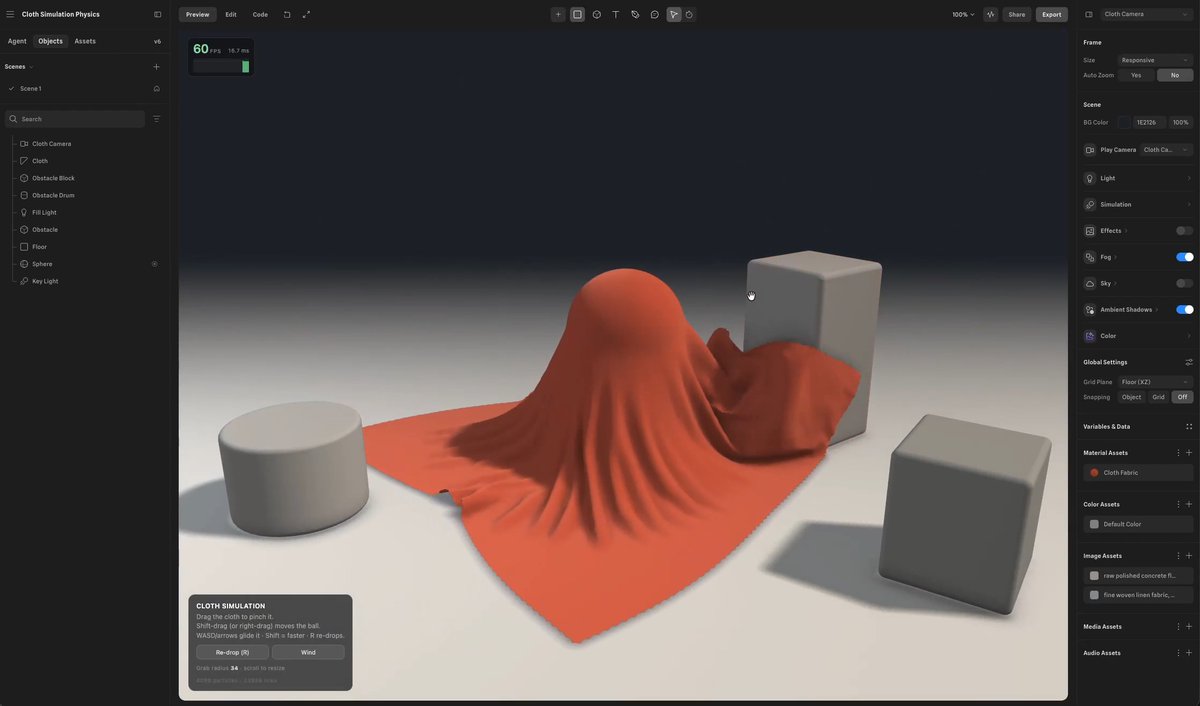
Been playing around with different animation styles using H3 in MiniMax Design. I just gave it the direction I wanted, and the Agent helped turn it into an actual workflow. This is the kind of AI video creation I find much more interesting — you can actually experiment with... show more

44 条评论

If you want to see what H3 can do, give it a try on MiniMax Design.

This is closer to art directing than prompting, different skill entirely.
Art directing AI. Creative control, endless possibilities unlocked.

Love seeing different styles come alive
Styles come alive, creativity feels truly limitless.

Using H3 in MiniMax Design to turn creative direction into executable animation workflows is exactly the kind of agent use case that feels natural — not forced.
Exactly this is how agents should feel, natural creative power unlocked!

nice
Thank you

That workflow vibe is 🔥 Experimenting made fun
Play more, stress less, create something amazing.

Thats Incredible
Thank you

This is where AI video gets exciting. More experimentation, less friction.
Less friction, more play, more breakthroughs coming.

the color shifts feel really natural
Yeah Colors flow. Feels effortlessly real.

AI workflows make creative experimentation much easier.
Yeah AI really does lower the barrier to play.

H3 in MiniMax is a game changer. I give the direction, the Agent builds the workflow, and I get to actually experiment with animation styles. This is the kind of AI video creation that feels creative, not restrictive. The future of making videos is here.
Create freely. H3 turns ideas into cinematic reality.

try threejs

Try constraining camera motion. Keeps the style consistent while you iterate on the look.

So many possible looks

This is the way

More of this please

Style variety is the flex

Keep dropping these
That workflow is smooth
MiniMax Design is underrated
Really clean animation
Style switching like this is 🔥

Being able to test wildly different styles without rebuilding the whole workflow? That’s huge

This is how you experiment properly

This is next-level control

这种先定方向再让它补流程的方式,确实比反复改提示词顺手多了

This is the fun part of AI video

H3 is doing the most
MiniMax Design just got more interesting

Experimentation is everything
Really solid output

i've seen agent workflows fail when one prompt change breaks shot consistency across revisions
AI video is evolving fast
workflow generation is cool, but i still worry about losing granular control over the final output.