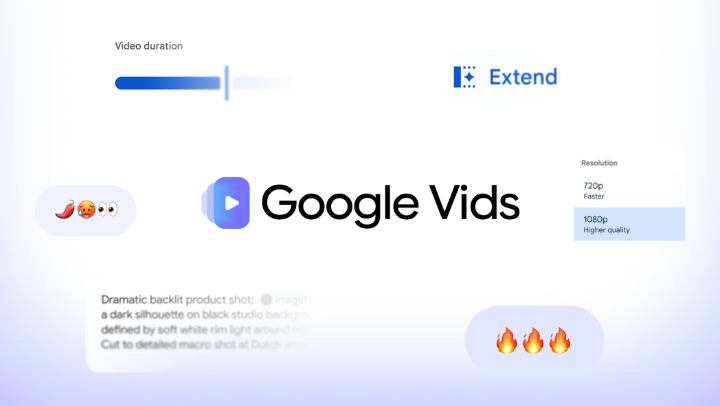
Big update for AI video creation in Google Workspace 🚀 We’ve added new creative controls to Google…
@GoogleWorkspace1M followers
43,676 views
15 Comments
Comments from the original post on X (Twitter)

@GoogleWorkspace
1️⃣ Extend scenes with smooth transitions 🎬 Need more screen time? Use the Extend tool to lengthen clips while keeping characters, lighting, environment, and visual style consistent.
10 likes
@GoogleWorkspace
2️⃣ Exact durations & 1080p HD ⏱️ Set clip lengths down to the second to match your voiceover perfectly, and generate brand-new scenes (or upscale existing ones) in crisp 1080p HD.
10 likes
@GoogleWorkspace
Learn more about what's new in Google Vids ↓
5 likes

@Woodchu85433046
Just +1 annoying release of a forgettable trifle that nobody asked for. Meanwhile, you’re blatantly withholding any information about the 3.5/ 4.0 Pro. There is total distrust and frustration over the lack of communication. I’ve cancelled my personal Pro subscription. Enough.
3 likes

@thekingelephant
I’ll be excited to try this out at least until I hit that invisible usage limit like I did over on Google sheets with the Gemini integration there.
1 like

@jugobaldo
bro the veo lower priority on ultra is gone or just a bug?
1 like

@Isoldegwow
Anyone with a Google Account can test it, which history suggests is just the free trial of a future paid tier.
1 like

@Emii_Eth
👀✨️

@karthik_rangan
I created this video from the doc having AI updates.

@awaisblockchain
great, now video editing is gonna be overtaken by AI..

@SocialtyPro
Lowering the cost of the first draft matters more than adding another flashy button. Give creators a fast rough cut, then let their taste do the final pass.

@Huachuhua
Para que pagar si puedes tener 10 cuentas con créditos gratis ?

@Dunya_Daan
Excellent for making Videos

@Lykfeetv
Why did they remove veo3 0 credits?

@NifftySwiggle
Omni replacing CapCut