Загрузка видео...

Не удалось загрузить видео

На главную

Claude Code Camp is back—and this time, it’s for the non-coders. Nearly 500 people joined our last one. This edition is for writers, founders, marketers, and operators who want to use Claude like a pro without touching code. Learn workflows, prompts, and templates to 10x your output. RSVP 👇

145,031 просмотров • 9 месяцев назад •via X (Twitter)

Комментарии: 0

Нет доступных комментариев

Здесь появятся комментарии из оригинального поста

Похожие видео

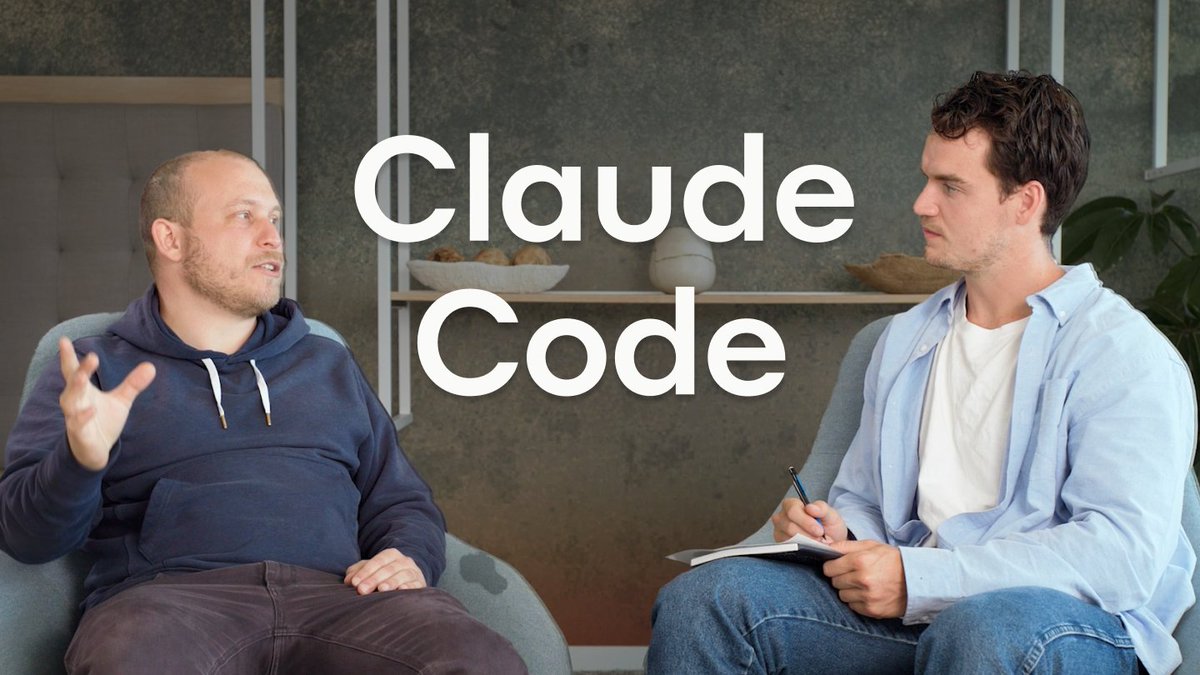
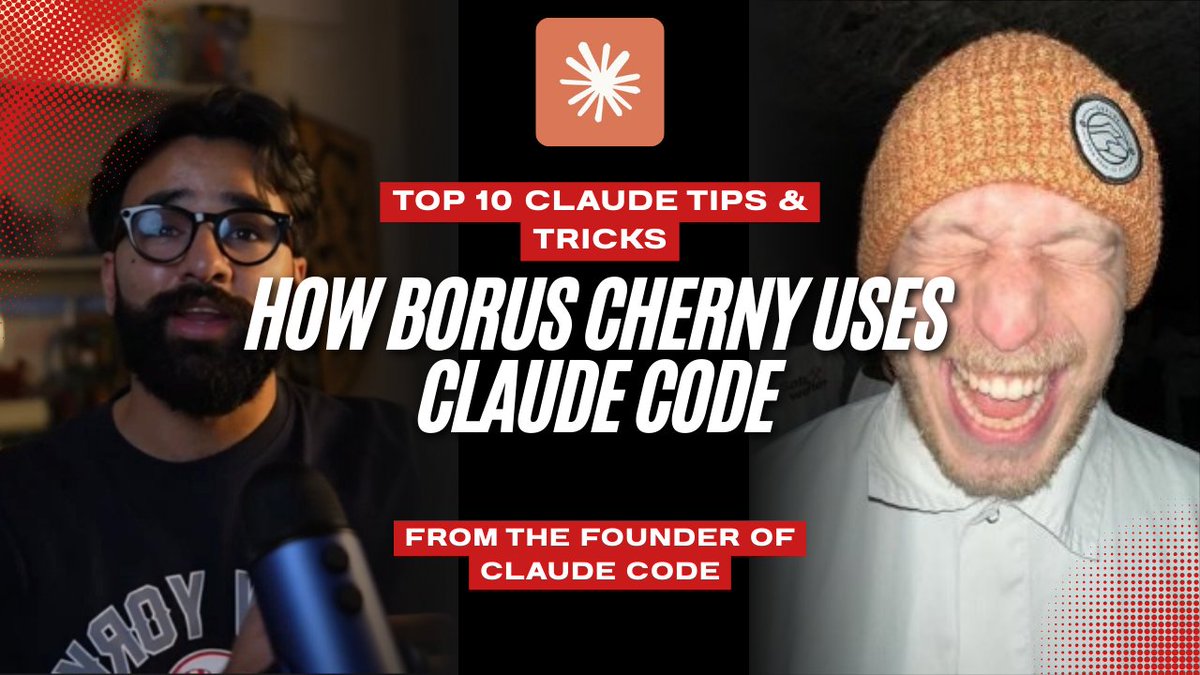
Claude Code cracked something open for us Every 📧. Now I ship to codebases I barely know, every feature we ship makes the next one easier, and non-technical members of the team use the terminal. I’m genuinely grateful. So I brought its creators, Cat Wu (cat) and Boris Cherny (Boris Cherny) from Anthropic, on AI & I to say thank you—and to talk about everything they’ve learned from building Claude Code. We get into: • The workflows Anthropic’s smartest engineers use to push Claude Code to its limits. Why they pit subagents against each other to get cleaner results, how they turn past code into leverage, and the slash commands and MCPs they rely on most. • The product lessons behind one of the most loved AI agents in the world. How the team balances simplicity and power—building a tool that anyone can use, but that experts can bend to their will—and their philosophy of “unshipping,” or cutting back whenever there’s a simpler, more intuitive path to user intent. • A peek into the future of coding with AI. The new form factors they’re experimenting with to make Claude Code more autonomous, more reliable, and more accessible to non-technical users This is a must-watch for anyone—both technical and non-technical—who wants to learn how to use Claude Code like the people who built it. Watch below! Timestamps: Introduction: 00:01:26 Claude Code’s origin story: 00:02:25 How Anthropic dogfoods Claude Code: 00:07:03 Boris and Cat’s favorite slash commands: 00:14:06 How Boris uses Claude Code to plan feature development: 00:15:49 Everything Anthropic has learned about using sub-agents well: 00:21:53 Use Claude Code to turn past code into leverage: 00:26:16 The product decisions for building an agent that’s simple and powerful: 00:33:14 Making Claude Code accessible to the non-technical user: 00:36:38 The next form factor for coding with AI: 00:45:12

Dan Shipper 📧

57,540 просмотров • 8 месяцев назад

Claude Code + computer use is f*cking cracked 🤯 Build a landing page → Claude opens Chrome, looks at it, spots every issue, and fixes it — without you describing a single thing. All inside Claude Code. Perfect for DTC brands and agencies who are still vibe-coding landing pages and advertorials in Claude Code, then manually opening them in Chrome, spotting 15 things wrong, and describing every visual issue back to Claude one at a time. If you're building pages in Claude Code and your workflow looks like this — build the page, open it in Chrome, spot broken spacing, go back to Claude, type "the CTA button is too low and the hero image is cut off," wait for the fix, open Chrome again, find 3 new issues, describe those too ... Claude Code + computer use eliminates the entire loop: → Claude writes the full landing page or advertorial → Opens Chrome and navigates to it → Spots layout issues, broken spacing, off-brand colors, missing elements → Fixes everything and re-checks until the page looks right → Tests your Shopify product pages by clicking through like a real customer → Walks through your checkout flow and flags friction before customers hit it → You only see the finished, visually verified result No describing what you see on screen. No "the CTA button needs more contrast" back-and-forth. No being the eyeballs for an AI that can't see. What you get: → Landing pages and advertorials Claude builds AND visually QAs before you ever look at them → Product pages Claude clicks through — testing layout, images, and CTAs like a real user → HTML dashboards Claude opens and verifies the charts actually render → Checkout flows Claude walks through step by step to catch friction → All of it happening in one session — build, test, fix, done One prompt. Claude builds it, checks it, and fixes it. You just review the finished page. I put together a full playbook with the exact setup, the prompts, and 5 DTC workflows that use Claude Code + computer use. Want it for free? > Like this post > Comment "CLAUDE" And I'll send it over (must be following so I can DM)

Mike Futia

19,023 просмотров • 2 месяцев назад