Video wird geladen...
Video konnte nicht geladen werden
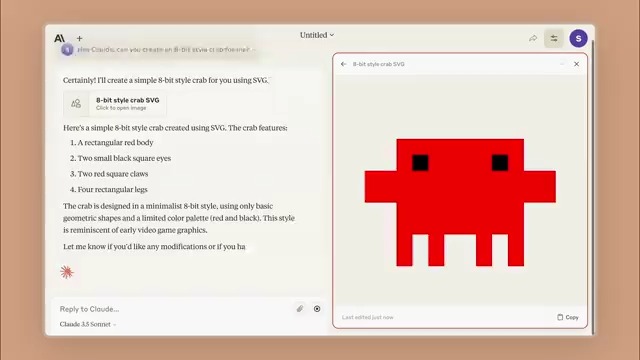
Code Execution If you ask Grok to generate code, you can quickly see how it runs in a “preview” tab. You can preview HTML snippets, run Python, C++, Javascript, Typescript and bash scripts.

560,652 Aufrufe • vor 1 Jahr •via X (Twitter)
12 Kommentare

Today, we are releasing the first version of Grok studio, adding code execution and google drive support. Grok Studio Grok can now generate documents, code, reports, and browser games. Grok Studio will open your content in a separate window, allowing both you and Grok to collaborate on the content together. 🧵
Google Drive Support Grok users can now attach files from their Google Drive. Grok can work with documents, spreadsheets and slides. We hope you'll find these features useful! They are available for all free and premium accounts on Follow us for more updates this week.

In this Free eBook, we’ll walk you through Powershell scripting basics, show you Powershell commands and scripts for performing the most common administrative tasks, and explain how you can schedule your Powershell scripts and сommands. Get your free copy ⬇️

That's a lot! Although it may still be possible to watch in debug mode for training purposes. That would be great.

mine couldn't display anything

That is Hugh!!!

Pretty cool, it one shot Snake in browser ._.

If I give it the instruction set documentation, can it generate and preview assembly language?

Can the chat URL be shared to public including preview?

Damn!! That is wild!

@grok wew ni nan na unafanya kazi gan

Awesome!



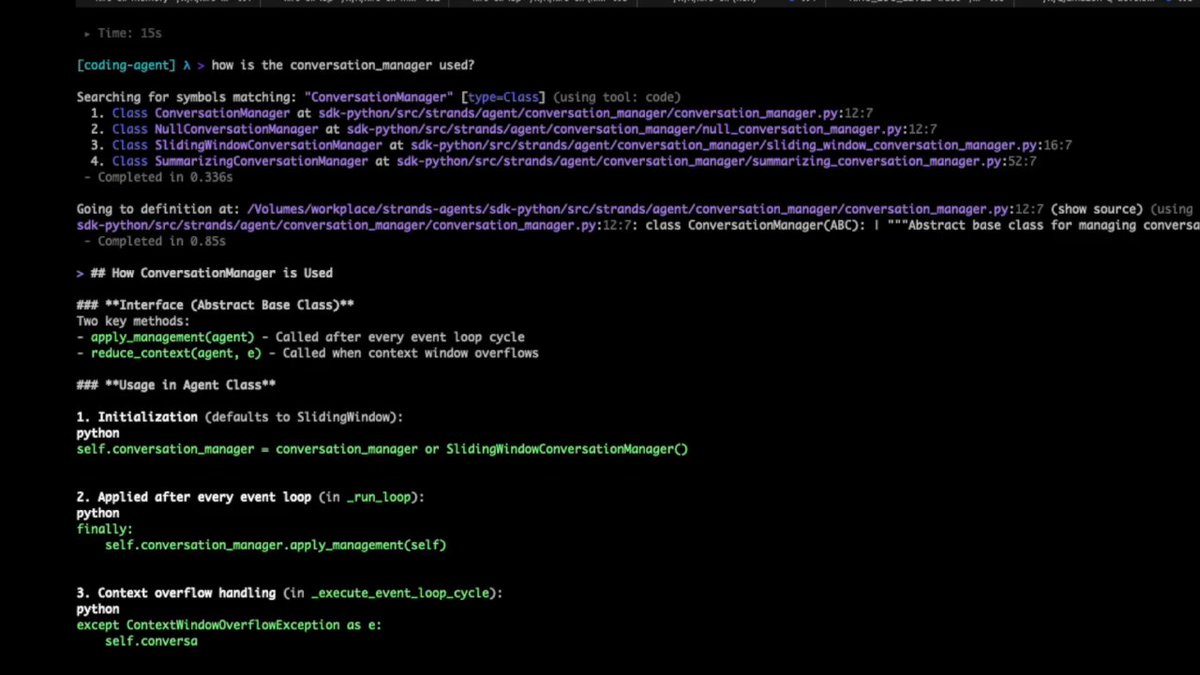


![🔥Arbitrary Code Execution in AWS Kiro with Indirect Prompt Injection Multiple ways actually... 1) Write to settings.json to put Kiro into YOLO mode by adding: "kiroAgent.trustedCommands": ["*"] -> immediate arbitrary OS command execution without user approval 2) Write to kiro's mcp.json file to add a fake mcp server that runs arbitrary python code -> immediate arbitrary code execution AWS fixed the issues quickly, but no CVE issued. If you use Kiro make sure to run the latest version, before someone else updates it for you.](https://image.24vids.com/tw-1960365246301995194/amplify_video_thumb/1960363894830145536/img/6quTEcsuD-lS3y9C.jpg)


