Loading video...

Video Failed to Load

Go Home

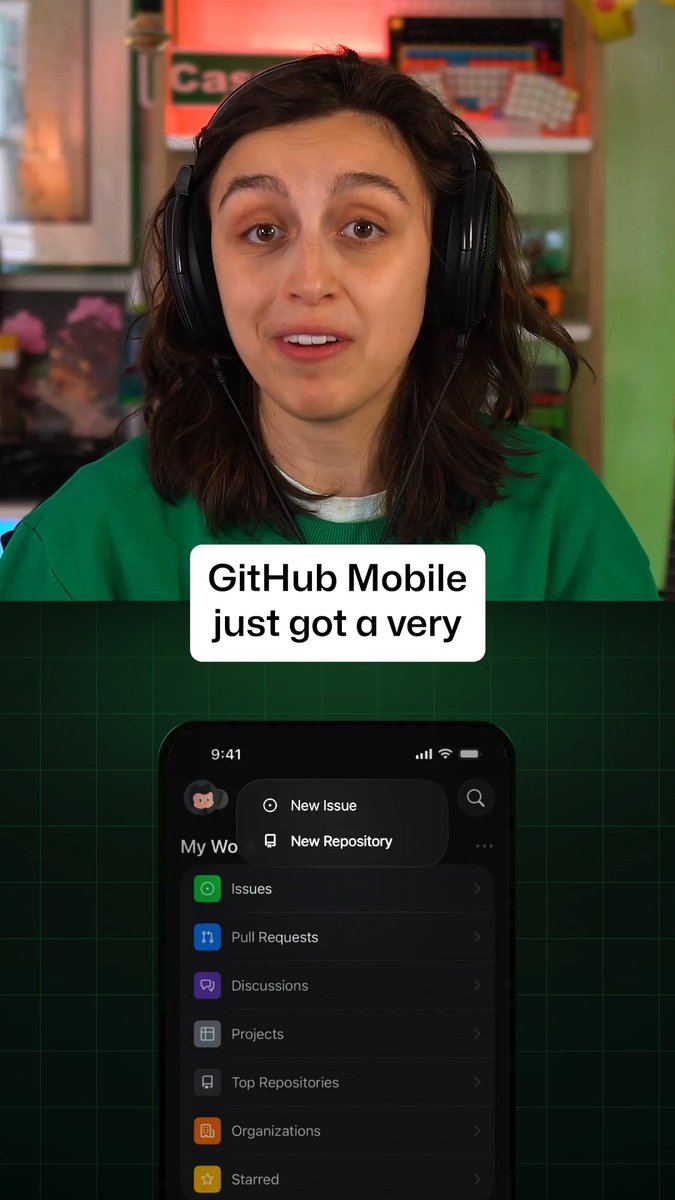
Connect a GitHub repo and a Google Drive folder in a single project, allowing read and write access across code and docs in the same conversation. Start on the web, pick right up in the app, and let remote plugins follow you across every surface.

35,833 views • 8 days ago •via X (Twitter)

7 Comments

Google Antigravity's profile picture
Google Antigravity8 days ago

We want Antigravity to be working for you all the time. We’ve been rolling out remote agents this week. Your tasks run in independent cloud virtual machines. Fire off a task, step away for coffee, unblock permissions from your phone, and come back to passed tests and a clean pull request. Available on all paid consumer plans.

Google Antigravity's profile picture
Google Antigravity8 days ago

Learn more

~daemon's profile picture
~daemon7 days ago

I was so happy to subscribe pro plan and tested antigravity few hours ago, first I could not use opus-4.6 anymore no options to select yourself desire models anymore, second I keep getting error. Retry with no response, and my limit decreased by 50% with no response from prompt.

Sheral Tech's profile picture
Sheral Tech7 days ago

Cloud VMs phone approvals and clean PRs while I m away? Love it.

Azyra AI | Tech & Tools's profile picture
Azyra AI | Tech & Tools7 days ago

Code docs in one conversation everywhere you work that's seamless

~daemon's profile picture
~daemon7 days ago

Obviously it's a trap to only use Google models. Because there is no way the hourly limit ran out even error from model. It's a big scam to me I'll just cancel my subscription. If this is a glitch it better be fixed.. or state it clearly no support from third party modeld anymore

Anas Aazane's profile picture
Anas Aazane7 days ago

@antigravity Porque no hay opcion de navegar en idioma español por ejemplo?

Related Videos

The number one question I get in the Claude Code / Cowork Community: "how do I share my Cowork skills with my team?" Here's the problem. You build a great skill. You zip it up. You drop it in Slack. Your teammate downloads it, uploads it, and maybe it works. Maybe they upload it wrong. Maybe you update the skill next week and nobody gets the new version. You're now maintaining skills through chat messages and hoping for the best. That doesn't scale. I just put out a video breaking down the three methods I've tested for sharing skills and plugins across a team. From dead simple to fully synced. Method 1: Shared drive (Google Drive, SharePoint, etc). You put your skill files in a shared folder. Teammates download and upload them into Cowork. It works, but updates are manual and there's no version control. Method 2: Built-in sharing on Team and Enterprise plans. You can share any skill directly with a colleague or publish it to your org directory. When you update the skill, everyone gets the update automatically. This is the easiest path if you're on a paid plan. The catch: there's no approval workflow for org-wide sharing, so set a clear owner. Method 3: GitHub repo. This is what I use. Your entire Cowork workspace -- skills, plugins, claude.md, folder structure, project files -- lives in a private repo. Teammates clone it. When you push an update, they pull it. Everyone stays in sync. You get version history, access control, and a single source of truth. The GitHub method sounds technical, but it's really just two steps: clone the repo, point Cowork at the folder. I walk through the whole thing in the video, including how to use .gitignore to keep personal files (like your morning briefing) out of the shared repo. This works for Cowork, Claude Code, and Open Codex. The infrastructure is the same. Full video linked below. If you've found a different approach that works for your team, I want to hear about it. Comment or reply and let's figure out the best practices together.

JJ Englert

16,176 views • 7 months ago

RustGIS is now on PyPI: pip install rustgis RustGIS is a fast, free and open-source GIS in pure Rust for mapping, analyzing and sharing geospatial data. It runs natively on Windows, macOS and Linux, and in your web browser. Your data stays on your machine unless you send it to an AI model you choose, and every action is a command you can script. The new rustgis Python package brings the RustGIS engine into Python and the full RustGIS app into your Jupyter notebook, with no server to run and nothing else to install. What you can do - The engine in-process: open the same data the app opens, run any of RustGIS's commands and geoprocessing tools, style layers and render maps, all from Python. - GeoPandas in and out: turn any layer into a GeoDataFrame, or add a GeoDataFrame as a layer. - The whole app in a notebook cell: shows the ribbon, panes and map right below your code. - Two-way sync: what Python adds or styles appears in the app, and what you pan, edit or add in the app comes back to Python. - Projects that travel: save a .rgis project from Python and open it as it is in the desktop app or the web app. - Runs where you work: JupyterLab, Jupyter Notebook, VS Code and Google Colab, with prebuilt wheels for Windows, macOS and Linux. Get started in three lines: import rustgis m = m Try it out - Open the getting-started notebook in Colab: - PyPI: - Python guide: - Launch the web app: - GitHub: #GIS #Rust #Python #Jupyter #OpenSource #Geospatial

Qiusheng Wu

13,852 views • 1 month ago