Загрузка видео...

Не удалось загрузить видео

На главную

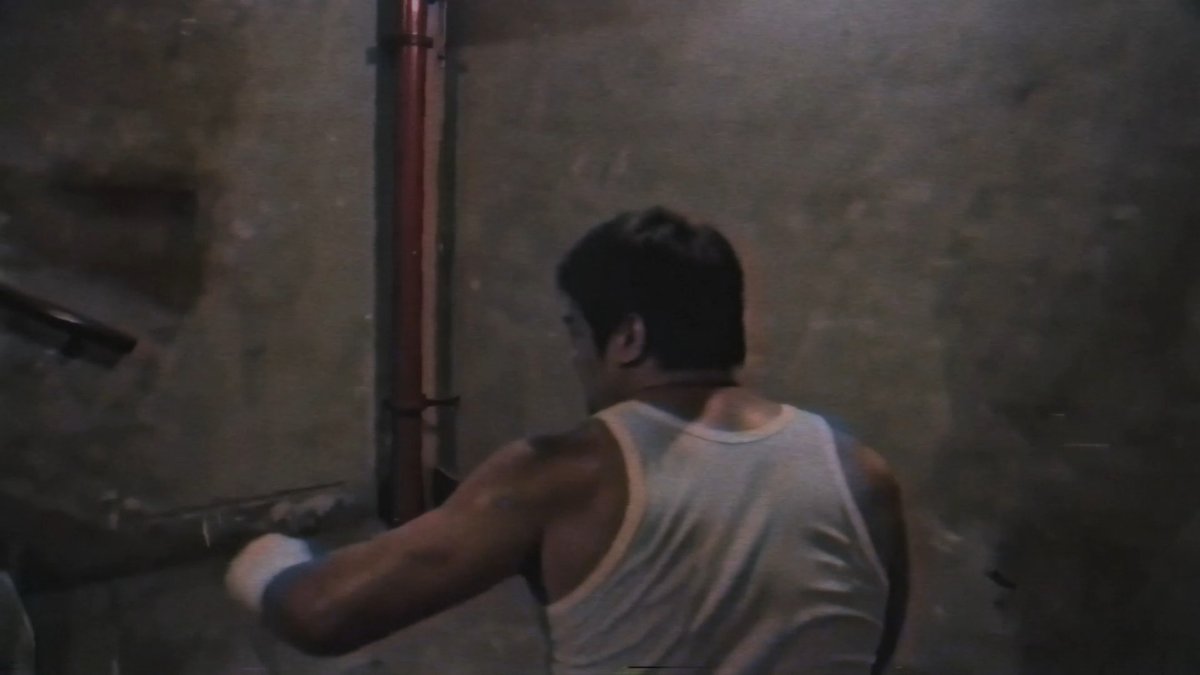
Creating a consistent scene and character. Seedream is able to edit camera angles from a single reference image. This gives you more control over your video outputs with start and end frames.

30,665 просмотров • 9 месяцев назад •via X (Twitter)

Комментарии: 0

Нет доступных комментариев

Здесь появятся комментарии из оригинального поста

Похожие видео

This Google Veo 3 "frames to video" feature is pure genius 💡 If you're creating video ads, this Veo 3 technique gives you surgical control over every scene element. This frames-to-video feature will take any static product shot... And turn it into cinematic reels with precise camera movements & timing. Perfect for creative strategists, agencies, and DTC operators running video campaigns. But instead of hoping AI generates what you hope for... Just upload your reference image and get exact scene control in minutes. The game-changer? Your static assets become dynamic video gold → organized by camera moves, action sequences, & precise timing control. Here's what frames-to-video gives you: → upload any product reference image → add numbered annotations for camera movements → structure scene directions (I use JSON for precision) → set duration, fps, lighting specs → get frame-perfect video execution → no video shooting or expensive production needed Now you've got director-level control from single images. These HexClad reels were generated from two static product shots + a JSON prompt for each. When your campaign needs cinematic quality but you only have product photos? This frames-to-video workflow changes everything. And it's only getting better Want my full annotation setup guide, including the JSON prompts? Comment "FRAMES" + follow and I'll send it over (must be following/connected so I can DM)

Mike Futia

39,793 просмотров • 11 месяцев назад