Загрузка видео...

Не удалось загрузить видео

На главную

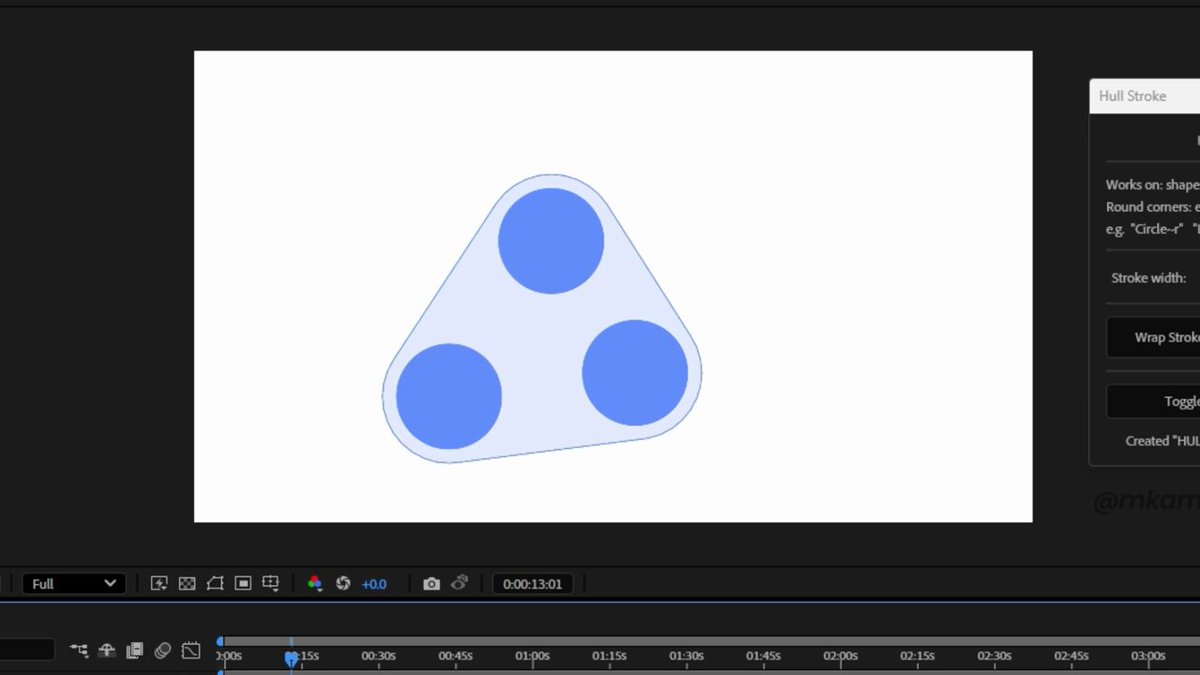
Dither / halftone effects tutorial in After effects (No plugins needed) 1. Create a Shape Layer (dot/circle) 2. Pre-comp it → add CC Tiler 3. Import your image/video 4. Add Card Dance to an Adjustment Layer 5. Set Gradient Layer 1 to your footage 6. Set X & Y...

13,881 просмотров • 2 месяцев назад •via X (Twitter)

Комментарии: 0

Нет доступных комментариев

Здесь появятся комментарии из оригинального поста

Похожие видео

[Backpropagation] by Hand✍️ [1] Forward Pass ↳ Given a multi layer perceptron (3 levels), an input vector X, predictions Y^{Pred} = [0.5, 0.5, 0], and ground truth label Y^{Target} = [0, 1, 0]. [2] Backpropagation ↳ Insert cells to hold our calculations. [3] Layer 3 - Softmax (blue) ↳ Calculate ∂L / ∂z3 directly using the simple equation: Y^{Pred} - Y^{Target} = [0.5, -0.5, 0]. ↳ This simple equation is the benefit of using Softmax and Cross Entropy Loss together. [4] Layer 3 - Weights (orange) & Biases (black) ↳ Calculate ∂L / ∂W3 and ∂L / ∂b3 by multiplying ∂L / ∂z3 and [ a2 | 1 ]. [5] Layer 2 - Activations (green) ↳ Calculate ∂L / ∂a2 by multiplying ∂L / ∂z3 and W3. [6] Layer 2 - ReLU (blue) ↳ Calculate ∂L / ∂z2 by multiplying ∂L / ∂a2 with 1 for positive values and 0 otherwise. [7] Layer 2 - Weights (orange) & Biases (black) ↳ Calculate ∂L / ∂W2 and ∂L / ∂b2 by multiplying ∂L / ∂z2 and [ a1 | 1 ]. [8] Layer 1 - Activations (green) ↳ Calculate ∂L / ∂a1 by multiplying ∂L / ∂z2 and W2. [9] Layer 1 - ReLU (blue) ↳ Calculate ∂L / ∂z1 by multiplying ∂L / ∂a1 with 1 for positive values and 0 otherwise. [10] Layer 1 - Weights (orange) & Biases (black) ↳ Calculate ∂L / ∂W1 and ∂L / ∂b1 by multiplying ∂L / ∂z1 and [ x | 1 ]. [11] Gradient Descent ↳ Update weights and biases (typically a learning rate is applied here). 💡 Matrix Multiplication is All You Need: Just like in the forward pass, backpropagation is all about matrix multiplications. You can definitely do everything by hand as I demonstrated in this exercise, albeit slow and imperfect. This is why GPU's ability to multiply matrices efficiently plays such an important role in the deep learning evolution. This is why NVIDIA is now close to $1 trillion in valuation. 💡Exploding Gradients: We can already see the gradients are getting larger as we back-propagate up, even in this simple 3-layer network. This motivates using methods like skip connections to handle exploding (or diminishing) gradients as in the ResNet. I did the calculations entirely by hand. Please let me know if you spot any error or have any questions!

Tom Yeh

64,645 просмотров • 2 лет назад

HOW TO DODGE EVERY SKILLSHOT IN LEAGUE OF LEGENDS SO YOU GET ACCUSED OF SCRIPTING - Script in your mind - Draw out how far, wide, fast an ability is relative to your character thats all the easy stuff that I have been preaching already you can find in my free discord for improvement however one thing that League coaches fail to explain is the human aspect of it every game you play in League of Legends, every single person in the game is constantly building their profile in a game on how they operate both sides are constantly trying to mind f*ck each other to land and dodge skillshots. I have broken it down into layers the three layers to dodging are layer 0 - no dodge (unconscious) layer 1 - dodge (conscious) layer 2 - no dodge (conscious) Notice how in the clip in a challenger game below Olaf shoots a layer 0 skillshot, but because I am playing at a layer 1, I dodge his axe. Now the Thresh hook gets a little deeper bare with me, because I built the profile that I will dodge an ability in that moment, he thinks that I won't dodge and is shooting a hook at a layer 2 thinking that I will dodge at a layer 2 also. However I know that he knows I will likely not juke and walk straight so I make the conscious choice to dodge AGAIN playing at a layer 1 resulting in me dodging the hook, of course he could be accounting for my tumble but the point still stands. There are many deeper things to consider like zoning abilities, environment etc but you generally want to always play at a layer 1 until you gain more data in a game to adapt. However one thing that always stays true throughout my 13 years of playing League is in teamfights that have gone on for awhile, human beings tend to panic and default to layer 0 of shooting abilities, so if your able to operate at layer 1 as a teamfight progresses, you will likely dodge that one final skillshot that wins you the game. study the saskio way

Tony Chau

185,544 просмотров • 9 месяцев назад

MLP in PyTorch by hand ✍️ ~ 7 steps walkthrough below Goal: fill in every blank in the PyTorch code to build a multi-layer perceptron. 1. Given Let us start with a code template on the left and the network it is supposed to build on the right. Every blank in the code can be worked out from the picture. 2. Linear layer We count: 3 features in, 4 features out. So the weight matrix is 4 by 3. There is an extra column for the biases, which means bias = T. 3. ReLU Let us apply the activation. ReLU crosses out the negatives, so -1 becomes 0. 4. Linear layer The input size is 4, because that is what the previous layer put out. The output size is 2. A 2 by 4 weight matrix, and this time no extra column, so bias = F. 5. ReLU We cross out the negatives again. 6. Linear layer Two features in, five out. A 5 by 2 weight matrix, with a bias column, so bias = T. 7. Sigmoid Let us finish. Sigmoid squashes the raw scores (3, 0, -2, 5, -5) into probabilities between 0 and 1. You have just implemented a three-layer deep neural network by hand. ✍️ == Story == Three years ago I gave this exercise to my students, to connect the code to the math. They found it odd. Every other AI course they were taking lived inside a Jupyter notebook, and here I was handing out paper. Three years later, my colleagues are the ones rushing to move their materials to paper. The exercise has not changed. Paper still asks the one thing a notebook lets you skip: do you actually understand what the code is doing? If you can tell me why the weight matrix is 4 by 3, and why bias is F on the second layer, you understand nn.Linear better than someone who has been copy-pasting it for a year. 💾 Save this post! #AIbyHand #PyTorch #DeepLearning

Tom Yeh

13,318 просмотров • 21 дней назад

[VAE] by Hand ✍️ A Variational Auto Encoder (VAE) learns the structure (mean and variance) of hidden features and generates new data from the learned structure. In contrast, GANs only learn to generate new data to fool a discriminator; they may not necessarily know the underlying structure of the data. The International Conference on Learning Representations (ICLR) this year announced its first ever "Test of Time Award" to recognizes the VAE paper, published 10 years ago. This exercise demonstrates how to calculate a VAE by hand. [1] Given: ↳ Three training examples X1, X2, X3 ↳ Copy training examples to the bottom ↳ The purpose is to train the network to reconstruct the training examples. ↳ Since each target is a training example itself, we use the Greek word "auto" which means "self." This crucial step is what makes an autoencoder "auto." [2] Encoder: Layer 1 + ReLU ↳ Multiply inputs with weights and biases ↳ Apply ReLU, crossing out negative values (-1 -> 0) [3] Encoder: Mean and Variance ↳ Multiply features with two sets of weights and biases ↳ 🟩 The first set predicts the means (𝜇) of latent distributions ↳ 🟪 The second set predicts the standard deviation (𝜎) of latent distributions [4] Reparameterization Trick: Random Offset ↳ Sample epsilon ε from the normal distribution with mean = 0 and variance = 1. ↳ The purpose is to randomly pick a offset away from the mean. ↳ Multiply the standard deviation values with epsilon values. ↳ The purpose is to scale the offset by the standard deviation. [5] Reparameterization Trick: Mean + Offset ↳ Add the sampled offset to predicted mean ↳ The result are new parameters or features 🟨 as inputs to the Decoder. [6] Decoder: Layer 1 + ReLU ↳ Multiply input features with weights and biases ↳ Apply ReLU, crossing out negative values. Here, -4 is crossed out. [7] Decoder: Layer 2 ↳ Multiply features with weights and biases ↳ The output is Decoder's attempt to reconstruct the input data X from reparameterized distributions described by 𝜇 and 𝜎. [8]-[10] KL Divergence Loss [8] Loss Gradient: Mean 𝜇 ↳ We want 𝜇 to approach 0. ↳ A lot of math called SGVB simplifies the calculation of loss gradients to simply 𝜇 [9,10] Loss Gradient: Stdev 𝜎 ↳ We want 𝜎 to approach 1. ↳ A lot of math simplifies the calculation to 𝜎 - (1/ 𝜎) [11] Reconstruction Loss ↳ We want the reconstructed data Y (dark 🟧) to be the same as the input data X. ↳ Some math involving Mean Square Error simplifies the calculation to Y - X.

Tom Yeh

48,428 просмотров • 2 лет назад