Video yükleniyor...
Video Yüklenemedi
Do more with video in your prototypes. We’ve made it easier to create realistic video players in Figma. Add interactions that let you play, pause, mute, or skip to timestamps in a single frame. And you can now trigger events with video playback. See more in the 🧵

356,448 görüntüleme • 3 yıl önce •via X (Twitter)
10 Yorum

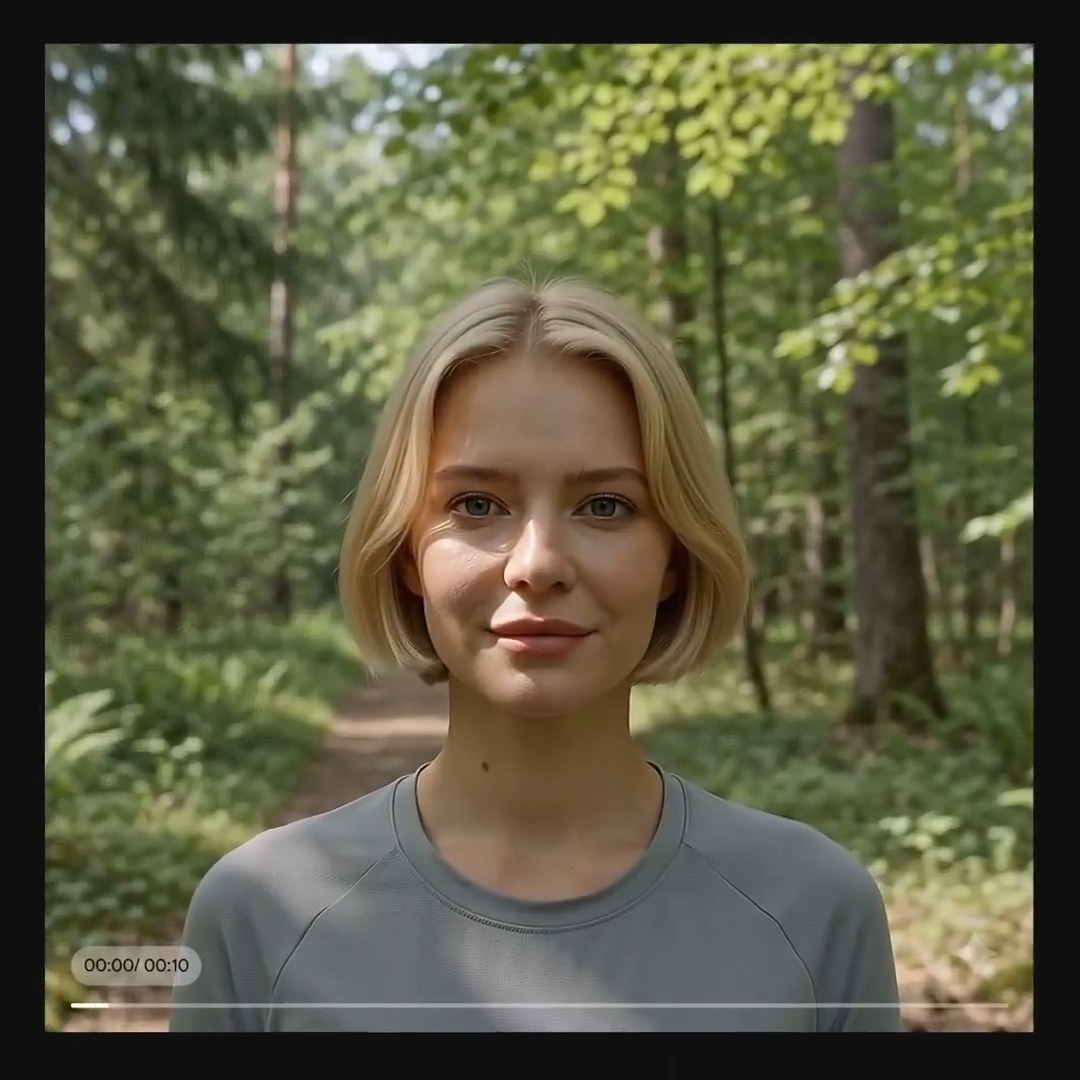
You can now preview videos in the design panel. Play or scrub the video preview and get the perfect timestamp for your interactions.
Place multiple videos at once, drag to resize when placing, or add as a fill to objects. Add one or more videos using the place shortcut: Mac: ⇧+⌘+K Win: ⇧+Ctrl+K or type “place” in the quick actions menu: Mac: ⌘ +/ or ⌘ + P Win: Ctrl +/ or Ctrl + P
Lastly - upload bigger videos in more file formats. Figma now supports videos up to 100MB in .mp4, .mov, and .webm formats.
Looking forward to seeing what you create! To learn more, visit the Help Center:
As a reminder, you’ll need to be part of an Edu or Pro+ plans to upload new videos in Figma. Anyone can copy, paste, and play with the videos in the updated playground file. Duplicate it here:

Videos have opened up a whole new world of possibilities for me in Figma 👏 Thanks for continuing to raise the quality bar!

i used Figma's new videos functionality to create an 2000s youtube style lyric video -- thanks @hotemogf for the nostalgia

what about exporting a smart animations/prototypes as GIFs? WITHOUT using a plug in PLEASE

@round Cool! Hoping sound effects aren’t too far off? I’ve had to hack videos to trigger sound (turn opacity down to 1%) like a phone ringing.

Nice! Any plans to add some logic to prototyping?