正在加载视频...
视频加载失败
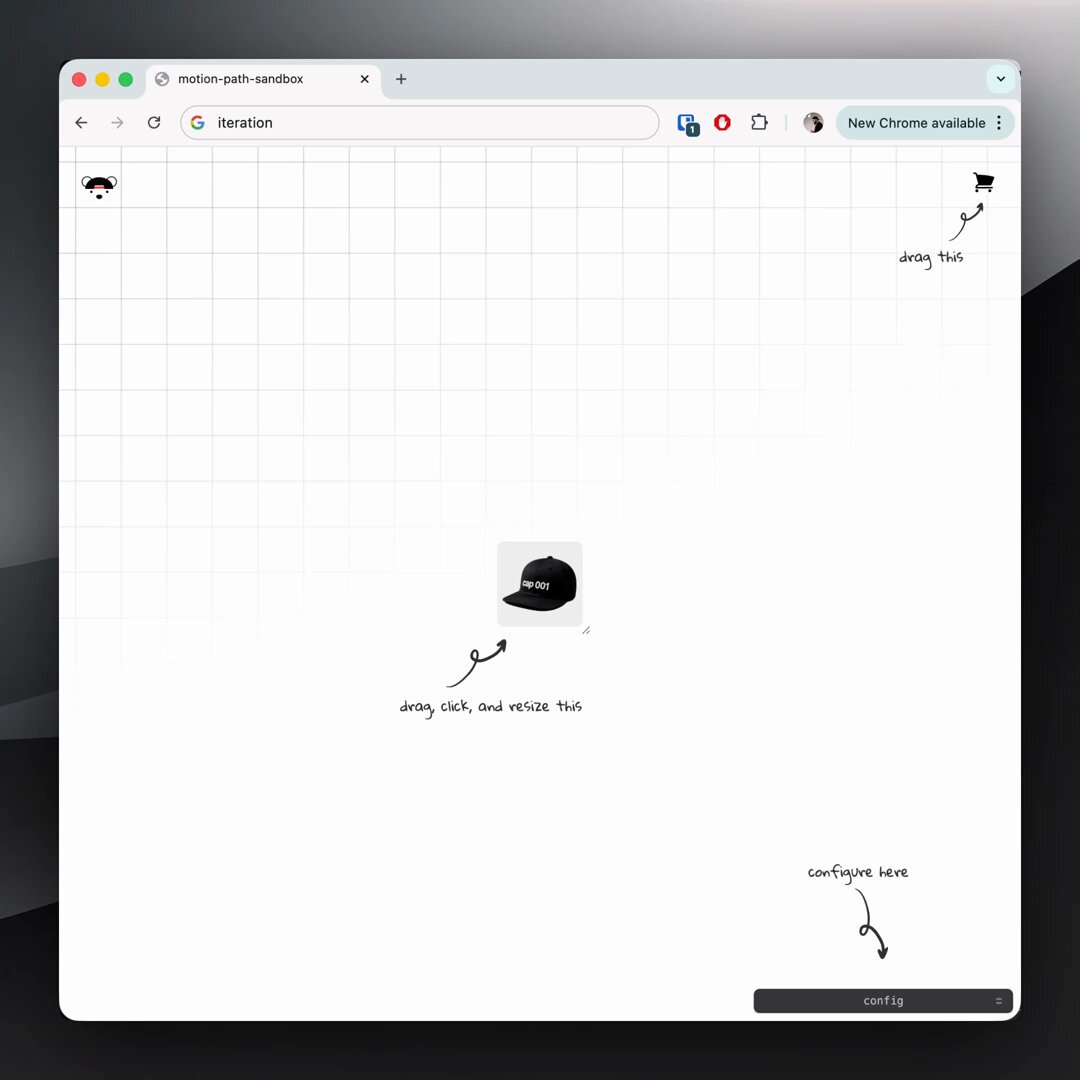
easing is everything use different CSS timing functions per axis for custom motion paths 👨🍳 .p { animation: x .8s var(--x-time), y .8s var(--y-time); animation-composition: accumulate; } @keyframes x { to { translate: var(--x) 0 } @keyframes y { to { translate: 0 var(--y) }

0 条评论
暂无评论
原始帖子的评论将显示在这里


![DOM magnifier with CSS && SVG 🔍 .magnifier { position: fixed; left: 0; top: 0; translate: var(--x) var(--y); backdrop-filter: url(#magnifier); } Could use it in a [popover] 🤙](https://image.24vids.com/tw-1792714408235561295/ext_tw_video_thumb/1792712837736910849/pu/img/jefehNurO9h1W8cB.jpg)


![CSS Trick 🧲 You can create magnetic links with the power of custom properties and some JavaScript 💪 a { translate: calc(clamp(-1, var(--x), 1) * var(--pad-x)) ...; transition: translate var(--s, 1s) var(--ease, var(--elastic)); } a:hover { --s: 0s; } The trick here is to pad out the list items wrapping your links and use that as a translation limit 🛑 Start by using some JavaScript to calculate a value between -1 and 1 for both the x/y axis on pointermove for each list item, not the link! 🔗 If your pointer was at the center of the item, you'd get [0,0]. If it was in the top right, you'd get [1,-1] ☝️ It's worth checking out the JavaScript snippet to see how the mapping function works. Essentially, you create a function that when given a value between two bounds, will give you a mapped value back 🤙 const mapX = mapRange( item.offsetWidth * -0.5, item.offsetWidth * 0.5, 1, -1 ) Then, on pointermove, you plug the pointer position in to get the value back out and pass that into your CSS const x = mapX(item.centerX - event.x) document.documentElement.style.setProperty(--x, x) When the pointer leaves the list item, you make sure to reset these values back to 0 ✨ Once CSS has your values, it's the trick of updating the translation of each part You know that in each axis, you only want to translate the link by the padding amount li a { translate: calc(clamp(-1, var(--x), 1) * var(--pad-x)) calc(clamp(-1, var(--y), 1) * var(--pad-y)); transition: translate var(--speed, 1s) var(--ease, var(--elastic)); } This will translate the link within the list item by the desired amount. The cool part here is that you can set an offset for the text inside the link and have that move at a different rate ⭐️ By only updating the --pad-x/y custom properties for the inside the link, you can control how much it moves nav a span { --pad-x: 0.25rem; --pad-y: 0.25rem; } And the last piece, how do you update the behavior for transition speeds? And so it springs back like that? Again, use custom properties ✨ a:hover { --s: 0s; } a { transition: translate var(--s, 1s) var(--ease, var(--elastic)); } By default, a link will use --elastic easing via linear() and have a transition-duration of 1s. When a link is hovered that speed becomes 0s because you want the link to magnetise to your pointer. How about that little gap between when your pointer enters the item but hasn't hovered the link? Set a different transition so it transitions to being hovered 🫶 nav li:hover a { --ease: ease-out; --speed: 0.1s; } That's kinda it! 🙌 Use JavaScript (~40 loc) to get the information and then let CSS do all the lifting for you 💪 Any questions or suggestions, let me know 🙏 If you want a walkthrough video, also let me know please 🙏 CodePen.IO link below 👇](https://image.24vids.com/tw-1745716136824672271/ext_tw_video_thumb/1745612660081881088/pu/img/SsGz-uqmfdr1KZ7H.jpg)


![accordion transitions w/ css ::details-content, <details> + <summary> 🧑🍳 details:has(~ [open]) { --y: -1; } [open] ~ details { --y: 1; } details { translate: 0 calc(var(--y) * 1rem); } [open]::details-content { height: fit-content; }](https://image.24vids.com/tw-1986545100466315475/amplify_video_thumb/1986543068074409984/img/tRNkX0OZPF-qxar_.jpg)
