Loading video...

Video Failed to Load

Go Home

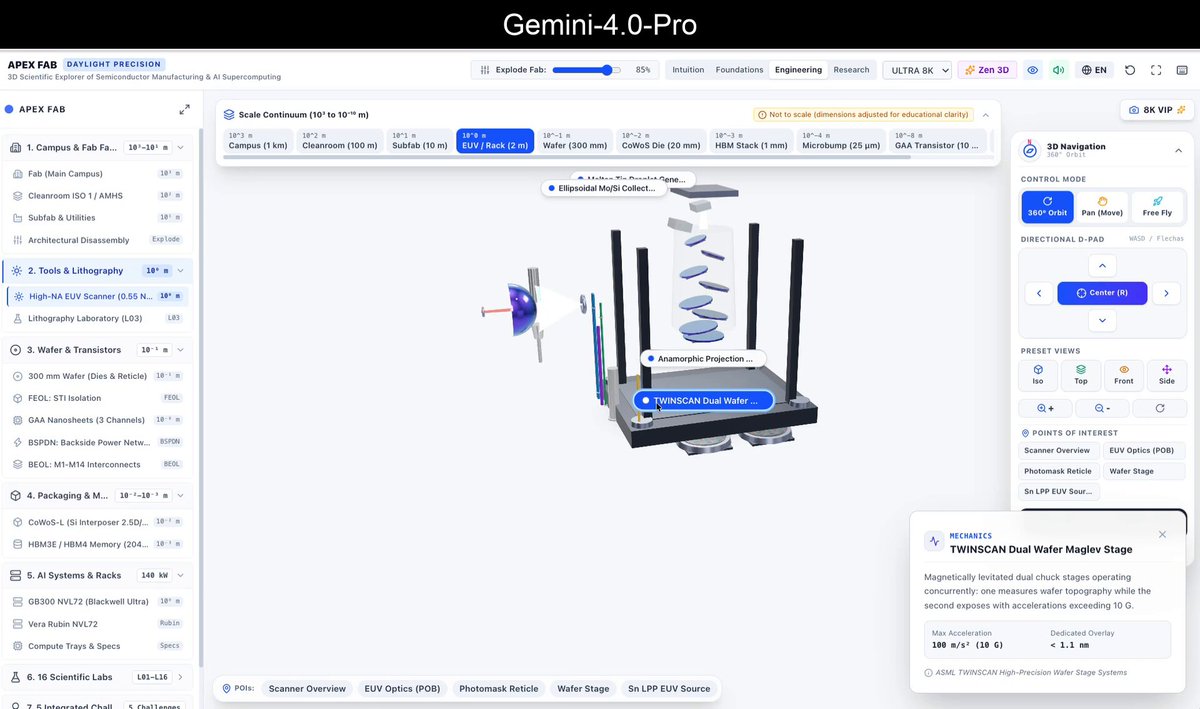
Either they nerfed down Opus 5.5 already or Astra is simply better at 3d modelling. but given Opus 5.5 is the latest frontier, it’s hard to believe it can perform worse than Astra. so it’s most likely a nerf case.

51,221 views • 2 days ago •via X (Twitter)

0 Comments

No comments available

Comments from the original post will appear here

Related Videos

BREAKING: Anthropic just dropped Opus 4.8—and it is a MONSTER We've been testing for about a week Every 📧 and our verdict is they could've just called it Opus 5, it's that good. Here's our vibe check: - Beats GPT-5.5 on Senior Engineer bench. On our toughest benchmark Opus 4.8 scores a 63—a hair higher than GPT-5.5's score of 62, and a full 30 points higher than Opus 4.7. It tackled a ground-up rewrite of a production codebase, and actually built something that works. HOWEVER: Coding performance varied a lot at different reasoning levels. We recommend using it on xhigh for best results. - Incredibly good writer. Opus 4.8 scored a 79.6 on our writing benchmark—measuring models on real-world writing tasks we do all of the time like essay writing, promo email writing, and more. It beats GPT-5.5 by 6 points. It produces well-written prose with fewer "AI-isms". It's also very good at writing in your voice given the right context. HOWEVER: Writing performance also varied with reasoning levels. Medium reasoning had higher incidence of AI-isms—we found best results with high. - Beast at knowledge work. Opus 4.8 is very good at general knowledge work tasks like report creation, research and more. It produced the best PowerPoint one-shot we've ever seen on our deck generation benchmark. - Emotionally intelligent, willing to question the frame. I've also found it to be quite good at talking through psychological or interpersonal issues. It has a high EQ, and it's also good at not glazing and helping to expand your perspective. Its thought process feels extremely rich and dynamic. THE BAD: These days a model is only as good as its harness, and Codex is still a far superior harness to the Claude Desktop app. This has kept me using Codex + GPT-5.5 as my daily driver, but I am flipping back and forth a lot more between Codex and Claude. Anthropic is back baby! Read the rest on Every 📧:

Dan Shipper

354,673 views • 4 months ago

Astra (GPT-6) is here!!! I've had early access and tested it like crazy with things like games, code, writing, browser control, presentations and general knowledge work. This is the best model I've ever used. Period. (Incredible demos below in this thread ⬇️) Here's my take on Astra: > It's insanely capable. This feels like a massive improvement, not just an incremental change. This is especially true with zero-shot prompts. > It's all about knowledge work. Slide creation, analysis, writing, and browser control. And oh my...it's so good at browser control. GPT-5.6 was already fantastic at doing things in the browser, Astra is another level and significantly faster. > We're closer than ever (arrived?) at prompt-to-playable game. And I don't just mean only playable, these are actually fun games. I bet if someone with a great eye for games used Astra, they could create a viral game within 1-2 weeks. > Astra is better at writing but not perfect. It removes much of the "AI Smell" we're all familiar with but some stink still survived. > It has a tendency to use the same design colors and look/feel as GPT-5.6 (forrest green anyone?) but it is more steerable in design than previous models. > It's highly steerable in general. A little nudge goes a long way. When I first started using Astra, almost every task I gave it would go for ~30 minutes. I wanted it to keep working. Adding more specifics to a prompt helped greatly with it's ability to work for a long time. > Astra's 3D understanding is unmatched. 3D asset creation was consistent and easy and its spacial awareness while building complex 3D worlds blew me away. I'm still getting familiar with Astra but this will now be my go-to model for any difficult work I have. Check out the demos below: 👇

Matthew Berman

1,906,122 views • 25 days ago

everyone's sharing motion graphic videos that Opus 5.5 made, and it's genuinely insane everyone says they created it with "one prompt", but my one prompt video looked mid so i went through a bunch of these videos to see how they were actually made, and found the workflow that works here's how to generate pro level motion graphic videos w/ opus: 1. get reference videos to direct from -> pick 1-2 videos whose style you want and tell opus to match them. naming a style works way better than describing one without a reference, opus falls back to its default look: centered text, gradient background, everything fading in that's why so many of these videos look the same. a reference gives it the pacing, the type and the transitions to copy 2. install HyperFrames or Remotion so opus can build the video both let opus write every scene as code and render it straight to mp4. no video editor without one, opus can only describe a video or hand you a rough html page you have to screen record with it, every frame is exact, and when you ask for a change it edits one line and re-renders instead of starting over 3. install 21st for high quality components in the video real buttons, cards and UI components made by design engineers, instead of whatever opus invents on the spot without it, opus draws your product UI from scratch and it looks off. wrong spacing, placeholder boxes, fake-looking buttons anyone who's used good software can feel it in a second, and the whole video reads as cheap 4. steps 1-3 were context + setup. now dump all of it into opus your brand (logo, colors, fonts), screenshots of your real product, the reference video, and a quick braindump of how you see the video then ask for 3 storyboard variants without this, opus guesses your colors, your font and what your product even does. the video could be for any startup with it, it could only be yours. and 3 variants means you pick a direction instead of fixing the first idea it had 5. pick the storyboard you like ask for one still frame per scene before anything moves. fixing a storyboard is way cheaper than fixing a render without this step, you only find out scene 4 is wrong after the whole thing is animated, and every fix means re-rendering. a still frame takes seconds to change 6. let claude cook then give notes like a director: "slow every zoom to 0.7x", "hard cut here", "push in on the button" without notes, the first render is usually 80% there, and that last 20% is what makes it look pro. vague notes like "make it better" get random changes. camera words get exactly the change you want everyone has the same model. the context you give it is what makes it look pro let it cooookk

Rexan Wong

592,712 views • 2 days ago