正在加载视频...
视频加载失败
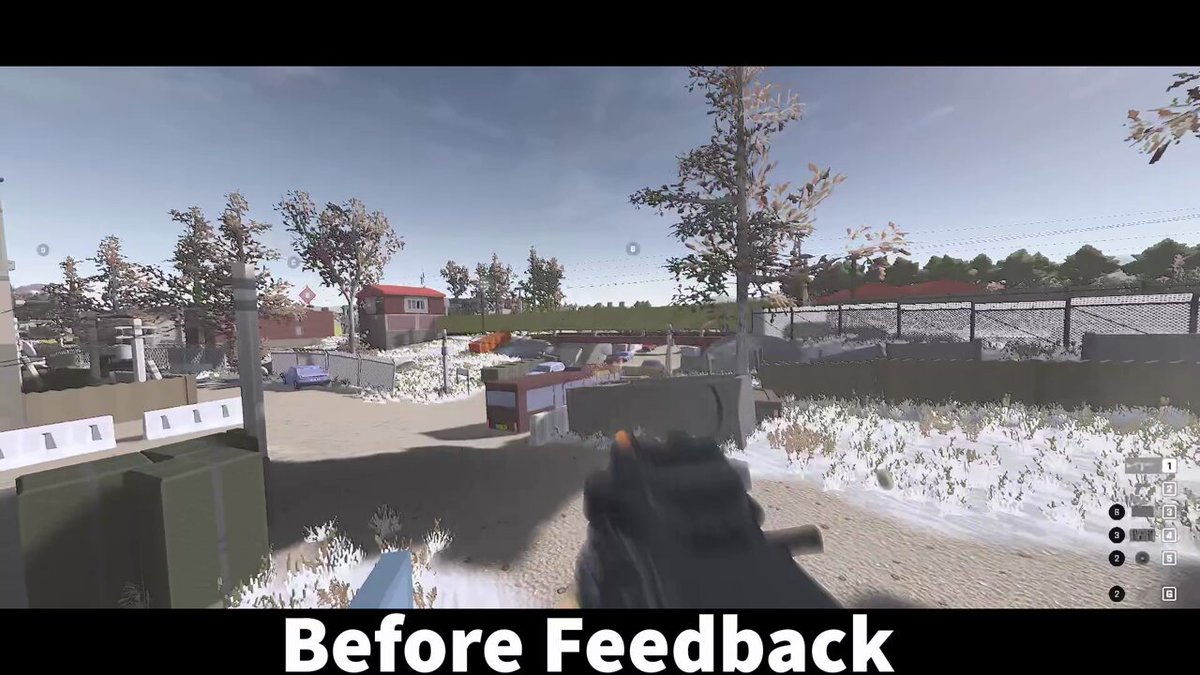
Feedback appreciated 🙏 Created a quick exploration inspired by your feedback on extensions in Arc. The goal is to enable quick sidebar access to extensions, while gracefully supporting any number you’d like to pin. This is building off ideas from Dara and Adam Stern!

10 条评论

@adamstern_ The url can get pretttty narrow in the prototype above. We’ll have to make sure to truncate extensions / switch layouts earlier.

@daraoke @adamstern_ This is definitely a lot familiar, but the previous version of extensions (appeared on hover on the right side) were a lot more convenient. It felt like a power up because a lot of us work with the hidden side panel and address bar and it felt like arc understood that.
@daraoke @adamstern_ I hear you. We got _a lot_ of feedback the `…` menu was finicky and hard to reach. Hoping that putting these on the surface of the sidebar, which has a more accommodating hover region, they’ll be easier to reach. Is your worry showing the entire sidebar just for an extension?

1- Opening a sidebar to access the extension is still a super long and annoying travel. 2- Plus, many extensions will open a small popin on your website so you can interact with. This popin always open on the top right corner. Now with the extension on the left and the popin on the right, it's super disturbing. See my screenrecording. If you consider that 2, is none of your concern, 1 is still a huge huge thing to every arc fullscreen users.

@arcinternet @daraoke @adamstern_ I wonder if there’s perhaps a way to pin them also to the Command-T or Command-L I use arc without every attempt to never use the sidebar and rather just the command pallet. For example, I search for the iCloud Keychain extension to reauth every couple days
@arcinternet @daraoke @adamstern_ @daraoke explored a few options where they appeared in the command bar — curious if searching in the command bar isn’t showing you the extension you’re looking for, or if searching at all feels too slow?

imho extensions don’t have a relationship to the URL bar but rather the page contents. Reaching all the way to the left with the mouse is taking someone across the screen from the natural right side resting/scrolling state of the cursor. I know it’s a hard decision if you should allow someone to “IE6 toolbar” their browser UI, but my preferred solution would be to have the “power mode” of visible pinned extensions in one of the right corners (bottom/top) and have a clear way to get into clean “reader mode” with something like a looong mouse click. You’ll likely still end up with a bare experience for most folks who will not pin.

@daraoke @adamstern_ I missed the memo as to why we removed it from the 3 dots on the right. This still looks tiresome if you keep your sidebar hidden, I think the design should give quick access without much traversing needed like earlier

@daraoke @adamstern_ JUST BRING BACK THE RIGHT HAND DOTS

@joshm @daraoke @adamstern_ looks good, still would prefer a faster way that doesn't require having the sidebar open or opening it, and doesn't require having the toolbar visible either, just like before 😕