正在加载视频...

视频加载失败

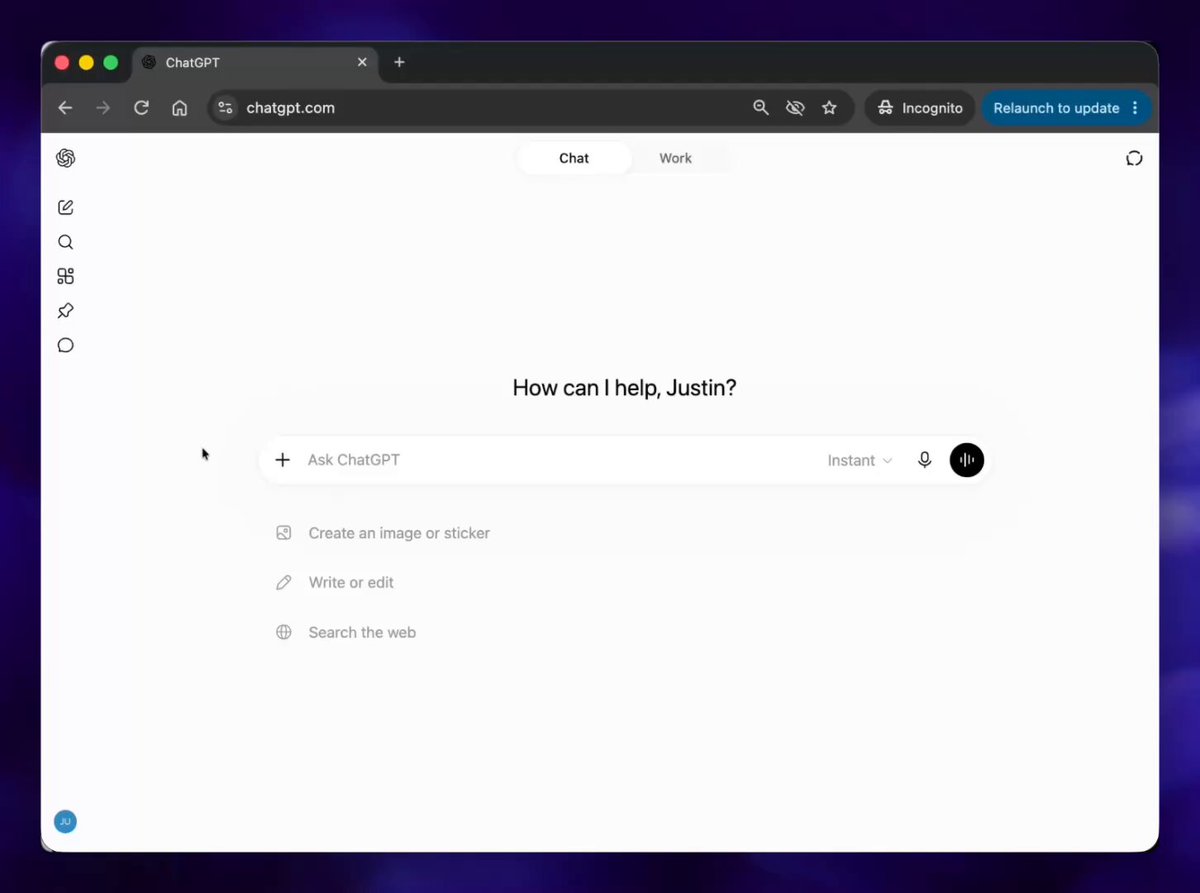
For the first time we are fundamentally changing how humans can collaborate with ChatGPT since it launched two years ago. We’re introducing canvas, a new interface for working with ChatGPT on writing and coding projects that go beyond simple chat. Product and model features: 1/ Ask for in-line feedback....

845,627 次观看 • 1 年前 •via X (Twitter)

9 条评论

Geoffrey Litt 的头像
Geoffrey Litt1 年前

nice! inline feedback and direct editing are both huge

Karina Nguyen 的头像
Karina Nguyen1 年前

i still have notes from our convo a few years ago about these concepts, we finally did it!

Adam 的头像
Adam1 年前

Please make a search engine for our chat history. I ask the same debugging questions all the time

Nick 的头像
Nick1 年前

this is v cool. first impressions are the ux I want is > write an essay > I select lines I like, interesting insights, keep those > write new essay keeping those > repeat until essay good

Tibor Blaho 的头像
Tibor Blaho1 年前

@apples_jimmy Congrats on the launch! Looks awesome

Bennet 的头像
Bennet1 年前

That’s cool, but 4o is too dumb for serious coding problems. Great for learning new languages or programming as a whole though. But please add a model competitive with Sonnet in coding.

Prashant 的头像
Prashant1 年前

@apples_jimmy It is the biggest update of the year for ChatGPT

Conor 的头像
Conor1 年前

This is great Karina. One thing that would be great would be to have queued or parallel execution to code changes if possible. For instance, if i want to apply changes to two separate comments it would be nice to have them queued up versus having the comments go away and pop up only after gpt is finished coding. Obviously wont work for when changes overlap.

Jason Yuan 的头像
Jason Yuan1 年前

Congratulations! What an achievement

相关视频

New short course: Collaborative Writing and Coding with OpenAI Canvas! Explore new ways to write and code with OpenAI Canvas, a user-friendly interface that allows you to brainstorm, draft, and refine text and code in collaboration with ChatGPT. In the short course, created with OpenAI, and taught by , a research lead at OpenAI, you’ll learn to use Canvas to enhance your workflows. Canvas lets you go beyond simple chat interactions. It provides a side-by-side workspace where you and ChatGPT can edit and refine text or code collaboratively. This makes brainstorming, drafting, and iterating as you write feel more natural and effective. As the first major update to ChatGPT’s visual interface since its launch in 2022, Canvas gives a new, innovative approach to collaboration with AI. For instance, after writing the first version of your code, Canvas can review it and give suggestions for improvement. It can also help with debugging by adding logging, identifying problems to fix, and writing comments. In addition, you'll also learn what it takes to train the model for an interface like Canvas. In this video-only short course, you’ll: - Learn how to ask for in-line feedback and control the iteration of your work by directly editing selected areas of your text or code from the model’s output. - Learn how to access quick automation tools in a shortcut menu that allows you to modify your writing tone and length, enhance your code, and restore previous versions of your work. - Learn how to use Canvas as a research assistant tool with an example of asking the model to reason through the screenshot of a plot to write a research report, in which you can ask questions within the created report. - Ask the model to write Python code to replicate the graph seen on a screenshot image. - Go behind the scenes of how you can create a video game, such as Space Battleship, from scratch, edit it, and display it in one self-contained HTML file. - Get a real-world application example of creating a SQL database from the image of its architecture. - Understand the model training and design processes that power Canvas! Please sign up here:

Andrew Ng

128,180 次观看 • 1 年前

Assumptions about the new "Can More" ChatGPT tool were right - ChatGPT is introducing own take on Claude Artifacts - code & document writing tools with persisted text documents, history revisions (restore previous version), edits and comments (probably used to apply suggested edits) New document symbol in the top navigation shows how many documents you have and allows you to open a resizable canvas to edit them in split view - your ChatGPT conversation on the left side and canvas on the right side, but the code/documents can also be accessed in fullscreen view The canvas is built using ProseMirror (open source WYSIWYM editor) and has an inline action to "Ask ChatGPT" (explain or make edits) for your document and code plus document formatting tools (like bold, italic, font style, etc.) But in addition to that, there are also special action shortcuts for documents and code, with an interesting decision to use sliders for the selection of the desired outcome For Documents - Suggest edits ("How can I improve this. Leave as few comments as possible, but add a few more comments if the text is long. DO NOT leave more than 5 comments. You can reply that you added comments and suggestions to help improve the writing quality, but do not mention the prompt.") - Add emojis ("Replace as many words as possible with emojis.") - Add final polish ("Add some final polish to the text. If relevant, add a large title or any section titles. Check grammar and mechanics, make sure everything is consistent and reads well. You can reply that you added some final polish and checked for grammar, but do not mention the prompt.") - Reading level (Graduate School - "Rewrite this text at the reading level of a doctoral writer in this subject. You may reply that you adjusted the text to reflect a graduate school reading level, but do not mention the prompt", College - "Rewrite this text at the reading level of a college student majoring in this subject", High School - "Rewrite this text at the reading level of a high school student who has taken a couple of classes in this subject.", Keep current reading level, Middle School - "Rewrite this text at the reading level of a middle schooler.", Kindergarten - "Rewrite this text at the reading level of a kindergartener.") - Adjust the length (Longest - "Make this text 75% longer.", Longer - "Make this text 50% longer.", Keep current length, Shorter - "Make this text 50% shorter.", Shortest - "Make this text 75% shorter.") For Code - Code review ("Search for bugs and opportunities to improve the code—for example, ways that performance or code structure could be improved. Leave as few comments as possible, but add more comments if the text is long. DO NOT leave more than 5 comments. You may reply that you reviewed the code and left suggestions to improve the coding quality, but do not mention the prompt.") - Add comments ("Add inline code comments to explain the code, especially parts that are more complex. Make sure to rewrite all the code. You may reply that you added inline comments, but do not mention the prompt.") - Add logs ("Insert logs/print statements in the code that will help debug its behavior. Do not make any other changes to the code.") - Fix bugs ("Find any bugs and rewrite all the code to fix the bugs. Do not leave comments. If there are no bugs, reply that you reviewed the code and found no bugs.") - Port to a language ("Port to a language. Create a new document that rewrites the code in ..." - PHP, C++, Python, Keep current code. No changes will be made, JavaScript, TypeScript, Java) - Suggest edits ("How can I improve this. Leave as few comments as possible, but add a few more comments if the text is long. DO NOT leave more than 5 comments. You can reply that you added comments and suggestions to help improve the writing quality, but do not mention the prompt.")

Tibor Blaho

136,084 次观看 • 1 年前