正在加载视频...
视频加载失败
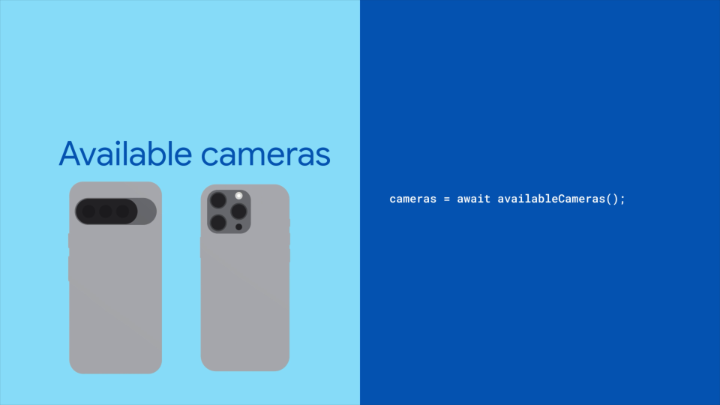
Found the ultimate setup for iOS Simulator camera. Front camera: uses your Mac webcam Back camera: whatever's behind the Simulator window

27,541 次观看 • 5 个月前 •via X (Twitter)
14 条评论

You can use this in your app thanks to today: 1. enable passthrough camera in settings 2. change front/back camera to passthrough to your liking

What wizardry is this
It’s just

@mrousavy does it work for you with Vision Camera? I got a crash on configureConnection

This is the kind of tiny dev tool upgrade that sounds niche until it saves a team 200 annoying test recordings.
@TobiasVE8 Yess! Simcam also has CLI which allows agents to autonomously work on camera enabled features by serving images or prerecorded camera samples. This way saving even more time!

This is so nice. Was also great to see it in action on the stage by Catalin

We feel the awkwardness of having to put yourself in the selfie cam during demo videos 🙈 Great work, nevertheless!
Thank you 🙏

This is genius
Thanks 🙌

That is cool 👀

Do you know if I can just inject a video as camera input?
Yes, you can do it from the menubar (Image/Video option attached) or programmatically via a CLI. Check out