Loading video...
Video Failed to Load
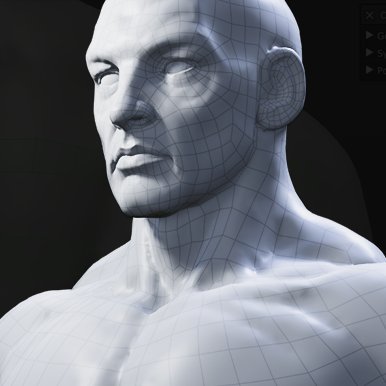
Fresh from the lab: we're testing snapping to sharp edges in Relax.
262,969 views • 3 months ago •via X (Twitter)
27 Comments

Is there any way you could allow for the target mesh to be partially hidden, blenders default implementation still snaps to hidden faces making it super hard to retopo parallel interior faces and hidden faces etc. literally my only gripe with retopoflow

Looking into this. Hiding whole objects works, but Alt B doesn't change the mesh and is a viewport shader effect, so the raycast doesn't pick up any attribute from it. If Blender doesn't give enough info to know, we can look at submitting a patch in the future
Ok, looks like it is possible to calculate the clipping region and skip raycast or nearest surface hits if they land outside. Adding this to the list for Retopoflow 4.2!
Legendary ! Can’t wait to use it 🫡

It was so satisfying to see that it gave me health.

Holly...

looks sharp!

Would be interested to see on a more complex shape, not really any point in retopo on that shape. Cool concept though
One step at a time, gotta get the basics first

Oh! That's not only nice, but looks genuinely fun.

Hot

That looks hella dope!

looks great am watching this and constantly thinking why its not automated? why the user need to manually tell where to do it
I mean it'll also be an operator you can apply to all verts at once, but the brush is actually really helpful in practice for directing the flow and only affecting the parts you want with a nice falloff

Beautiful

Now this I can get into!

oh wow

This!!! We need this!!!!!

Oh wow

very sharp!

牛牛牛
No more crooked vertices, I spent some time straightening up vertices
If I could scale it out I could make clothes right inside Retopoflow. I kind of do already.
What do you mean by scale it out exactly?
RetopoFlow allows me to control every polygon, edge loop, and vertex. On platforms that have struct mesh weights, having that control over the topology is far more valuable than automated fabric simulations, which mess up land impact and produce messy topology.

Comfy.
Now, I don’t really know if we can but if we could just scale it out that would be cool