Loading video...

Video Failed to Load

Go Home

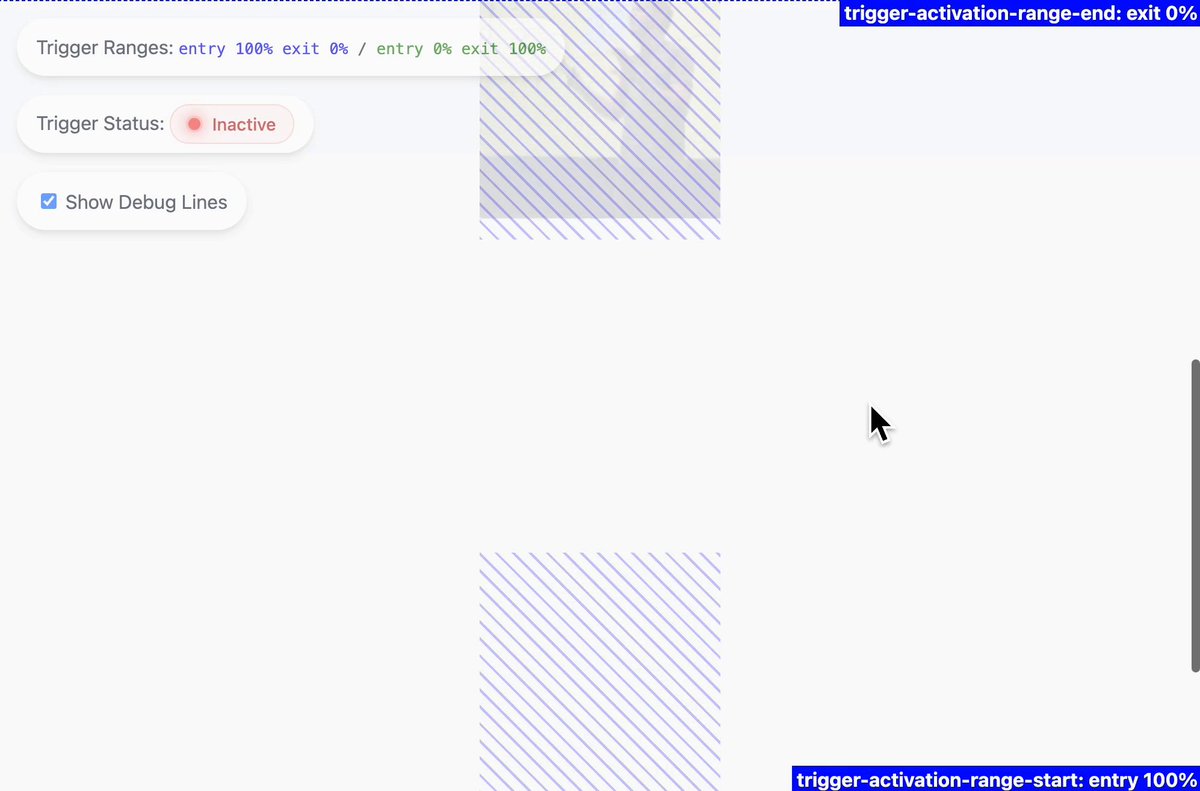
Future CSS Tip! 🔮 You can power micro-interactions with scroll driven animations 😎 Define a range with custom props and hook up to body scroll 📜 .avatar{ animation:shrink; animation-timeline:scroll(root); animation-range:calc(var(--head)*0.9) ...; } CodePen.IO link below! 👇

146,987 views • 3 years ago •via X (Twitter)

10 Comments

jhey ▲🐻🎈's profile picture
jhey ▲🐻🎈3 years ago

Here's that @CodePen link! 🚀 Remember. Only in Chrome Canary for now 🥲 Some of that calc above is obfuscated. If you have an idea of the size of things in your header, it's not too bad working out when things should start moving ✨

Florin Pop 👨🏻‍💻's profile picture
Florin Pop 👨🏻‍💻3 years ago

@CodePen Just wondering… how many projects do you pop out a day? 😆 You’re on fire my friend!

ishmam's profile picture
ishmam3 years ago

@CodePen epic! this site’s header button hover effect is pretty cool. in case you ever make a pen for it 🥺

Marc Boschma's profile picture
Marc Boschma3 years ago

@CodePen It would be really cool if your avatar turned to face the read as it recedes 🤓

jhey ▲🐻🎈's profile picture
jhey ▲🐻🎈3 years ago

@CodePen What a great idea! Can totally do that too! Thanks Marc 🙏

Softserve Digital Development's profile picture
Softserve Digital Development3 years ago

@CodePen @mr_papoutsis

Fajar Siddiq's profile picture
Fajar Siddiq3 years ago

@CodePen this is cool @joshmanders

Artur Bień's profile picture
Artur Bień3 years ago

@CodePen Its not smooth tho. Kinda jumps in a weird way 🤔

jhey ▲🐻🎈's profile picture
jhey ▲🐻🎈3 years ago

@CodePen Yeah, this is one of my current gripes with the API 😕 Smooth scrubbing is basically limited to a trackpad. Using an input device like a mouse is really hard to get smooth. I'll still be reaching for GreenSock in most cases unless things like that are improved 💯

kehinde.code's profile picture
kehinde.code3 years ago

@CodePen Future is here.

Related Videos

CSS Tip! 📜 You can use scroll-driven animations to progressively enhance collapsing a floating call to action 🤏 .cta { animation: shrink; animation-timeline: scroll(); animation-range: 0 100px; } @​keyframes shrink { to { width: 48px; } } That's the gist of it. Use the body scroll position with animation-timeline: scroll(). Define the animation-range as when you have scrolled 100px. There's a little more though 🤓 That would "scrub" the width animation. Ideally, you want to trigger that animation. You could animate a custom property with steps() timing and use that to define the width ✨ @​property --scrub { syntax: ' '; inherits: true; initial-value: 0; } body { animation: scrub both steps(1, end); animation-timeline: scroll(); animation-range: 0 100px; } Then transition the --scrub property on the CTA and use it for the width 🤙 .cta { transition: --scrub 0.2s; width: calc(48px + (120px * (1 - (var(--scrub) / 100)))); } Other animations are a matter of preference and timing. For example, you could then make the hand wave, scale down the size, and then slide a gradient across 😉 They have the same structure and technique as the original concept. Waving the hand? 👋 Run it twice, offset the transform-origin. .hand { animation: wave both linear 2; animation-timeline: scroll(); animation-range: 30vh 50vh; transform-origin: 65% 75%; } @​keyframes wave { 50% { rotate: 20deg; } } How's it progressively enhanced? Wrap everything in a @​supports query and a @​media query. If there isn't support, users still get a good experience. It's a floating action button that's circular and already collapsed 🤙 @​supports(animation-timeline: scroll()) { @​media(prefers-reduced-motion: no-preference) {...} } Definitely have a play with the code. Amazing what we're going to be able to do with CSS alone! 🔥 CodePen.IO link below! 👇

jhey ʕ•ᴥ•ʔ

177,781 views • 2 years ago