Загрузка видео...
Не удалось загрузить видео
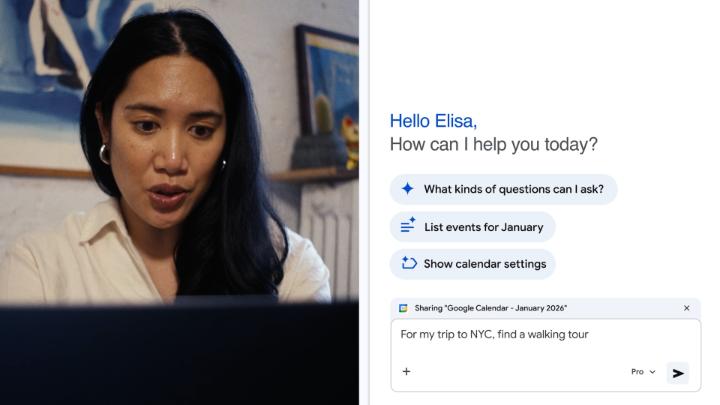
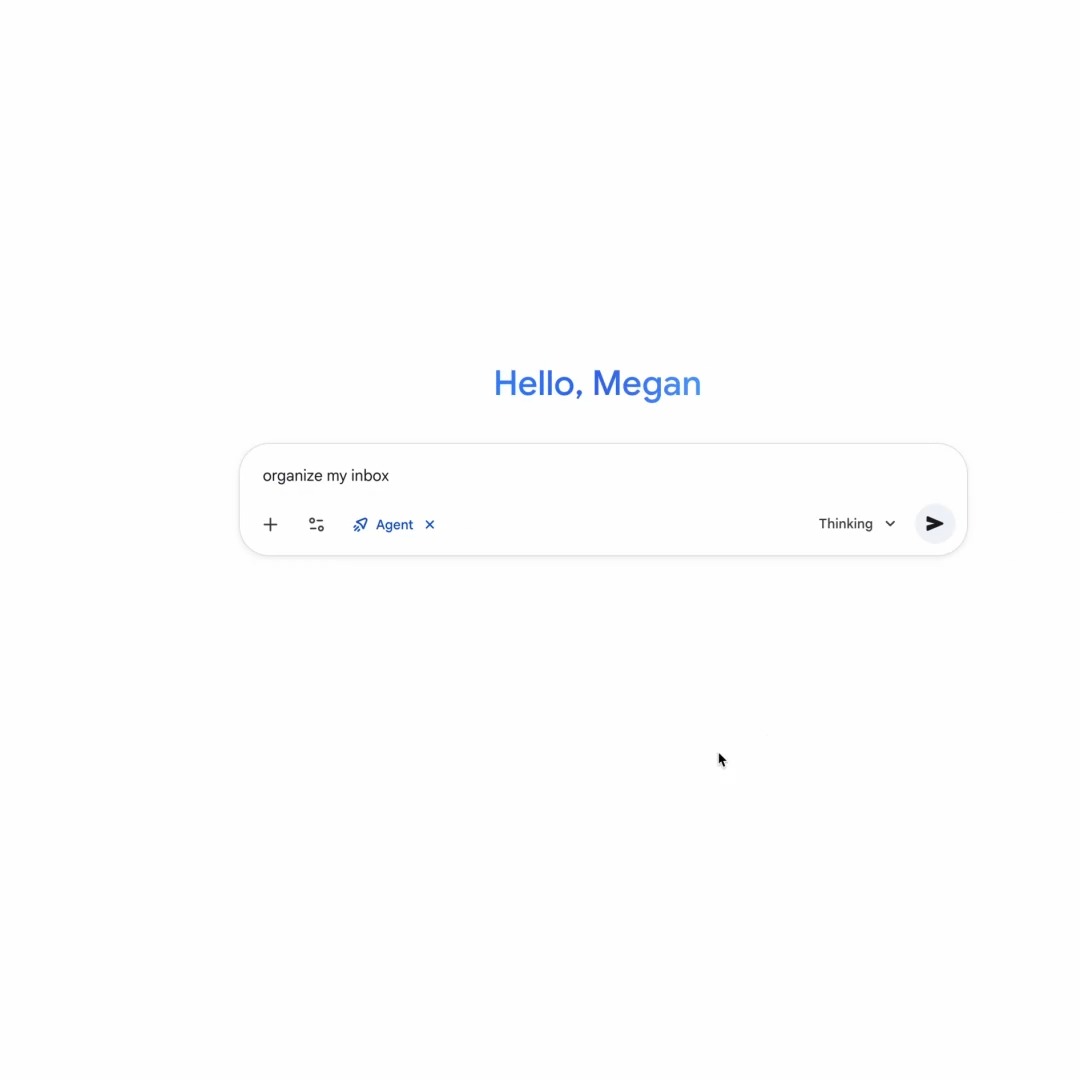
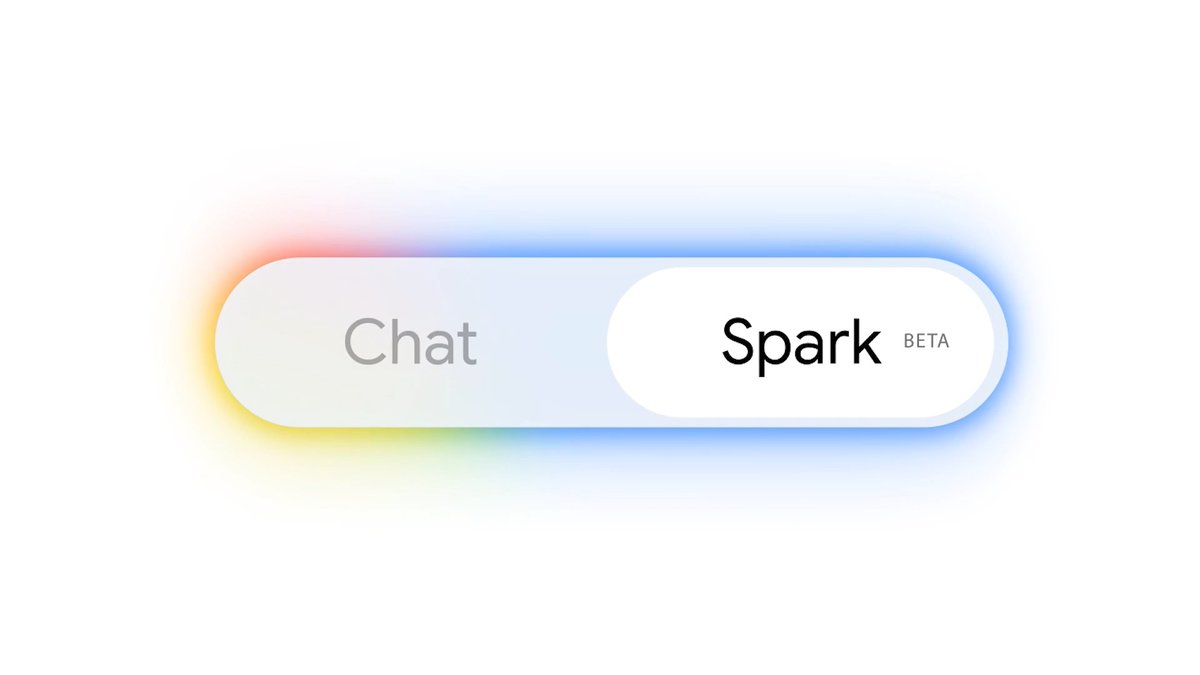
Gemini Spark 🤝 @GoogleChrome Gemini Spark is now integrated with auto browse in Google Chrome. With your permission, Spark can handle web tasks for you right in your Chrome browser, like scheduling apartment viewings or auto-filling flight info.

237,864 просмотров • 1 месяц назад •via X (Twitter)
Комментарии: 35

The Gemini Spark @GoogleChrome integration is rolling out to Google AI Pro and Ultra subscribers in the U.S., and will expand to additional regions in the future. More info on this update:

@googlechrome fuck you, you disinformation peddlers

@googlechrome Giving an AI access to my flight info and housing applications is a bold move when it still hallucinates basic facts about my own browsing history. Can't wait to see which apartment it accidentally rents for me in a city I wasn't even looking at.

@googlechrome Not gonna lie, I’d love to see Spark try to fill out those impossible captcha forms. That’s the ultimate test.

@googlechrome I asked Gemini spark to find apartments for rent in NYC that are currently on the market. Every result was an apartment that was rented over one year ago, with prices from even longer!! How do you ship this crap?

@googlechrome And no news on Gemini 3.5 Pro yet.

@googlechrome What percentage of people need to book flights dayly?

@googlechrome this is going to save so much time, honestly

@googlechrome Why not enable it in Chrome running on Linux?

@googlechrome Yo, when are you going to fix Gemini canvas errors? "Sorry, something went wrong. Please try your request again." Would be nice if someone got back to me!

@googlechrome No shit Sherlock...

@googlechrome Hell yes!

Browser agents are crossing an important boundary: from reading the web to acting inside a user’s real browser session. That needs more than a helpful plan. It needs runtime controls: scoped task and site access clear personal-data disclosure sensitive-action confirmations credential boundaries stop/takeover authority durable audit trails Guard the action path, not only the prompt.

@googlechrome I would’ve thought they were already partnered, but good job connecting them now!

@googlechrome powered by which model again?

@googlechrome When Gemini Spark will be available for all pro users in all countries?

@googlechrome Gemini is releasing every model except Gemini 3.5 Pro…

@googlechrome Cool that google is joining the game of ai controlling/using your browser. And even that is only available in the US...

@googlechrome bro y not available in nigerial

@googlechrome Is this only for Chrome or can this be used on other Chromium based browsers like Arc?

@googlechrome The race to build truly useful AI assistants is heating up fast now

@googlechrome Вспоминается моментом Джарвис из Железного Человека, надеюсь что мы увидим что-то подобное

@googlechrome Remember when Google's Motto was "Do no evil" It all changed when Israel took it over and now they are spying on everything you do. Stop using Chrome and google products.

@googlechrome letting an AI handle apartment viewings and flight info autonomously in the browser is either going to save people hours or create some very awkward booking mistakes curious which one shows up more in practice

@googlechrome i need it to search the market for the right product and do the heavy lifting on research and browsing. Not to click the final button for me. from what i have seen up until now only perplexity are able to give me actual working links for products. and they even dont own any model

@googlechrome

@googlechrome I thought it is already available in the Philippines lol..

@googlechrome may i have a cheeseburger please?

@vp_tw @googlechrome Hi

@googlechrome Are you aware pro users are stuck in flash models for 2 months ? Are you aware that only a fool will pay 20$ for google ai pro instead of claude pro ? Google ai tools are the most ridiculous right now

Set up a scheduled job every day at 10:00 AM with the following instructions: Objective: Review my entire Google Workspace to identify all tasks, deliverables, and commitments for today, and generate a prioritized daily plan. Steps: 1. Search across Google Workspace: - Google Calendar: Retrieve all meetings, events, and focus blocks scheduled for today. - Google Tasks: List all pending tasks and items due today. - Gmail: Check unread or recent actionable emails (e.g., deadline reminders, action items, or requests). - Google Chat & Drive: Identify relevant updates or documents requiring attention today. 2. Synthesize and Prioritize: - Group tasks into clear categories (e.g., Meetings, High Priority, Administrative, Learning). - Organize items by urgency, deadlines, and available time slots. 3. Generate Deliverable: - Output a structured daily schedule and task list directly in chat.

@googlechrome Wonder what happens when it hits a captcha or 2FA mid-task. does it just pause and hand control back to you, or sit there retrying until you notice? none of the docs or the demo actually show that part, they only show the happy path where nothing interrupts it

@googlechrome Is this rolled out? I can't find it to trigger browser automation.
Set up a scheduled job every workday at 6:00 PM with the following instructions: Objective: Perform an end-of-day review of my work across Google Workspace, evaluate my performance with quantitative metrics, and outline priorities for tomorrow. Steps: 1. Gather Activity & Workspace Data: - Check completed and pending Google Tasks for today. - Review attended meetings and events on Google Calendar for today. - Scan sent emails, draft replies, and resolved items across Gmail and Drive. 2. Work Analysis & Performance Metrics: - Task Completion Rate: Percentage of today's planned tasks completed. - Time & Focus Efficiency Score: Rating (1–10) based on schedule adherence and meeting-to-focus-time balance. - Summary of Accomplishments: Key deliverables completed today. - Constructive Feedback: Brief analysis of potential bottlenecks, missed items, or time-management insights. 3. Next-Day Planning & Rollover: - Outstanding Tasks: List incomplete items to roll over to tomorrow. - Tomorrow's Outlook: Summary of tomorrow's scheduled meetings and top 3 focus priorities. 4. Deliverable: - Present a structured summary in chat with performance metrics, feedback, and tomorrow's preparation list.

@googlechrome @grok 日本でもSparkをつかえるようになったようですが有料アカウントじゃないと使えないんですよね GWSのアカウントは除外ですよね