Video wird geladen...
Video konnte nicht geladen werden
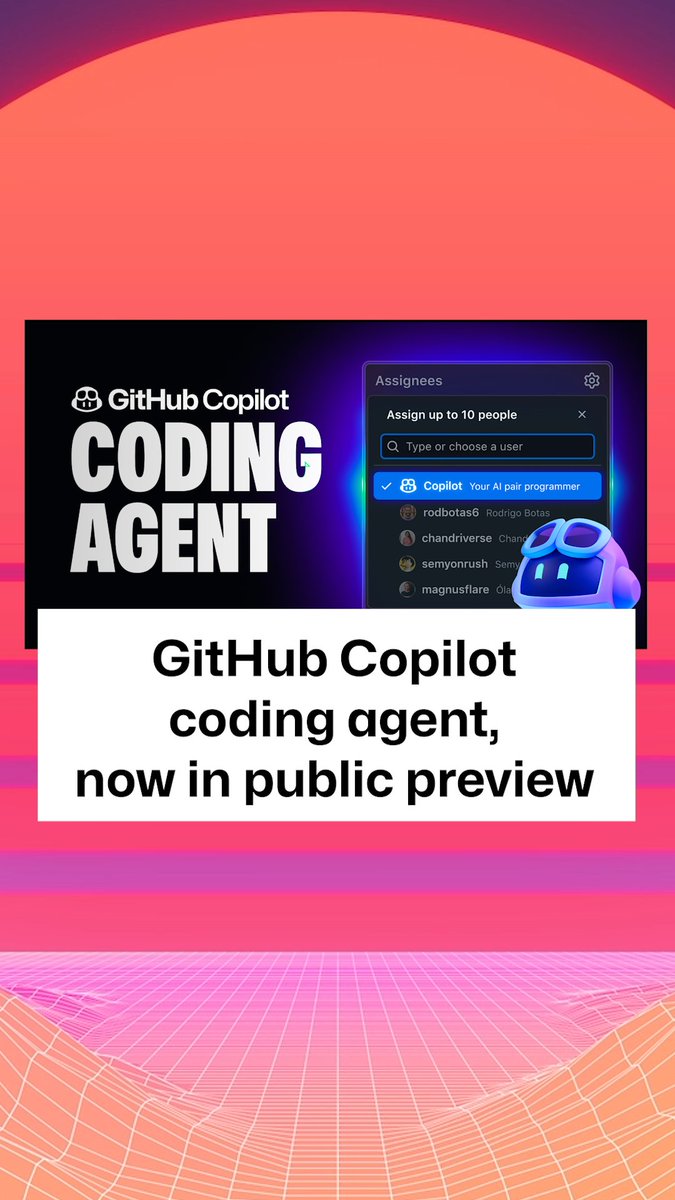
GitHub Copilot now has a coding agent embedded right where you already collaborate with developers: on GitHub. And yes, you can access it from VS Code too. 🤖

663,351 Aufrufe • vor 1 Jahr •via X (Twitter)
11 Kommentare

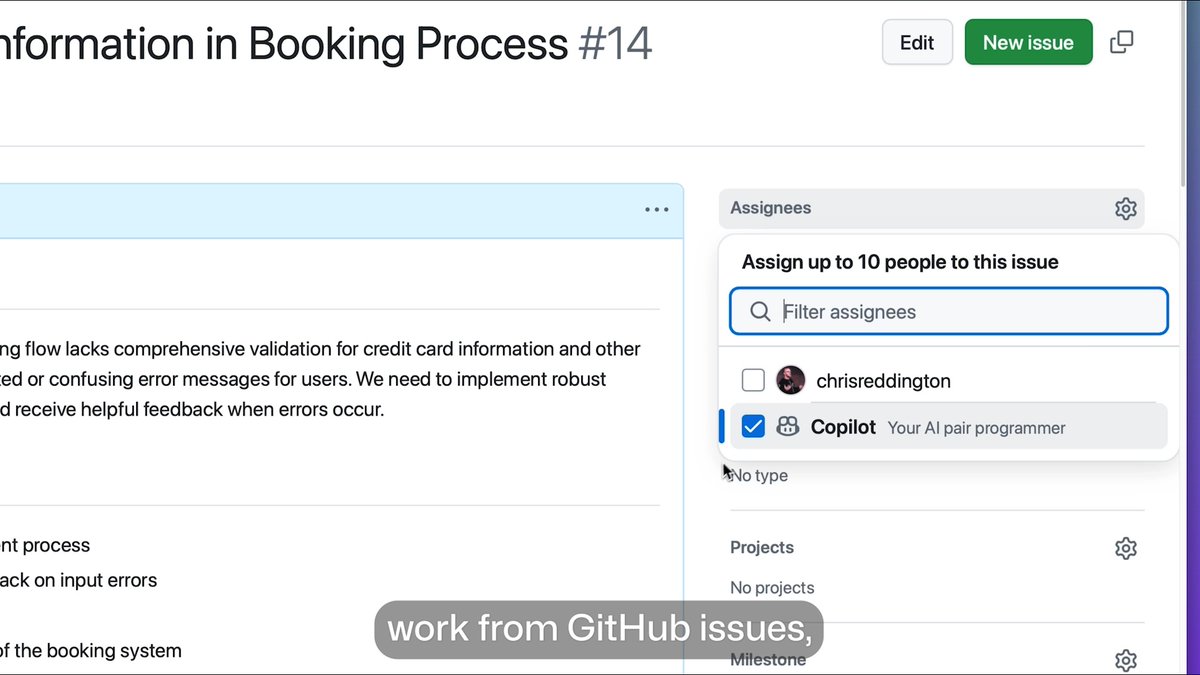
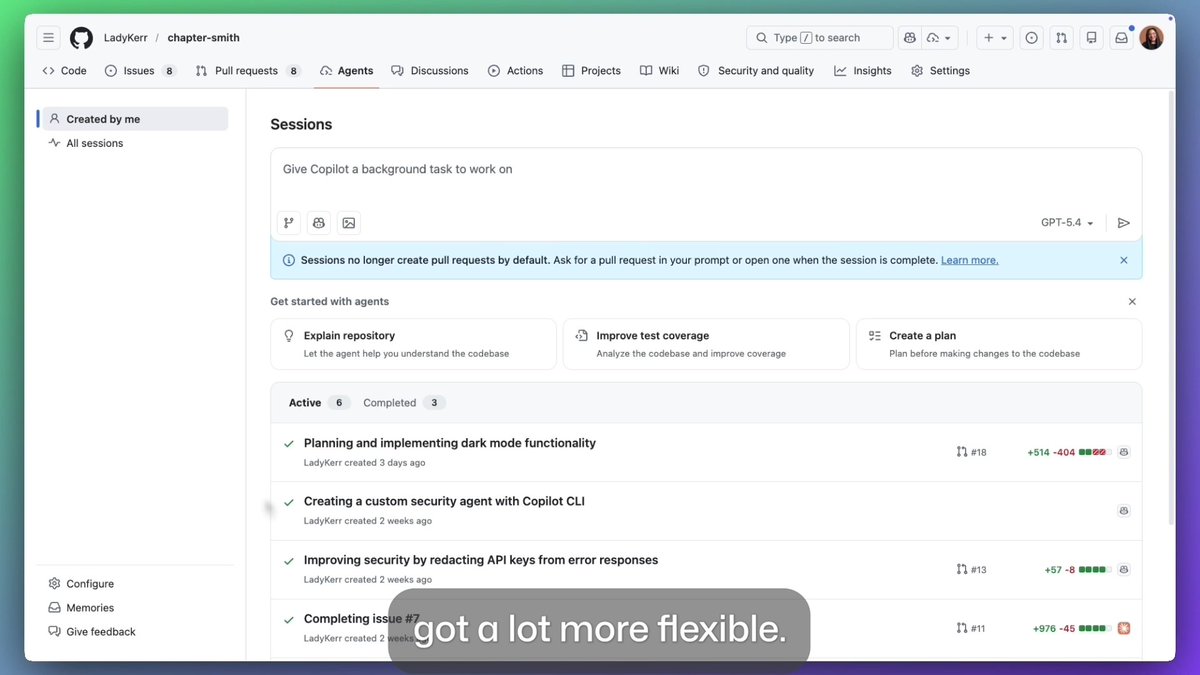
When you assign one or more issues to Copilot, it responds with a 👀 reaction and spins up a secure sandbox using GitHub Actions. It clones the repo, configures the environment, and analyzes the codebase with RAG powered by GitHub code search. The coding agent can use local tools and MCP servers, configured by you.
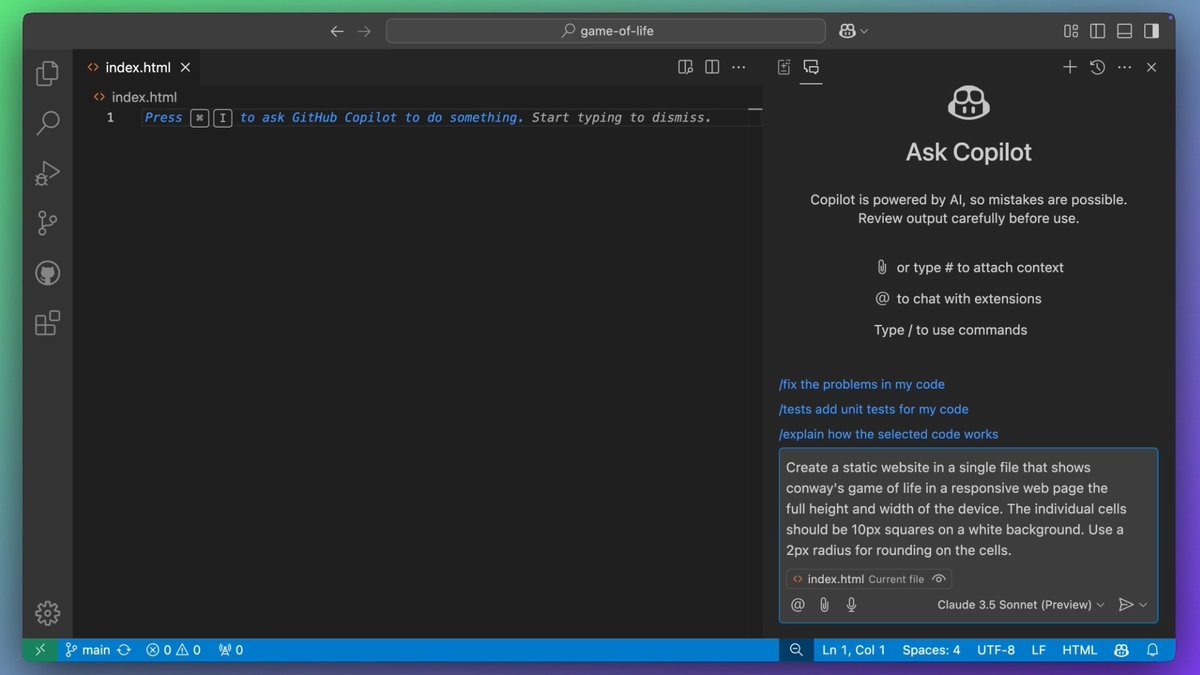
In VS Code or Copilot Chat, you can type this: > @github Open a pull request to refactor this query generator into its own class
As the agent works, it regularly commits its changes to a draft pull request and updates the pull request’s description. It can only push to its own branch, while existing policies like branch protection still apply in exactly the way you’d expect. And of course, nothing goes out without human approval – because the human developer is always the one in control.
@Minecraft Using state-of-the-art models, the agent excels at low-to-medium complexity tasks in well-tested codebases – adding features, fixing bugs, extending tests, refactoring code, improving documentation. It’s all about keeping you in the magical flow state ✨
Built around an integrated, secure and fully customizable development environment powered by GitHub Actions, the Copilot coding agent is amplifying human developers with trust by design. And these protections aren’t just for us: as the new home of AI agents, we’re making the same primitives available to partners to ensure an open ecosystem for agentic peer programming.

What’s the cost of mistakes in your contracts? If you work with contracts day-to-day, it’s time to automate. Track every detail, streamline workflows ... ✨ Make managing contracts as easy as a few clicks. Visit our new website & book your demo today!

@github @code It's very nice to have it in the mobile app. I can edit files by prompting directly on GitHub.

@code @github Now that you are adding very agressive rate limits to it, how do we know how many requests one agent task will consume?

@code @github How much?

@code @github Damn how much I love you guys

@code @github looks cool, but it seems I'm missing something to be able to assign a newly created issue to @Copilot What am I missing? Does the issue need to be created via @copilot also (cannot run if issue was made manually)?