Video wird geladen...
Video konnte nicht geladen werden
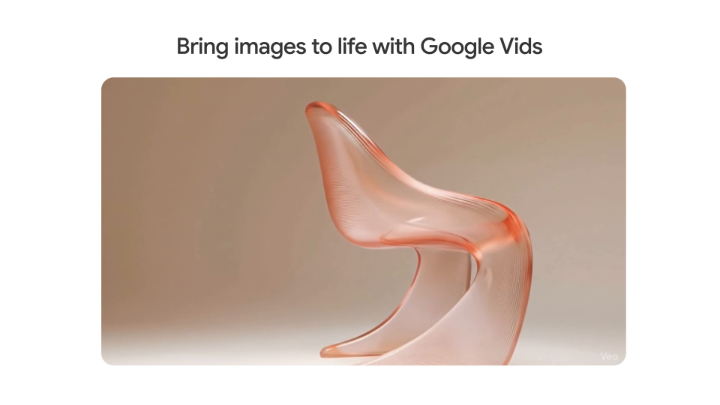
Google Veo 3 works with diagrams. This can help you create more unexpected movements from an image. Here are some new examples.

26,714 Aufrufe • vor 1 Jahr •via X (Twitter)
11 Kommentare

So far, what are you finding to be the most effective way to prompt Veo 3. I've been using JSON prompts for multi-shot scenes, but find these overlay instructions on the input image work great for single shots with nuanced motion coupled with a short prompt for dialog.

Really depends on what you need. For text to video, I think JSON gives a lot of control on what to expect from the output. For image to video, these annotations are super helpful, I wish it was an in built feature similar to motion brush.

Woow, this is so cool Jerrod
Thanks so much, mate!

amazing use case! thanks for sharing

This is amazing. Thanks for sharing

Y'all if Veo3 can do this imagine Veo4 I think it would be Agentic. Or is Veo3 AGI🤔Do you think it's possible to draw a camera movement Or put the camera movement in the prompt and leave the other things you want to do as a diagram. This is almost like motion brush.

Ignoring the internal politics of a client… is how you lose the account.

jeez

Coooool

How does it differentiate between abstract symbolic shapes and intentional motion paths? And what level of control does the user have over motion dynamics like speed, easing, or physics?