Video wird geladen...

Video konnte nicht geladen werden

Zur Startseite

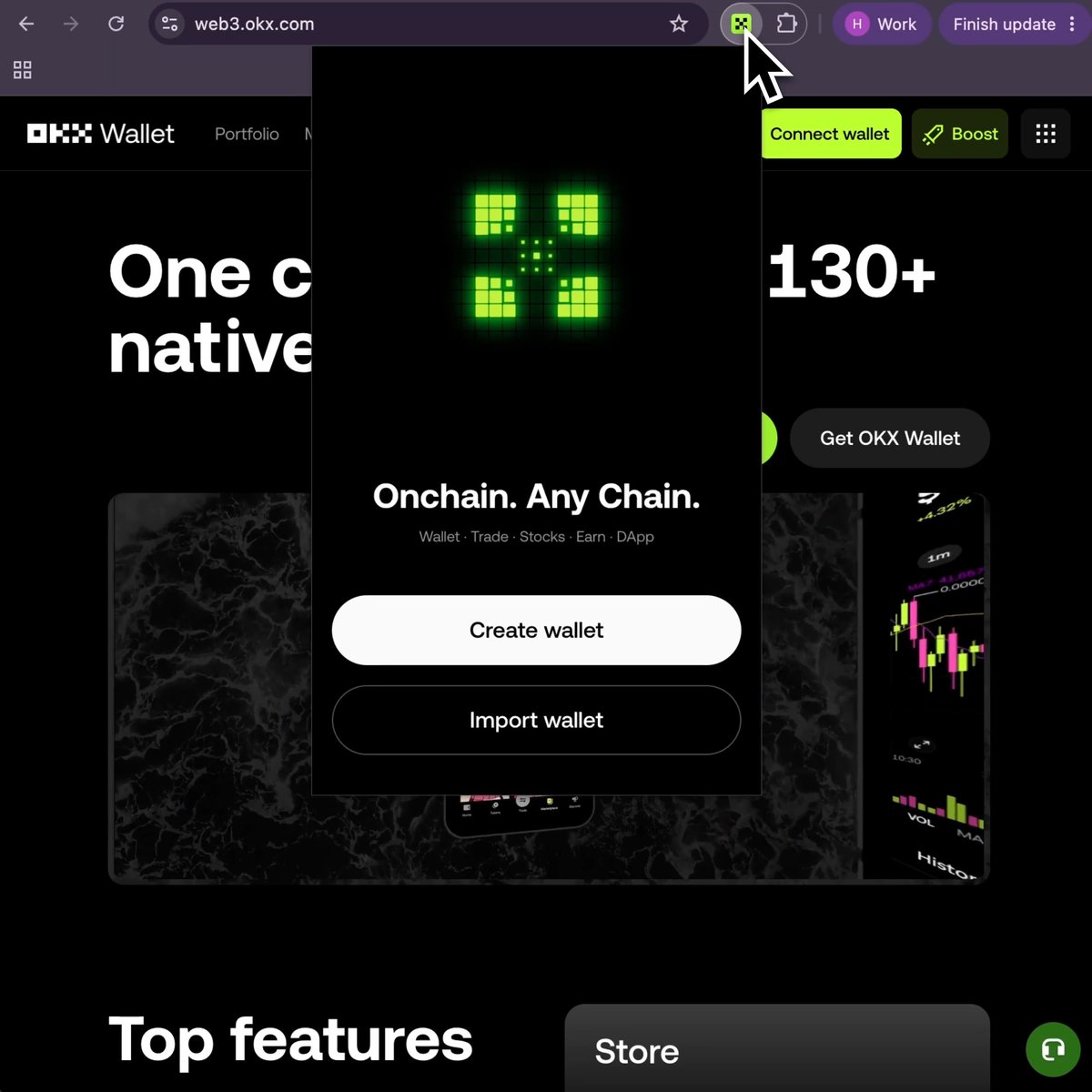
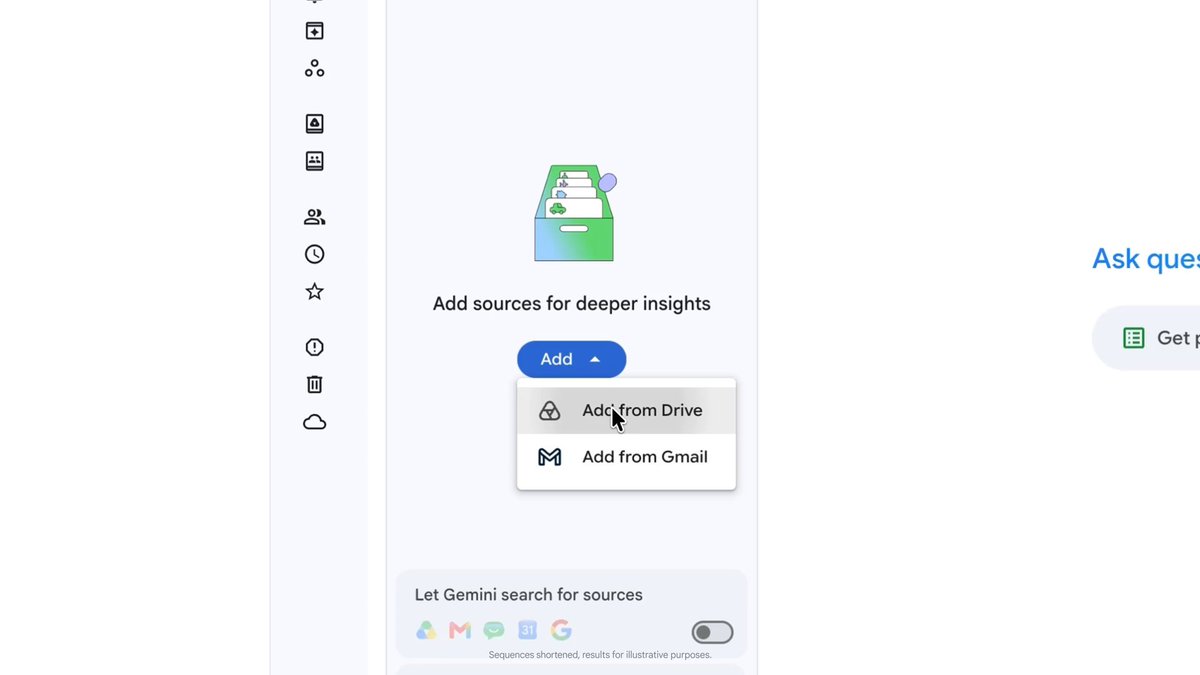
Google Workspace just got a major upgrade in Orca! Log in once, and keep using Calendar, Docs, Drive, Meet, and more without getting logged out. You can even use Orca CLI to automate workflows like email triage and drafting. Get started in two easy steps: 1. Log in to...

63,078 Aufrufe • vor 1 Monat •via X (Twitter)

13 Kommentare

Profilbild von Orca ADE
Orca ADEvor 1 Monat

If you're curious how we did it, check out a visualization of our cookie import architecture Or inspect the code in our open source repo

Profilbild von Calvin
Calvinvor 1 Monat

does this mean u can use hermes without mcpbloatware

Profilbild von 安叫兽|Bird🕊️ 🔶 BNB
安叫兽|Bird🕊️ 🔶 BNBvor 1 Monat

不用反复登录这点,做自动化省心多了。

Profilbild von 0xAI
0xAIvor 1 Monat

check DM

Profilbild von Filipe Macedo
Filipe Macedovor 1 Monat

Só falta melhorar a DX para revisar PRs do Github (de preferência integrado com agents...)

Profilbild von Orca ADE
Orca ADEvor 1 Monat

Will improve there!

Profilbild von Oscar Rivas
Oscar Rivasvor 1 Monat

You guys really dont want us to leave the window of the app haha 😉

Profilbild von Kevin Luciano
Kevin Lucianovor 1 Monat

This is amazing 🫍

Profilbild von Ben
Benvor 1 Monat

one login then the cli can triage mail. persistence is the actual feature.

Profilbild von Andry Orellana
Andry Orellanavor 1 Monat

And when will there be full support for WSL? Orca doesn't detect PRs if Git is installed in WSL instead of on Windows

Profilbild von Rexx DZN
Rexx DZNvor 1 Monat

One thing that orca can't is importing projectleider chats, from my codex, hermes agents.

Profilbild von Ratsuns ツ
Ratsuns ツvor 27 Tagen

I still get the issue of orca saying

Profilbild von Claire Bennett
Claire Bennettvor 1 Monat

Great upgrade for productivity workflows! Orca ADE is making everyday tasks smoother with better Google Workspace integration and powerful automation capabilities. Exciting progress for developers and users alike

Ähnliche Videos

Most developers can't explain how Single Sign-On (SSO) works. ​ This was one of my favorite questions during technical interviews. I love to ask about it because it's not a trivial topic. ​ Here is a 5-minute overview of how Single Sign-On works. ​ We all hate passwords; the less we use them, the better, and SSO helps with that. ​ When you log in to Google once and visit YouTube, Gmail, Drive, and any other connected service without re-entering your password, three players are working behind the scenes: ​ • A user trying to access an application. You, in this case. • The application you want to access. For example, YouTube. • An Identity Provider (IDP) that will verify your identity. Google, in this case. ​ Here is what happens when you try to access one application for the first time: ​ 1. You try to log in to YouTube, and the application redirects you to the Identity Provider (IDP) for authentication. ​ 2. The IDP (Google) checks your credentials and confirms your identity. It creates a new session for you on its server and sets a session cookie in your browser. ​ 3. The IDP also creates a token for YouTube—a small piece of data that contains information about your identity. ​ 4. Your browser grabs the token and presents it to YouTube. ​ 5. YouTube checks the token, and if it is valid, lets you in. ​ But then you want to access Google Drive: ​ 1. You go to Google Drive, and the application redirects you to the IDP. ​ 2. The IDP recognizes that you are still logged in because you have the session cookie. It doesn't need to ask for your credentials. ​ 3. Instead, the IDP generates a new token for Drive. ​ 4. Your browser grabs the token and presents it to Google Drive. If the token is valid, Drive lets you in. ​ You can now access multiple applications without re-entering your password. This is probably one of the best things we've invented since sliced bread! ​ But, of course, implementing Single Sign-On is a nightmare! If you are a developer, don't try to reinvent the wheel. I've been implementing SSO since dinosaurs were around, and I can tell you you want to check out Auth0. ​ Auth0 makes implementing SSO 100x easier. They just updated their free plan, and you get a lot without having to pay a single cent. 25,000 monthly active users, unlimited social connections, and you can go to production with custom domains. FOR FREE! ​ They are sponsoring this post. To save your time, keep your sanity, and have a really solid and secure solution, head over to their website: ​

Santiago

204,895 Aufrufe • vor 2 Jahren