Video yükleniyor...
Video Yüklenemedi
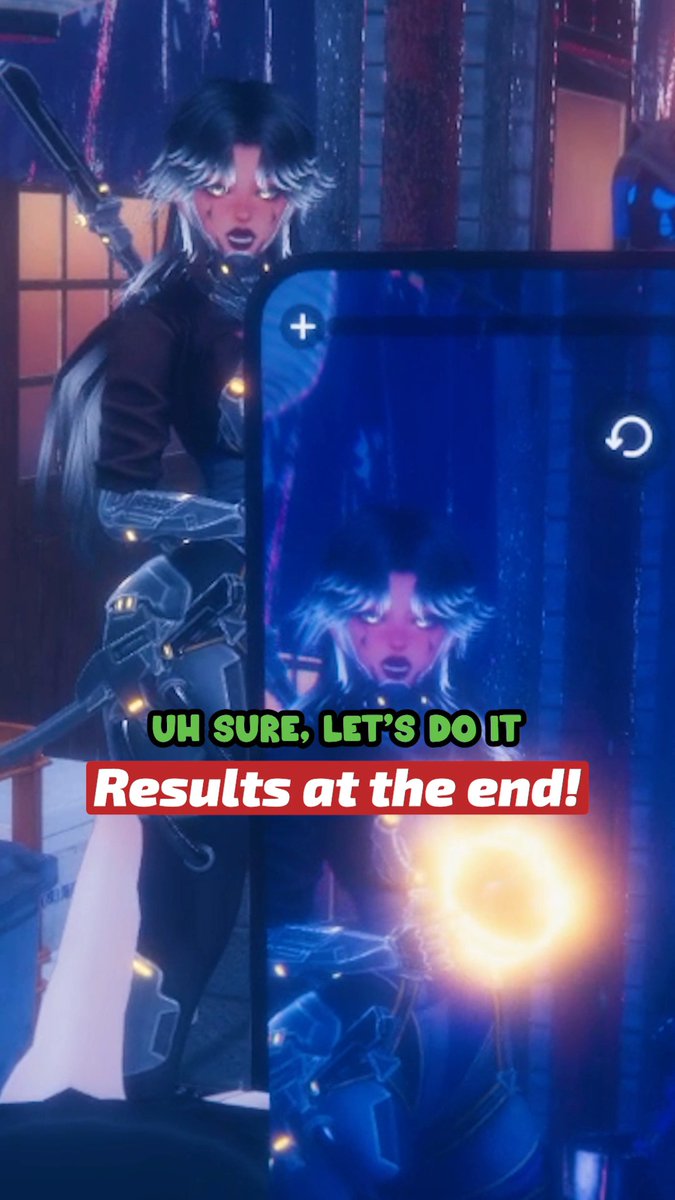
How to fix broken/ corrupted blendshapes on your vrchat avatar #vrchat #vrchatavatar
32,484 görüntüleme • 1 yıl önce •via X (Twitter)
10 Yorum

Just gonna add a little extra tip, if this is happening you can also just click on basis go into edit mode, click on a random vertex, hit G on your keyboard to move that vertex, hit 0 to move it by nothing and then hit enter, this refeshes the Basis and should fix the issue

my goodness thank you!! this has been plaguing like every complex asset ive ever done >w<

Shape keys are fickle things and if you do anything in edit mode and you happen to have a shape key selected this and not realize this can lead to this issue too. Too many times I've had to Frankenstein edits together cause of a shape key selected.

Heads up even though most peeps here probably already have it but "Apply selected shape key to basis" is actually an option that comes with the CATS Blender plugin and not part of vanilla Blender so if you can't find that option you're gonna want to install CATS

This happens so frequently I have wasted hundreds of hours on dozens of projects, this works on 3.6 and 4.2, thank you so much.

youre a saint, i swear most my blender issue are to do with blendshapes loool

Never had this issue, but this is probably gonna come in handy at some point!

@unity why?

I've had this issue a few times before. This is really good to know! 💜

Incorrect, just reset basis manually by selecting a vertex and hit G -> 0 then enter. It’ll fix it