Loading video...

Video Failed to Load

Go Home

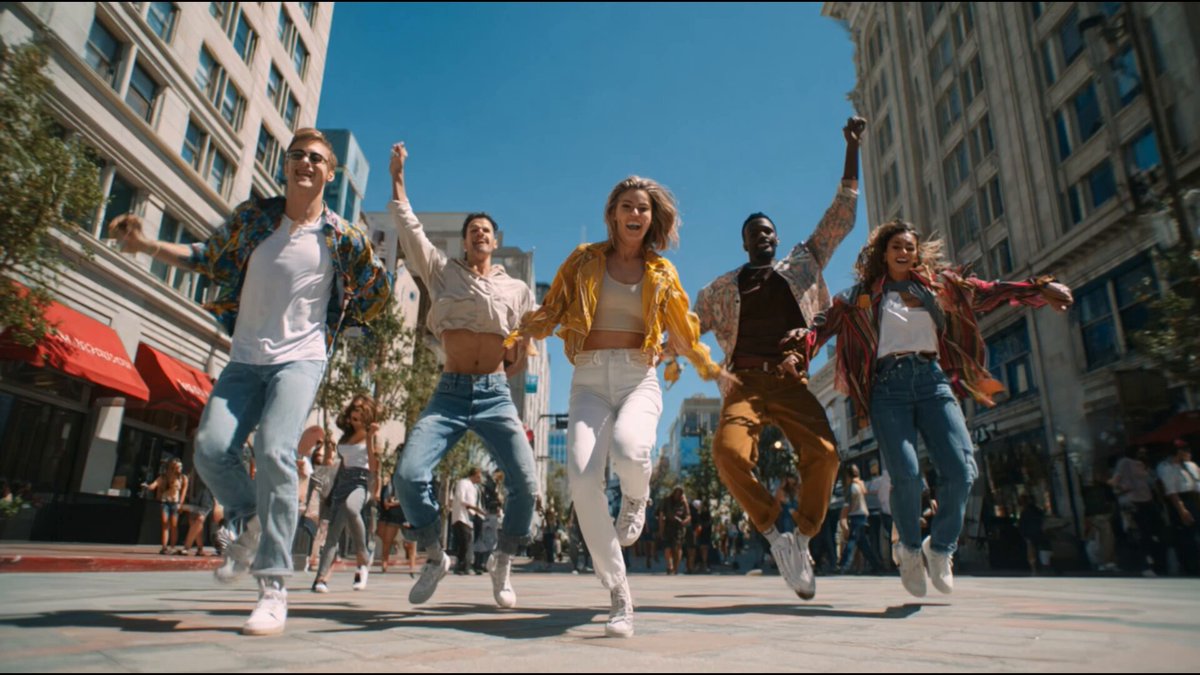
I have a template on Freepik Spaces! Create consistent sequential shots from a single image and one click. The workflow is powered by Google Nano Banana Pro, and gives you control over where a story can go. Here's a very quick example, full tutorial on the way!

11,292 views • 10 months ago •via X (Twitter)

28 Comments

MayorkingAI's profile picture
MayorkingAI10 months ago

@martinleblanc This is great, well done Jerrod

Jerrod Lew's profile picture
Jerrod Lew10 months ago

@martinleblanc Thank you!

Marius Serban's profile picture
Marius Serban10 months ago

Thanks for the template, Jerrod! Can I start from an image I already have rather than from text-to-image?

Jerrod Lew's profile picture
Jerrod Lew10 months ago

Yep absolutely!!

Marius Serban's profile picture
Marius Serban10 months ago

Awesome. Thanks! Trying it now but Nano Banana Pro on Freepik is currently painfully slow...

Juanes's profile picture
Juanes10 months ago

@jerrod_lew At least it is loading for you. Mine literally won’t. Thanks @freepik

Marius Serban's profile picture
Marius Serban10 months ago

@_juanes013_ @jerrod_lew @freepik It actually worked for the first picture, and that's it. It stopped working, so no images were created in the last 10 minutes :(

Jerrod Lew's profile picture
Jerrod Lew10 months ago

@_juanes013_ @freepik In the Discord a few people are giving similar feedback about generation errors, Freepik are normally quite quick to get on it!

AirOneWan's profile picture
AirOneWan10 months ago

Sounds great, can't wait for it!

Jerrod Lew's profile picture
Jerrod Lew10 months ago

It's already available!

Rodrigo Alessander's profile picture
Rodrigo Alessander10 months ago

não entendi nada

victorbonafonte's profile picture
victorbonafonte10 months ago

thanks for this Jerrod!

🏆Wolf Mike Mozart🏆AI World Builder🏆's profile picture
🏆Wolf Mike Mozart🏆AI World Builder🏆10 months ago

It’s so easy!!! Thanks @jerrod_lew

Jerrod Lew's profile picture
Jerrod Lew10 months ago

Yess! A really simple flow but I think can be helpful!

Magnific's profile picture
Magnific10 months ago

We’ve been loving it since day one 🥹

⭕ AI & Design (Marco)'s profile picture
⭕ AI & Design (Marco)10 months ago

This looks very cool!

Jerrod Lew's profile picture
Jerrod Lew10 months ago

The legends at Freepik have been so supportive, it's great.

Pierre Lamarre's profile picture
Pierre Lamarre10 months ago

Great work Jerrod! Love the vibe.

Jerrod Lew's profile picture
Jerrod Lew10 months ago

Thank you, Pierre!

Pierre Lamarre's profile picture
Pierre Lamarre10 months ago

Of course, well deserved my friend! Thank you very much for the follow, it's super appreciated.

chriscapelyt's profile picture
chriscapelyt10 months ago

What’s it called? I’ve only searched your name on Freepik but nothing comes up.

𝐙𝐞𝐧𝐠 💜's profile picture
𝐙𝐞𝐧𝐠 💜10 months ago

Wow. A template on Freepik Spaces. Nice

K's profile picture
K10 months ago

This one is cool

AI_Dreamcast's profile picture
AI_Dreamcast10 months ago

great job @jerrod_lew

Divyansh Chauhan's profile picture
Divyansh Chauhan10 months ago

Yep this is useful. I created a dedicated platform to allow creators to create video films with consistent characters and assets, with simple idea prompts. The videos are pretty good!

Jerrod Lew's profile picture
Jerrod Lew10 months ago

Awesome stuff!

Himanshu Kumar's profile picture
Himanshu Kumar10 months ago

I've created consistent image sequences, single image, it's efficient.

Roman's profile picture
Roman10 months ago

waiting

Related Videos

All these demo videos make HEAD SWAPPING with Nano Banana look so easy, but then you give it a try and you're like... uh... what? Why didn't that work? Here's what I've found. Nano Banana reads your image, almost literally, so if you write on the image, it reads the text. This is how Higgsfield AI 🧩 has capitalized on the tech: "Write on the image" and give it direction, right? Totally true, but you don't need Higgi to write on your image. Nano Banana will understand your direction regardless of where you write on your image. On one hand, Higgi is really smart, because they're hranessing the tech in a unique way, but the whole "Higgsfield's Banana Placement" is a bit of a misnomer. It's more of a "Banana Placement" and Higgi is just giving you a sort of basic Photoshop-type tool to work with (again, pretty smart), but the real tech is the Banana. 🍌 This is how I head swapped heads in Runway, but Nano Banana maintains the aesthetic qualities of your image almost perfectly, whereas Runway Reference spits out a very Gen-4 looking image. I like using Nano in Freepik (now Magnific), mainly because it's fast and I can get 4 gens at a time, and you need to gen a dozen times of so before you get a winner (most of the time). I was pumped when I saw Freepik introduce the @ reference feature, just like Runway has, but it doesn't seem to work for head swapping. My guess is because that's not really how Nano Banana tech works... ideally. Marco is the person I saw using this "A" and "B" method, back when Nano was on LM Arena, and man-oh-man, it just works... like a charm. You need experiment with how much of the face you blot out, and the angle and facial expression of your new head if you want the blend to be perfect. All of the results in this video are 100% Nano Banana. I did not do any Photoshop work to the images after the fact. I really hope this helps. Let me know if you have any questions. I'm happy to help. And I'll keep posting videos like this if you guys find them useful. Let me know! And if you want more serious, one-on-one AI consultation you can throw something on the books here:

Jordan Daniel Chesney

62,235 views • 1 year ago