Loading video...

Video Failed to Load

Go Home

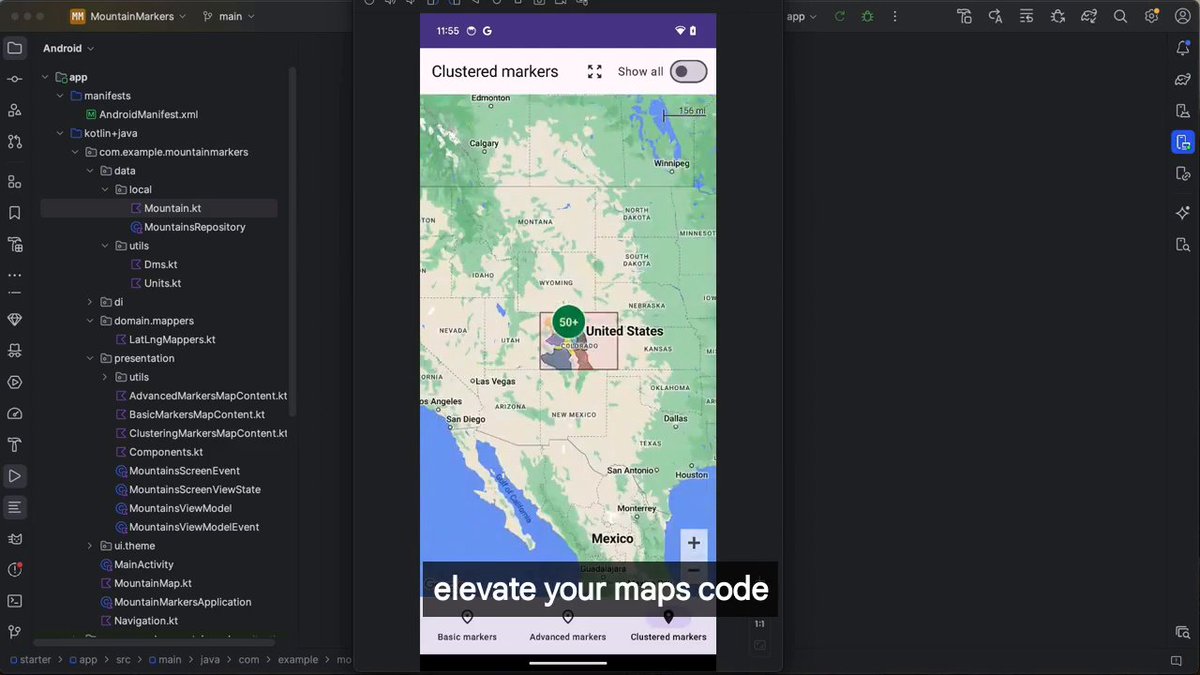
I ported the fancy loaders to Jetpack Compose. Copy. Paste into your project. Done 🚀

12,543 views • 7 months ago •via X (Twitter)

5 Comments

Jorge Castillo's profile picture
Jorge Castillo7 months ago

Grab them for free in

fred's profile picture
fred7 months ago

This is gold. Are you using CMP for ios in production yet? kinda curious on your take

Jorge Castillo's profile picture
Jorge Castillo7 months ago

Nope! Sorry

Costa's profile picture
Costa7 months ago

awesome mate

Chris Sinco's profile picture
Chris Sinco7 months ago

Excellent stuff

Related Videos

How to create Farcaster mini app without coding - Step 1: > Go to ChatGPT > Just type: "I would like to create a Farcaster mini app, can you give me some ideas?" > Choose any one of the ideas - Note: - You can also type your own idea to ChatGPT and alter it - Step 2: - Go to ChatGPT > Paste the first prompt (shared in my channel) > Include the project you chose and tell ChatGPT to alter the prompt according to the idea below - Step 3 - Go to: > Sign up using Gmail or GitHub > Projects -> New Project -> Type the name of your project >Just paste the prompt we created earlier > It will start creating your app > If you need to alter anything, just go to GPT and type: [ I need a prompt to alter "your issue (like changing colour, etc.)" in my app already created in v0app by Vercel ] > Copy the prompt and paste it in v0 > No need to worry about errors , it will rectify them for you > If your project is finished, just click "Publish" on your top right > It will automatically host your app in Vercel > Click "Visit site" to see your app on another device and copy the website URL - Step 4 - Go to: v0 app > Just paste Prompt 2 from the file I provided > Click Publish once it’s completed - Step 5 - Go to: v0 app > Just paste the prompt 3 from the file I provided - Step 6 (Important) > Just paste Prompt 4 from the file I provided - Step 7 > Just paste Prompt 4 from the file I provided - Step 8 > Just paste Prompt 6 from the file I provided > It’s an important step to do — you need to create a manifest inside your app so that you can host it on Farcaster - Step 9 - Go to: > Sign up or Login > Settings → Developers → Mini Apps → Create Manifest (New) > Paste your website URL (remove https) > It should be like: > If you find any error while doing this, just copy and paste it in the v0 app > Once everything is finished, you need to create Account Association > Scan the QR on your mobile and tap and hold the Yes button > It will show an error — just copy and paste those errors into the v0 app > Click Publish again, and then click Refresh in Manifest > Click Open your app > for the main prompt file check our tg channel link in our bio

Maran

48,529 views • 11 months ago