Загрузка видео...
Не удалось загрузить видео
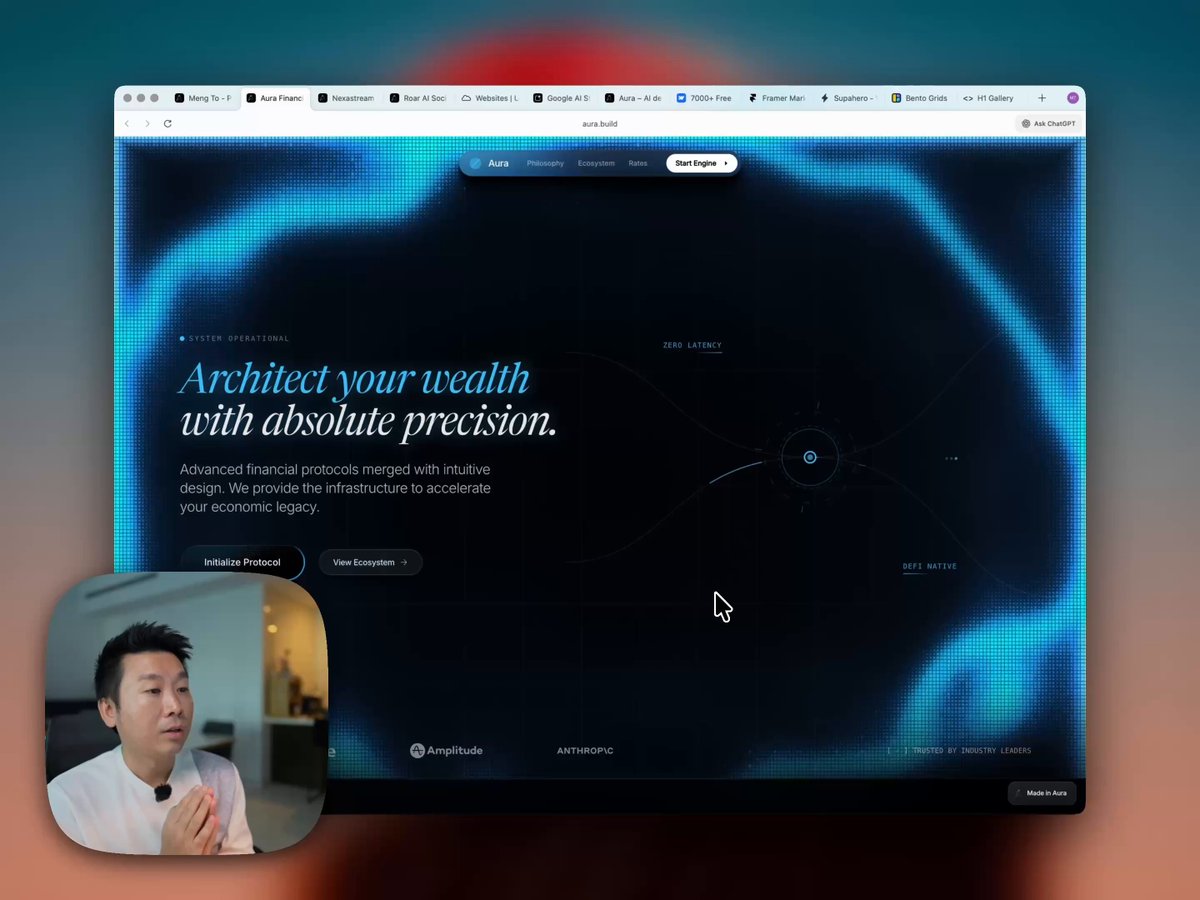
I recorded a 21-min tutorial on my screenshot to html workflow. Pretty much a game-changer.

48,415 просмотров • 1 год назад •via X (Twitter)
Комментарии: 8

Grab the free figma file: Download the file: Resources mentioned: UIVerse: Dribbble: Layers: Lapa Ninja: Designs I made in Aura:

Really great video! It’s amazing what I can use Aura to create now. If you’re a designer, this tool has been great for quickly creating really beautiful and creative design layouts.! Thanks for sharing your process 🏜️
Thanks CK for all your feedback. I was able to push a bunch of improvements thanks to you. 🫶

In the old days, this was literally a fulltime job 😃

what if we are not cloning but building a new product ourselves, lots of sketches or sometimes just ideas not sure what kind of Ui would be intuitive to user. how do we move beyond these landing pages and create a whole iterative design pipeline that we used to do on actual products before chatgpt. I guess we are trying to limit our imagination and experimentation due to compute costs and keeping pricing under control.
You can certainly build from a photo. o3 is pretty smart at figuring out both ways.

Great stuff man, the designs are remarkable but when i use them the page becomes slow!!
Oh can you link me to the page that’s slow?