Loading video...
Video Failed to Load
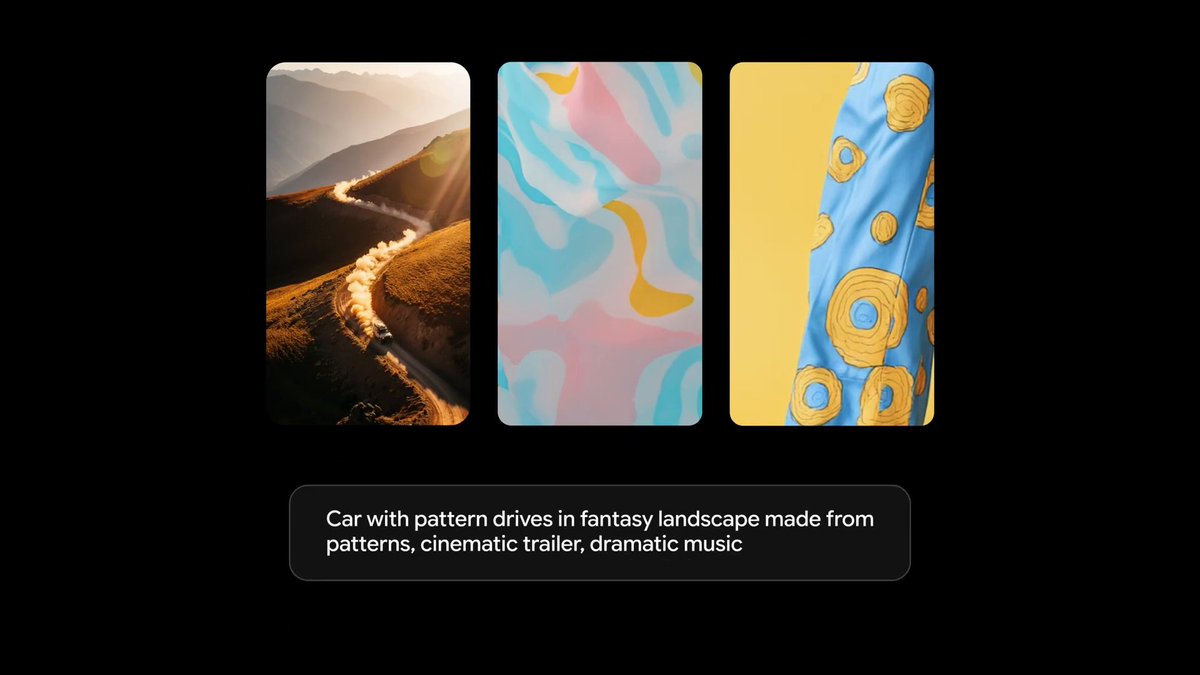
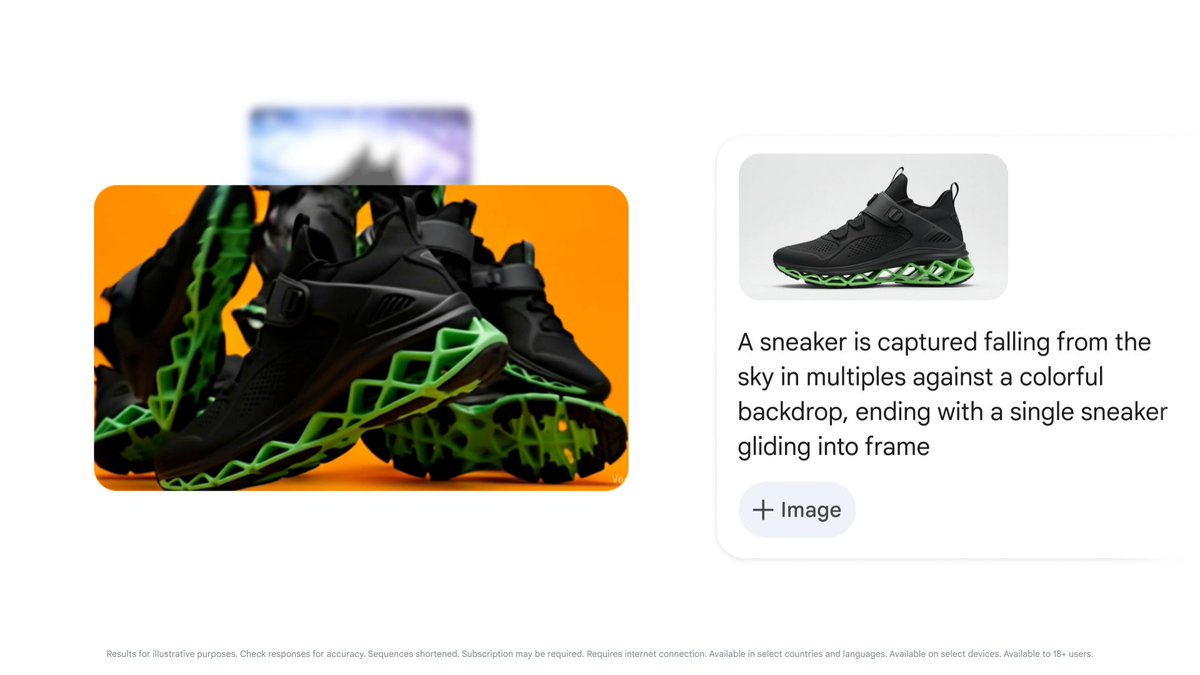
🖼️ Ingredients to video Give multiple reference images with different people and objects, and watch how Veo integrates these into a fully-formed scene - complete with sound.

27,684 views • 1 year ago •via X (Twitter)
6 Comments

🎥 Introducing Veo 3.1 It brings a deeper understanding of the narrative you want to tell, capturing textures that look and feel even more real, and improved image-to-video capabilities.
Veo is getting a major upgrade. 🚀 We’re rolling out Veo 3.1, our updated video generation model, alongside improved creative controls for filmmakers, storytellers, and developers - many of them with audio. 🧵
↔️ Scene extension Create longer clips, even lasting for a minute or more, that continue the action from your original shot. Each video generated is based on the final second of the previous clip to help continue the story, and keeps the background and people consistent.
💡 From A to B, in an instant Give the first and last frames and Veo will bring the entire scene to life, helping you create a seamless video with epic transitions.
These are just a handful of capabilities powered by Veo to try in @FlowbyGoogle, through the Gemini API and beyond. Find out more ↓

Turn a pile of snapshots into a movie with sound? Used to take me hours, a projector, and patience. Now it's seconds. Not bad, if it keeps us sharing stories.