Загрузка видео...
Не удалось загрузить видео
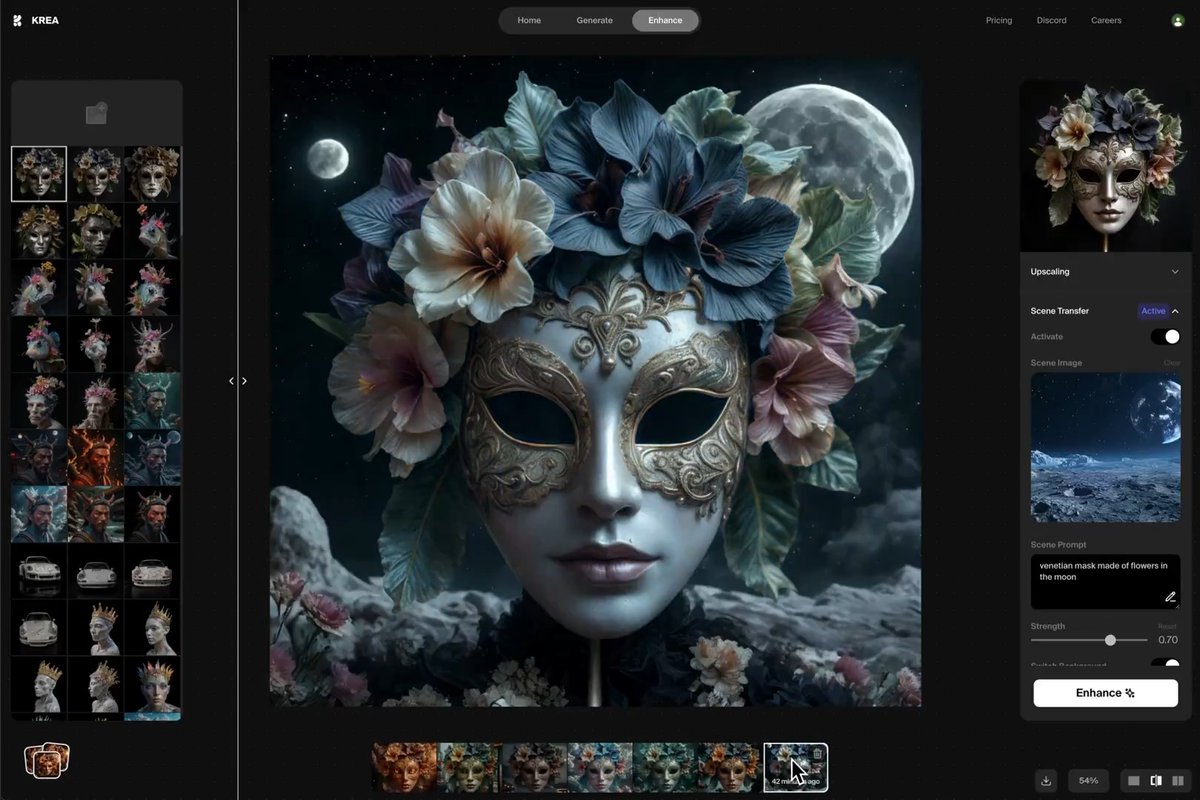
introducing real-time custom AI models. now you can train your own styles, characters, or products and use them in Krea Real-time. tutorial below 👇

250,265 просмотров • 1 год назад •via X (Twitter)
Комментарии: 11

here's how to create a new Realtime AI training: 1. Head to 2. upload the images that you want to use for the training or re-use images from a previous one. 3. make sure to have "Realtime" active on the settings. 4. train!
once the AI model is trained, you can use it in as follows: 1. open the Style Selector. 2. find your new trained model. 3. select the model and adjust the strength. 4. create!

Stop wasting time following up with leads. Let our AI agents do it for you.

custom AI models can totally change how you create. imagine effortless edits that stand out.

This is awesome 🤩

krea on top

u guys are psychos with it, 🔥🔥🔥

Now you’re cooking fr

Yoooo

This is kinda cool. Pretty amazing feature.

huge