Загрузка видео...
Не удалось загрузить видео
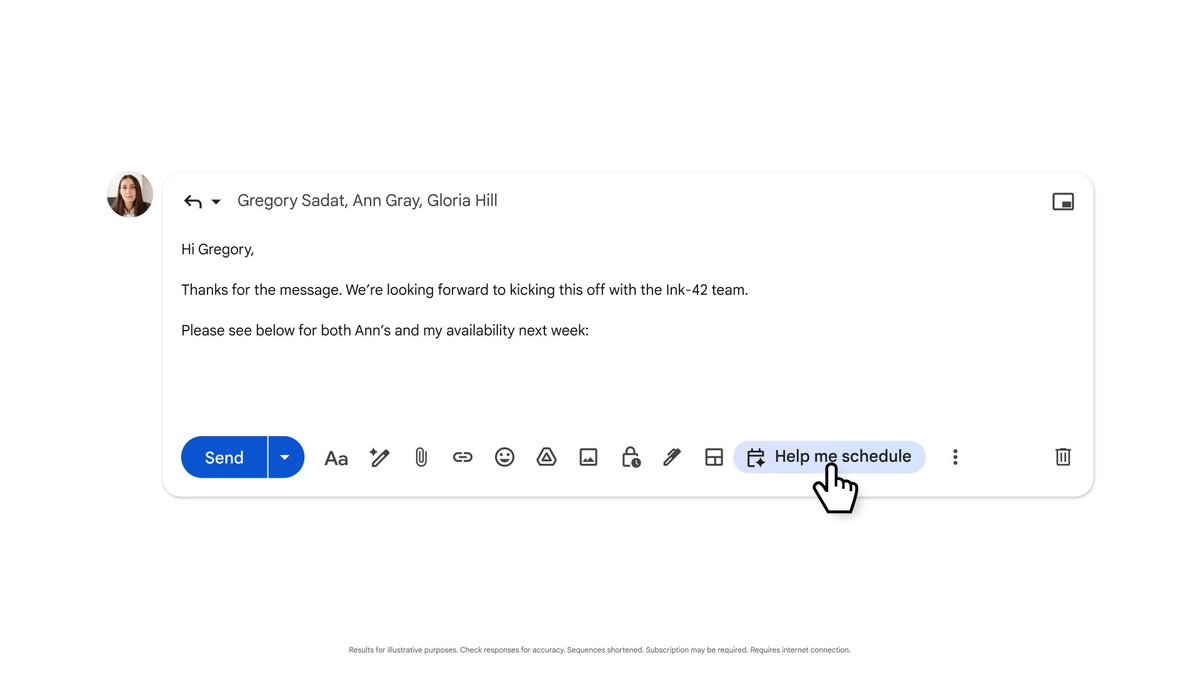
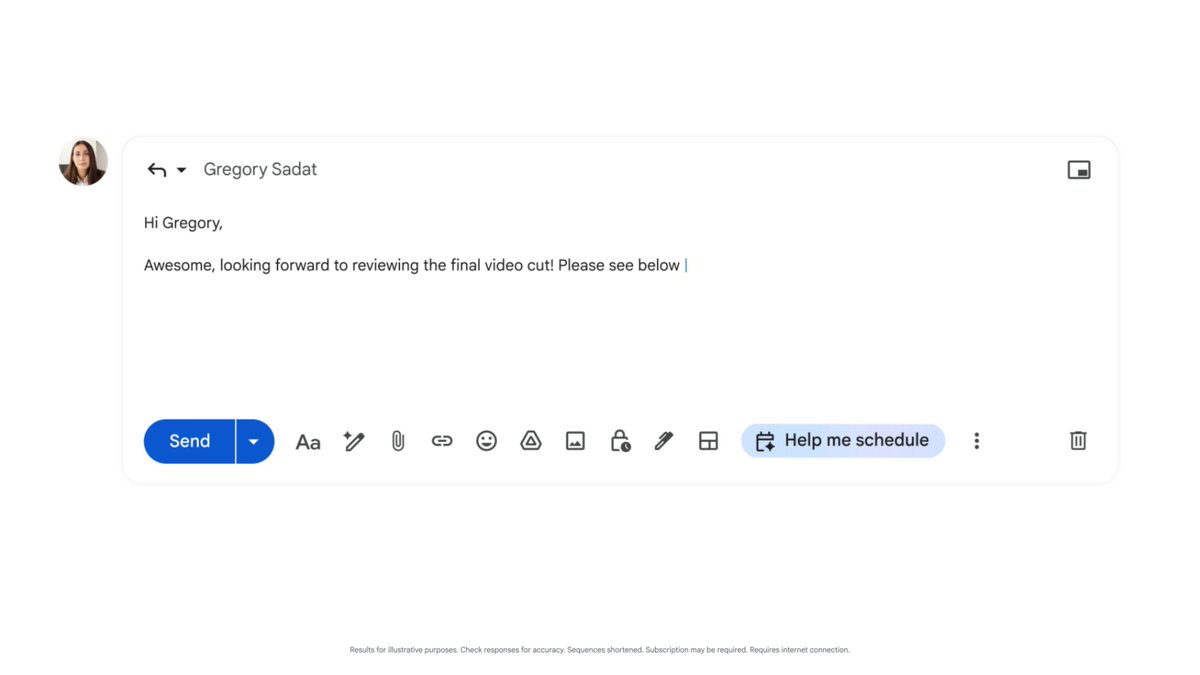
Introducing the first AI-powered meeting scheduling inside Gmail. Imagine your brain directly wired to your calendar and email. No app switching or awkward Calendly links — just effortless scheduling within Gmail: • Write emails with availability from Calendar • Respond to email invitations • Create events in Calendar from... show more

17,463 просмотров • 2 лет назад •via X (Twitter)
Комментарии: 10

Next, I can have the AI respond appropriately to different kinds of email invitations, understanding the email context, checking my Calendar availability and following my preferences.
Finally, when a time is agreed upon, I have the AI create a detailed Calendar invitation, with all information extracted or generated from the thread. And it works great with my kids' school emails packed with events and deadlines too!
Fun fact - I'm not a developer, I design products. While engineer by education, I haven't really coded in more than a decade. I've never built a Chrome extension, never coded in JavaScript, never used Google Cloud Console. I did work hands-on for the past couple of years on LLMs, designing DSLs, prompting, evaluating - so, I know how LLMs work very well, but also then... never wrote actual code.
How did I build this then? I only used a combination of Claude, ChatGPT, and Devin for EVERYTHING. When one AI got stuck, I switched to another. When one wrote the code, I had the other review it. And after a while, I ended up being able to code myself, fixing bugs or adding pieces of logic (where LLMs still struggle).
The experience for non-developers is still painful and very much manual - I hope someone will build better tools for us (@amasad at @replit? @mikeyk with improved Artifacts UX in @AnthropicAI Claude? @rauchg and @shadcn at @vercel) Still, it's incredible what I was able to build. But it's not just the AI assistants writing code for me: the fundamental change in code development is using "LLM modules" to build entire features.
As in the @karpathy LLM OS, most functionalities were built using various LLM modules to: • Classify emails to further route the AI to the proper module • Check my availability combining calendar information and scheduling preferences entered in plain English • Decide whether to accept a meeting or propose new times • Write an entire email for me • Create a calendar invite based on the content of a thread
To build these features I "simply" had to prompt the LLM along with the proper inputs to get the expected output. Don't get me wrong, prompting is still an art - but I didn't have to code in a language I didn't know, JavaScript, the entire feature: I basically "coded" it using English.
What’s even more remarkable is that I could not have coded many of these features, no matter how skilled I was as a developer. There is no way you can build a product like this without LLMs. AI unlocks a new generation of products that adapt to the way we naturally work, removing the constraints of the tool-centric approach used until now to interact with computers.
Product design is fundamental in this new age of AI. You can either add incremental AI capabilities to legacy solutions or you can re-imagine product experiences with a new human-centric approach. This solution looks so obvious, yet out of so many Calendar or Email apps, nobody has built something like that.
I wrote in more details about how to design products that feel magical yet reliable, and why human-centric design matters more than ever in the AI era. Need help with designing a mind-bending AI product? DMs are open!


![Grok Connectors plug straight into your apps. Gmail, Drive, Notion, Calendar. Emails, docs, notes, schedules. All live. All usable. Why this matters: * No more copy-paste between apps * Grok uses your actual emails, documents, notes, and calendar * Saves serious time on daily tasks * Works on the free plan too * More connectors keep getting added Connect your apps: * Open Grok; app or web * Go to Settings, then Connectors, or tap the + / tools icon * Pick your apps; Gmail, Drive, Notion, Calendar * Tap Connect; sign in and approve access No special commands. Simple prompts: * “Summarize my unread Gmail from the last 24 hours” * “Find the latest project proposal in Drive and summarize it” * “Search my Notion for notes about [topic]” * “Draft a reply to my boss using the Q2 report from Drive” * “What’s on my calendar next week? Show free slots” * “Organize my recent Notion pages about [topic]” Pro tips: * Be specific; dates, folders, keywords * Works best in text chats for now. Voice support is coming soon * Disconnect anytime in Settings This is where it stops being a chatbot. xAI](https://image.24vids.com/tw-2057703003600154743/amplify_video_thumb/2057661828717535232/img/wv6lZfJxnHePqnnW.jpg)


