Loading video...

Video Failed to Load

Go Home

Introducing the WoW Camera Tools addon 🎥 A small project I’ve been tinkering with that gives you a simple UI for cleaner screenshots, smoother camera control and a bit of fun cinematic flair. Features include: • Rotate, tilt and zoom buttons • Adjustable speed sliders for each movement •...

136,830 views • 9 months ago •via X (Twitter)

0 Comments

No comments available

Comments from the original post will appear here

Related Videos

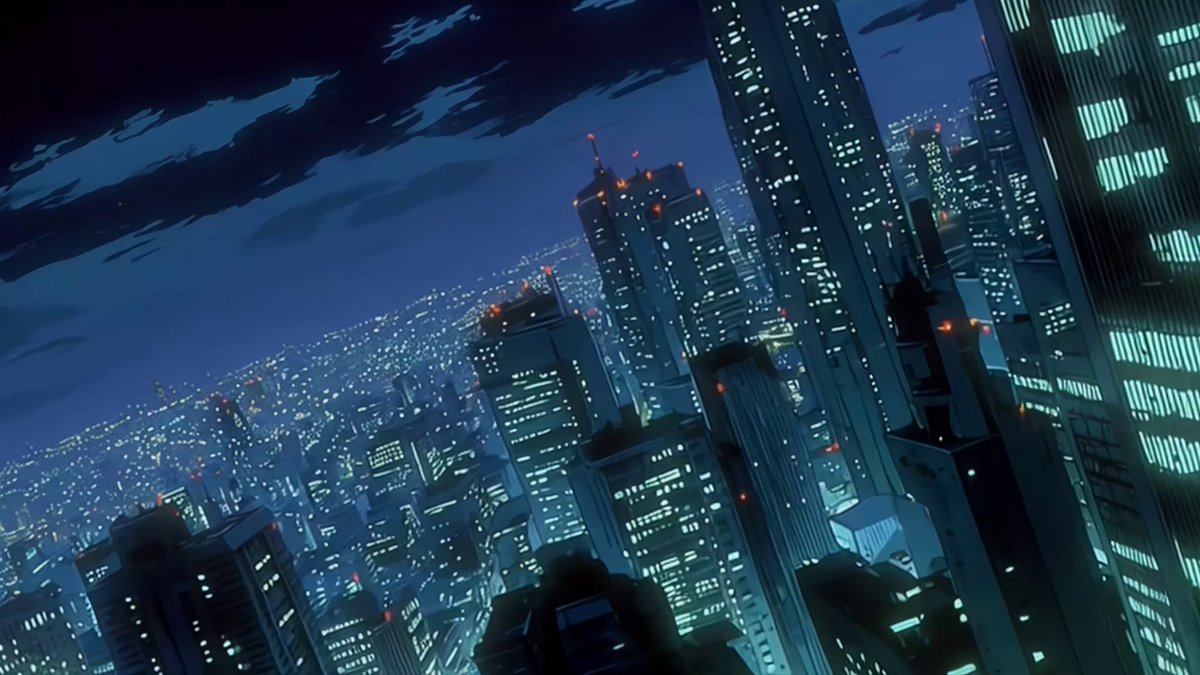
I’ve finally applied #ViduQ3 to a narrative project for SquadBlast . It handles action sequences and explosions with a level of consistency I hadn’t seen before. I achieved camera movements I’ve had in mind for a long time that other models simply wouldn't allow me to implement. The Start-end frame option generates high-quality animations with great control, provided you choose the points wisely and give the model enough time to generate the full movement fluidly. Grok surprised me with its iteration speed. I use it to bring dynamism to establishing shots and dialogue scenes that require quick corrections. If the scene needs movement, it’s my first choice. For more paced scenes or dialogues in wide shots, I prefer Sora 2. It is better suited for maintaining character style in distant shots, where Grok tends to struggle. The music was created in Suno (Industrial Tech-Step). I was looking for a sense of movement through minor-key synth arpeggios and extreme reverb. The "Studio" feature allowed me to precisely control the intro length and the exact point where the kick hits. Finally, a huge thanks to Framer 🇱🇹 for the amazing work on Cartoon Hero and for helping me connect with the professional world, and to OscarAI for his SREFs. I didn't have much time to develop the art style from scratch, so I used one of the SREF he shares. It fit perfectly with the bluish palette and the Otomo-inspired retro sci-fi style I was aiming for. It easily saved me a full day of work. IF ANYONE HAS ANY TECHNICAL KNOW-HOW QUESTIONS RELATED TO ANY SEQUENCE FEEL FREE TO ASK IN THE COMMENTS.

VoxelPlot

17,771 views • 7 months ago

🦊 Hi everyone it’s Yeonjun! Today is finally the day I, having gone through the period as a trainee, officially become an artist as Yeonjun from TXT~ 🦊 It’s such a happy and meaningful day for me, I’ve been waiting for this moment for a really long time I started training and dancing when I was in my third year of middle school and since then I’ve been growing my dream of becoming a singer. I’ve just been running towards it and before I knew it, 5 years had passed ! And today, that dream finally came true. It’s a moment I’ve longed for so desperately, one I’ve really been waiting for 🦊 Earlier, while filming, I kept thinking back as I watched myself on camera, it made me remember all the times I trained, pushed myself, went through evaluations with the members, worked hard and the effort I put into improving.. all of it just flashed through my mind at once The memories all passed through my mind like frames in a film and in the middle of it, I felt a strong swell of emotions in my heart and in the end, I couldn’t hold it in and it just burst out It was such an emotional and happy day for me 🦊 The tears I’ve shed up until now were a mix of desperation and the desire to achieve my dream but today after such a long time, I finally shed tears of joy. It feels like such a memorable day for me, one I’ll remember for the rest of my life It’s been such a meaningful day and I hope I can keep seeing our fans for a long time I’ve really missed everyone so much, but now, thinking that we’ll be able to see each other often for a long time makes me so excited and happy 🦊 And I’m also really grateful, you’ve waited for us for so long and I hope we can repay you with good songs and performances Thank you, thank you so much!

Sara

60,166 views • 8 months ago

Creating an experimental anime film with Seedance 2.5 on CapCut has completely changed how I approach AI video production. For this project, I started with a character sheet to lock the character’s identity, costume, facial features, color palette, and hand-drawn ink style. From there, I built cinematic sequences around extreme close-ups, dynamic camera movement, expressive ink strokes, motion smears, typography, and editorial-style compositions. What makes this workflow especially powerful is that Seedance 2.5 is officially available on CapCut, giving creators first access to its full capabilities directly inside the creative workflow. Instead of generating a shot and moving to another tool for everything else, I can generate with Seedance 2.5 and continue refining the result in the same workflow and selecting the strongest moments, refining individual shots, making localized edits, and directing changes with natural-language commands. The long-form capability is also important for projects like this. Being able to create shots up to 30 seconds and extend scenes while maintaining character, scene, and motion consistency makes it possible to think beyond isolated AI clips and start building actual visual sequences. For this project, precision matters. Timestamp-based prompting, reference-based generation, localized editing, and more controlled creative direction allow me to design the sequence almost like a traditional production pipeline, while keeping the speed and flexibility of generative AI. The result I’m aiming for isn’t simply “an AI-generated anime video.” It’s a cohesive visual language: hand-drawn emerald ink, editorial Japanese typography, expressive animation, cinematic framing, and a consistent character moving through an evolving graphic world. This is where AI video becomes much more interesting to me, not just generating images that move, but directing an entire visual production from concept to final sequence. Seedance 2.5 + CapCut gives creators a much more complete environment to explore that workflow. And this is only the beginning. Powered by : CapCut CapCut Indonesia

Kick Nost

11,288 views • 1 month ago