Video wird geladen...
Video konnte nicht geladen werden
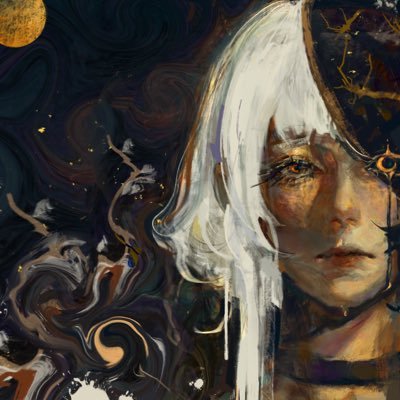
It’s just layer effects, I’m a lazy individual haha
31 Kommentare

This is the settings I used! I just kinda toggle around until the effect fits what I’m looking for. Also added a Stroke effect (7px size). Try different brushes for different effects!

how

@Procreate lock in bro wth

You could get burned at the stake for this today. Don't show this to everyone

Huuuuuh? Magic! That’s a witch!!!! 🫵🏻🫵🏻🫵🏻😭😭😭 give us a tutorial please I beg you !!!

laziness is the mother of efficiency!

Nowil I need the layer effect cheat code casue is great as fuck 😭😭😭

Nah you must be erasing a layer bc WTF

That might be one of the coolest cheater techniques ive ever seen

wtf how Im lazy too

Of course bevel and emboss… congrats, you’re smarter than all of us 🤣

I've been wanting to do something like this for so long but Bevel and Emboss doesn't exist in ClipStudio :(

Bevel and Emboss with a gradient map?

I feel stupid taking so long to render, I need to be like you, lol

People who've never seen ClipPaint brush assets 😅

Finding someone who also uses a shit ton of layers for doodles and sketches always makes me happy

if they ever reveal how pls tag me

this thing can be done on CSP?

Cheating 🫵

I wonder if you can do the same on Clip Studio...

HUH????

How do you even able to do that? 😭

as they say, work smart not hard

i need that layer effects please teach meeeee

If it works don't break it 🔥

bro how do u do this fr?

Genuinely how?

what the fuck

i need a tutorial

Drop the tutorial right now I'm so for serious

Wizard


