Video wird geladen...
Video konnte nicht geladen werden
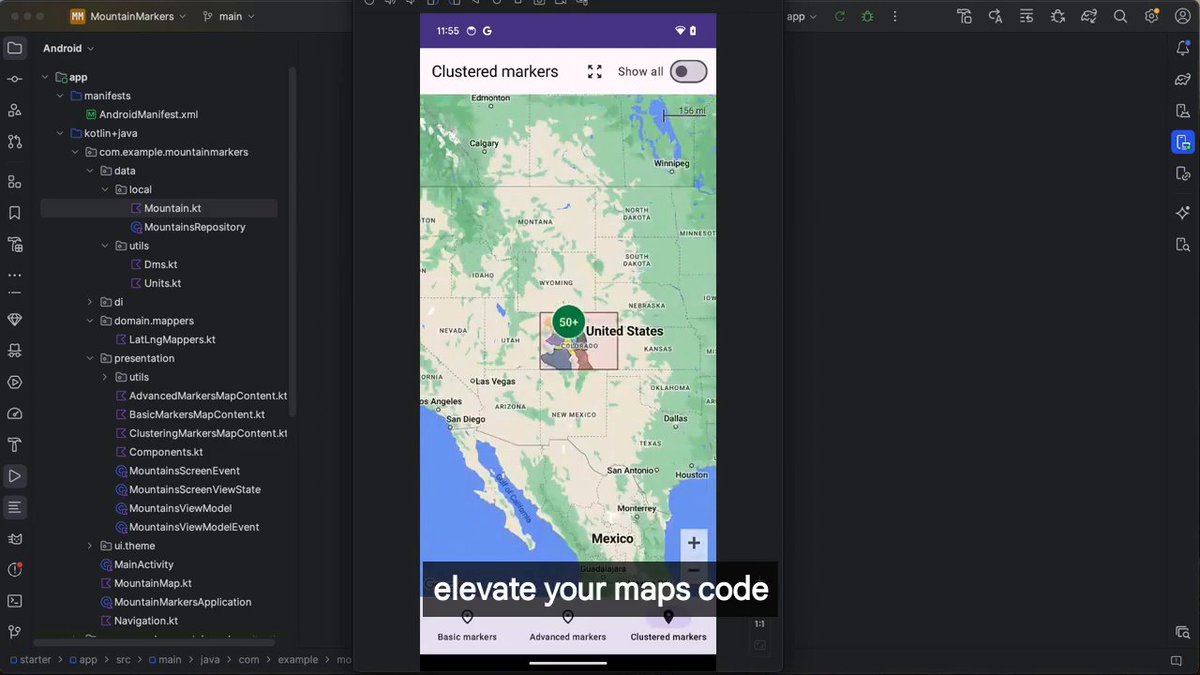
I've been asked many times how we achieved these micro-interactions and meaningful animations with Google Maps SDK. The secret? We skip most Google Maps APIs and render ourselves 😅.

119,297 Aufrufe • vor 1 Jahr •via X (Twitter)
11 Kommentare

So how do you render the maps? Are they still using the Library APIs and then render the animations on top of the maps layer? Thanks for the answer :D

The map itself is rendered with Google Maps SDK using the Compose wrapper. That's it. Everything else is custom: markers, dialogs, overlays, etc. The hardest part? Syncing decorations with map scrolls/flings. The less you rely on Google Maps, the better.

🔓 Unlock new possibilities for your business with APIs! 🚀 Discover our extensive API Marketplace, featuring top-notch, cutting-edge solutions tailored just for you. Elevate your company and drive innovation! Get started with apilayer today:

i'll never forget the proprietary zenly map feature 🥲
That's the next step to "custom" 😜

Do you draw a gl surfaceview on top of google maps ? If yes, Does that even work with hardware rendering enabled now ? Or this is not opengl and you map these markers and cluster then based on map zoom listeners ?
No we render/animate all markers with Compose (rarely with shaders). So almost no OpenGL involved here. Yes we sync decorations with map scrolls/flings

damn i used to use zenly

That's the most impressive part actually, doing it yourself!

LOOKS SIIICKKKKK🤌🤌🤌

I love it