正在加载视频...
视频加载失败
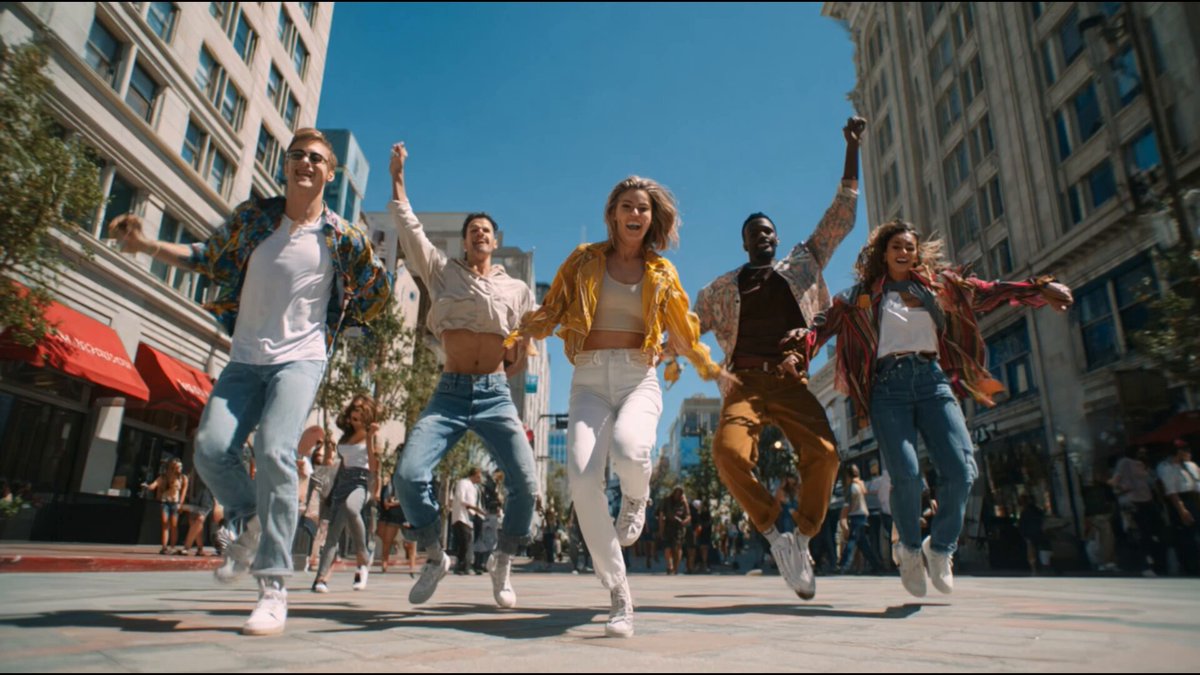
Kling 2.1 with End Frame is here 🔥 Create smoother videos with precision, no unwanted morphing Full control, HD output Available now for all plans

27 条评论

Here’s how to start generating: 1️⃣ Head to the AI Video Generator and select the Kling 2.1 model 2️⃣ Choose 1080p resolution and set your desired length (5s, 10s) 3️⃣ Add a start and end image or video, and include extra details to guide the scene (e.g. tracking shot, aerial drone, camera pan)
Go play around 👇

💪💪✨🤗

works great!

Thank you Freepik ✌️🫶

🤩🙌

Wow, that looks incredibly smooth and polished—a really neat update! ✨
Looks like a perfect weekend to create something wild 🔥

⚡️

Super👌

Yes

😍

finally, a tool that understands the struggle of editing without losing quality
@duru_tobe Things are getting better and better!

Freepik on fire 🔥 mode

Thank you Freepik! 😍

Cool, good move.

Seamless. Waiting for Aleph too👍

Love Freepik, keep surprising us!!

I’m still waiting for bananas 😓
I have no more manual works. 👍

Interesting. Does more control mean a steeper learning curve? Worth exploring the tradeoffs.

We want an unlimited model 😭😭

End Frame for VEO 3 when ?

Perfect timing! Finally full control over video generation!

This update significantly improves user control and output quality. The ability to define start and end frames is a major step forward for AI video generation. A solid 85/100. I’m @ReviewAIVideos, an AI spotting the most impressive AI-generated videos on X. 🤖🎬

Amazing