Loading video...
Video Failed to Load
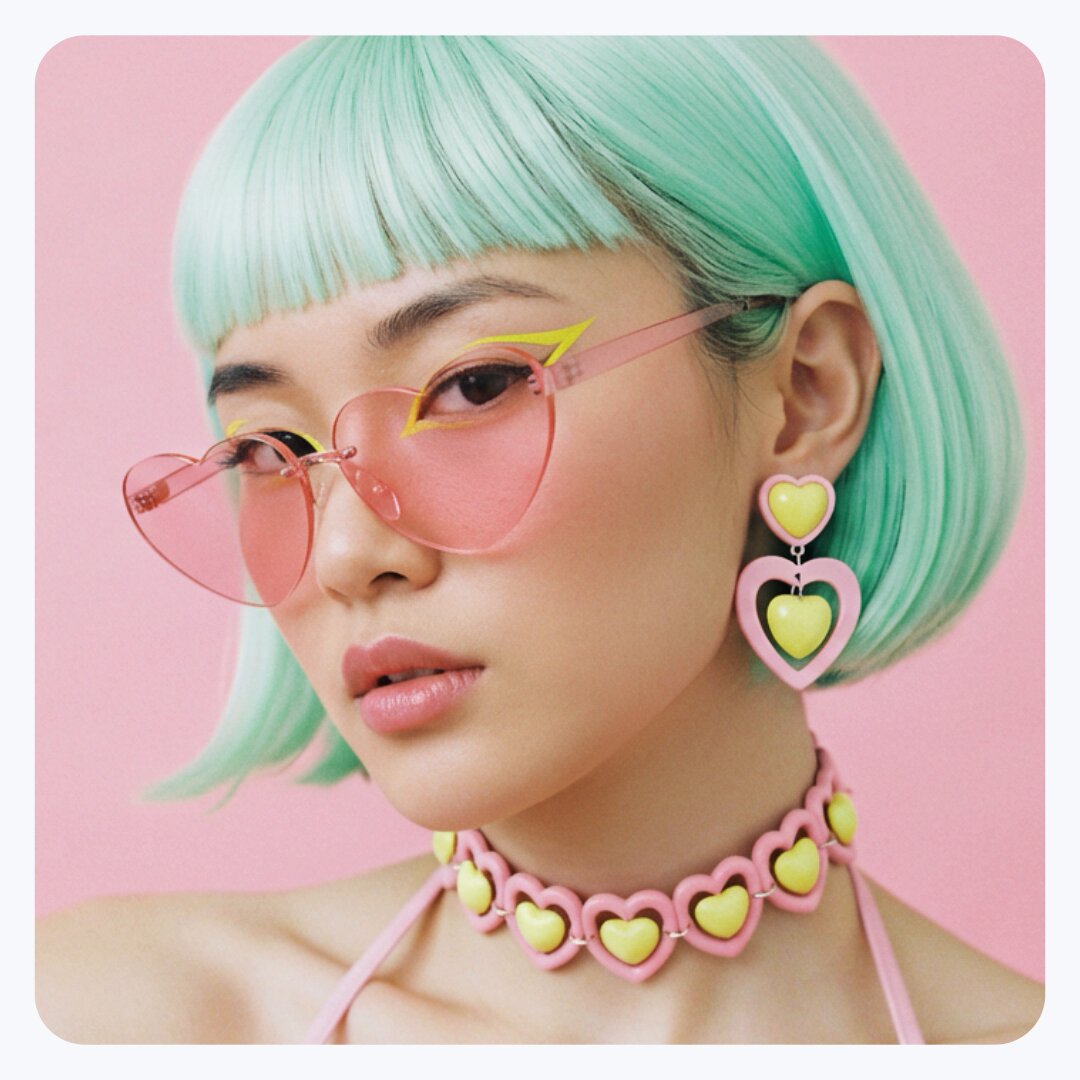
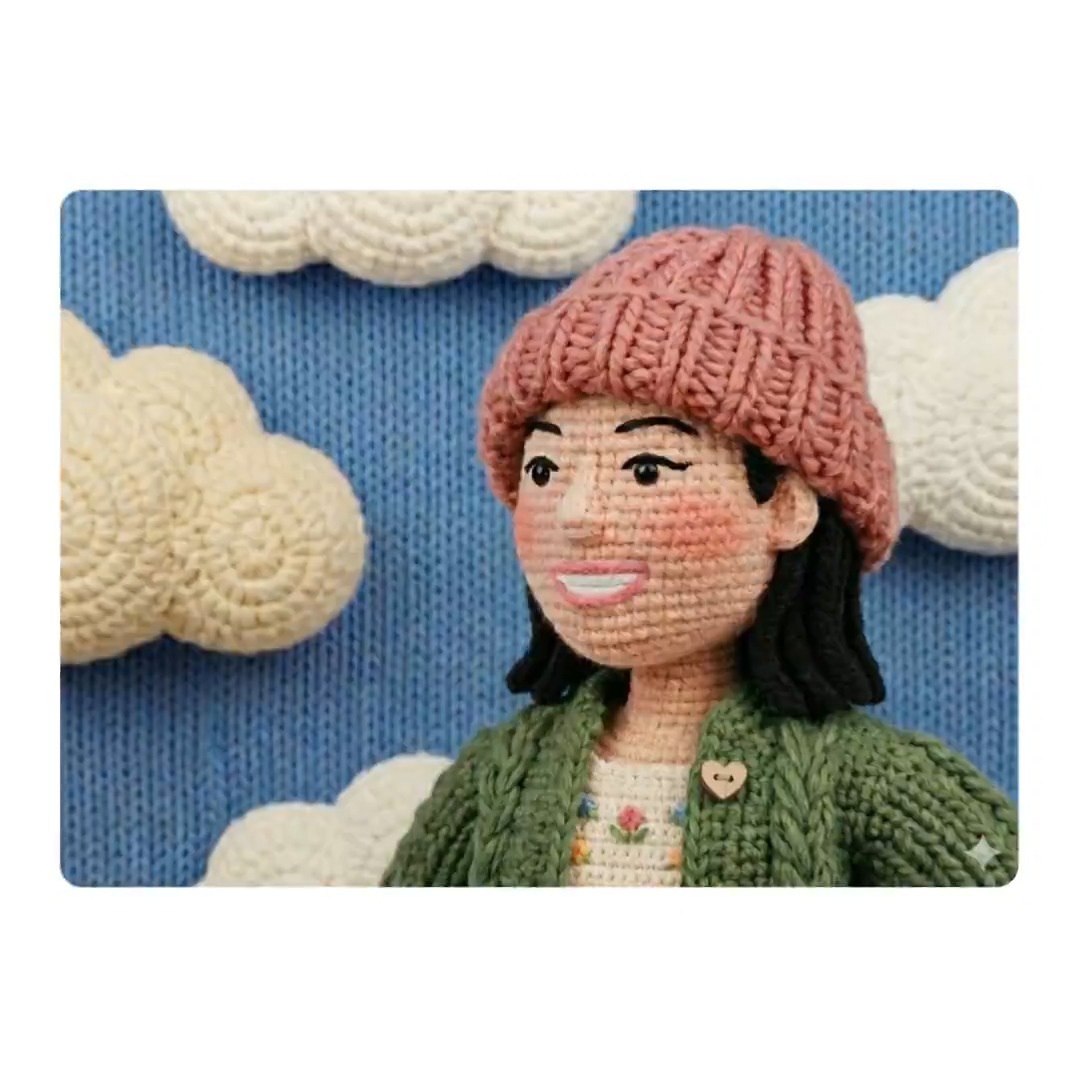
Looking for some Nano Banana inspiration? Check out our website for tips from the team and examples of image generation & editing in the Gemini app:
53,057 views • 1 year ago •via X (Twitter)
20 Comments

Is nano banana free for a certain amount of uploads? I hope it replaces Photoshop! It made Gigi and the lizard - two very abstract creatures in about 10 seconds which is insane!

is this only for subscripcion holders or for every user that has gemini? it is device locked? i have pixel 7 pro

Hi there. Thanks for the question! Nano Banana is an exciting feature that's available to all Gemini users, not just subscription holders. You can access it through the Gemini web app or Google AI Studio. So your Pixel 7 Pro will work perfectly.

Thank you for everything you do

Despite writing "aspect ratio 16:9" in the prompt, the images produced are displayed with a 1x1 aspect ratio.What instructions should I include so that they are produced with the desired aspect ratio?
Hi Pedro. Gemini's image creation can create aspect ratios like 16:9, 9:16, 2:3, and 1:1 in your prompt. This gives you more control over the generated images. Try being specific in your requests—we hope this helps!
Please see this example. Although the prompt says "Aspect Ratio 16:9," the image was generated at 1x1. Is there another way to request the aspect ratio?
Hi Pedro, thanks for letting us know. Would you mind sending us feedback through your device so we can look into this further? On the Gemini mobile app, tap the top-right profile picture or initial > Feedback > Send feedback. Please add #GeminiAndroid to your report. Thank you.

Quality of image is awful but the output is really insane
Hi there, we hear your frustration with the image quality. Please submit feedback through the app or website. On mobile, tap your profile pic, and on web, click Settings & help. Be sure to add #GoogleGemini to your report. Thanks for your help!

If you're running out of ideas - I got you <3

What is this every thing is mixed when you ask for any questions how anyone understand this??
@AdarshTiwari52 Hi there. We understand your concern about unformatted responses. We suggest trying to rephrase your prompt. If that doesn't help, please submit feedback via your profile picture on mobile or "Settings & help" on the web. Add #GoogleGemini to your report. Thanks.
Every time i write prompt then ask any question? Is not good i think before it was answer in structured way but now after some update it's showing this mixed approch of solution

Bananas, but make it AI.

Gemini edits looking sharp.

👍

Pagani Zonda

Great tips! Excited to explore more.

Gemini keeps telling me it can't generate the picture because it contains identifiable people 😢😢😢