Loading video...

Video Failed to Load

Go Home

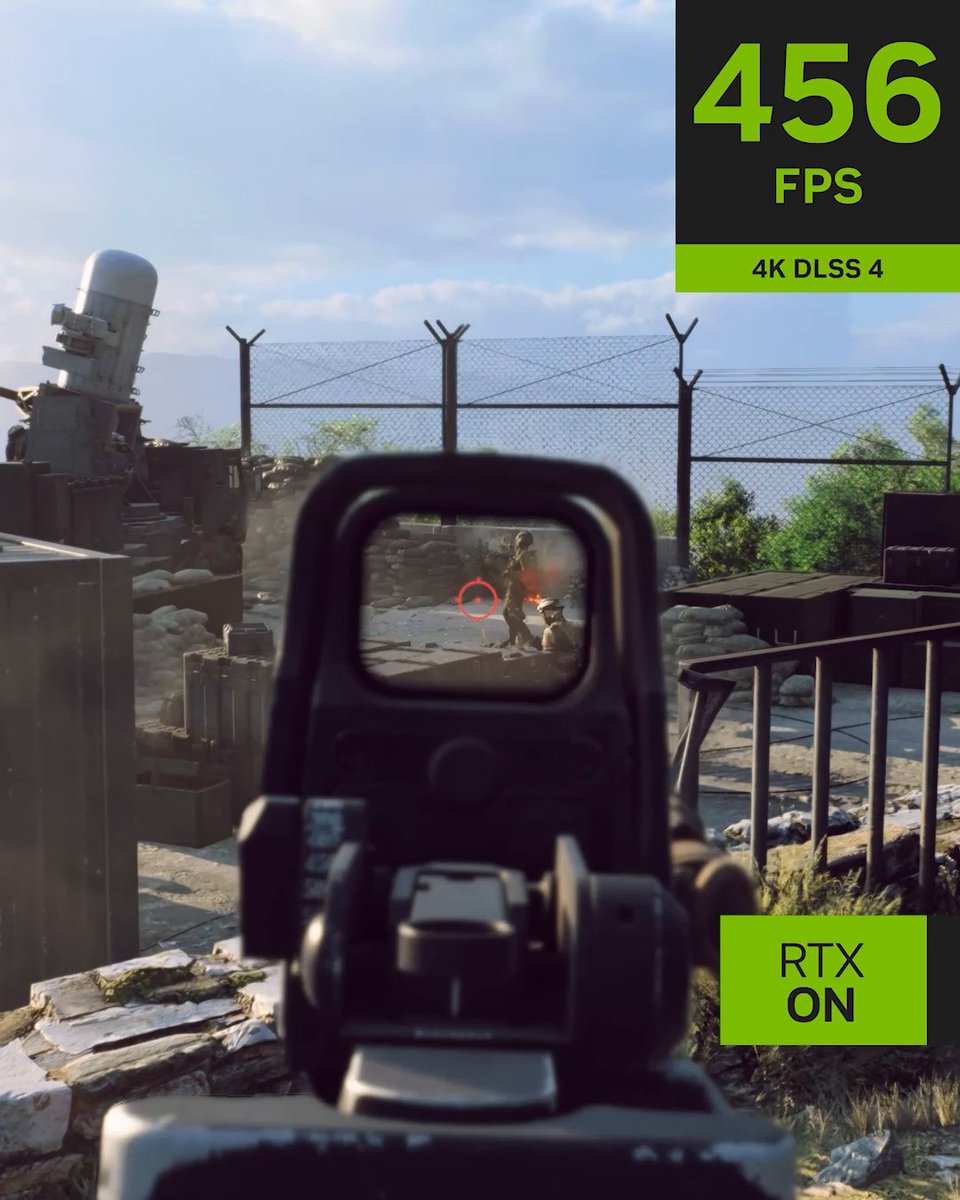
Marvel Rivals features DLSS 4 with Multi Frame Generation and NVIDIA Reflex, accelerating frame rates beyond 300 FPS for a fast and responsive experience on GeForce RTX 5060. Learn More:
46,608 views • 1 year ago •via X (Twitter)

10 Comments

Woozy 𝕏's profile picture
Woozy 𝕏1 year ago

We can’t even use frame generation on the newer driver versions because it crashes marvel rivals

Divine Conqueror🇵🇷's profile picture
Divine Conqueror🇵🇷1 year ago

Wouldn’t this put you at a disadvantage in competitive play?

Mitch the Skeleton's profile picture
Mitch the Skeleton1 year ago

This is how it would run by default if the game wasn't developed on Unreal Engine 5.

Sound of Sarcasm's profile picture
Sound of Sarcasm1 year ago

Why is this anti-consumer giant advertising AI generated frames that increase frame response latency in a competitive game?🥴 If nvidia is really hiring such ignorant marketers, I'm available for hire and won't let you down, guarantee.

1holtei's profile picture
1holtei1 year ago

Impressive, nice, now show me the latency

Gato? 彡 ゴゴ's profile picture
Gato? 彡 ゴゴ1 year ago

for a hyper input lag? no thanks, but nice try

Michowski's profile picture
Michowski1 year ago

Fake frames

Sonriah's profile picture
Sonriah1 year ago

Or, you could leave that useless, latency increasing frame gen bs off, use the existing real fps, and take advantage of the lower latency provided by the real frames. Also, taking advantage of DLSS, the only thing you have done right in recent years. Keep your AI Fgen snake oil.

Dragunnitum's profile picture
Dragunnitum1 year ago

Nah bro the latency is awful and very felt in this game with dlss, especially when playing jeff or invisible woman

Vex's profile picture
Vex1 year ago

Framegen is the exact opposite of responsiveness lol, total misinformation from ngreedia.
Related Videos

#Battlefield6 NVIDIA DLSS 4 Reveal Trailer 📽️ The game includes support for DLSS 4 with Multi Frame Generation, DLSS Frame Generation, DLSS Super Resolution, DLAA, and NVIDIA Reflex. Desktop GPUs Performance At 4K, Ultra settings, DLSS 4 with Multi Frame Generation and DLSS Super Resolution multiply Battlefield 6's GeForce RTX 50 Series frame rates by an average of 3.8X. ▪️ GeForce RTX 5090 performance rockets to over 470 FPS. ▪️ GeForce RTX 5080 exceeds 330 FPS. ▪️ GeForce RTX 5070 Ti is in touching distance of 300 FPS. ▪️ GeForce RTX 5070 surpasses 230 FPS. At 2560x1440, Ultra settings, DLSS 4 with Multi Frame Generation and DLSS Super Resolution increase Battlefield 6 frame rates by an average of 3X. ▪️ GeForce RTX 5090 runs at almost 600 FPS. ▪️ GeForce RTX 5060 Ti over 240 FPS. At 1920x1080, Ultra settings, the combination of DLSS 4 with Multi Frame Generation and DLSS Super Resolution boost Battlefield 6’s GeForce RTX 50 Series frame rates by an average of 2.9X. ▪️ Allowing every GPU in NVIDIA's line-up to play at over 230 FPS, maxing out at over 740 FPS on the GeForce RTX 5090. Laptop GPUs Performance GeForce RTX 50 Series Laptop GPUs benefit similarly from DLSS 4 with Multi Frame Generation and DLSS Super Resolution, with Battlefield 6 frame rates multiplied by 3X on average at 2560x1600, with Ultra settings, enabling performance of up to 360 FPS. At 1920x1080, Ultra settings, GeForce RTX 50 Series Laptop GPU performance increases by 2.8X on average, enabling Battlefield 6 frame rates to surpass 480 FPS, and the range to run at over 200 frames per second.

Battlefield Bulletin

30,390 views • 8 months ago