Loading video...

Video Failed to Load

Go Home

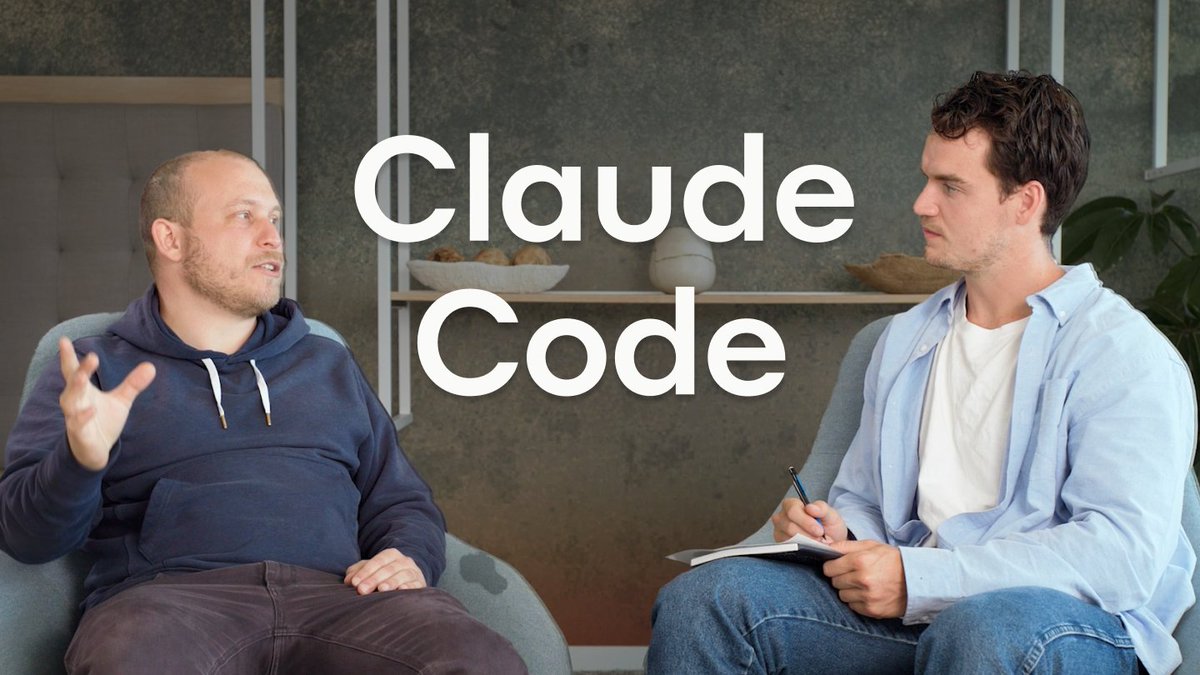
New Video - Mastering Anthropic Claude Code: 11 Tips in 4 Minutes for Vibe Coding Excellence. • Terminal tips and tricks • Deep dive into Cursor IDE extension • Overriding permissions • Creating custom slash commands • Chaining multiple commands • + a lot more

61,013 views • 11 months ago •via X (Twitter)

10 Comments

nader dabit's profile picture
nader dabit11 months ago

@cursor_ai Like, comment, subscribe on YouTube

Abril's profile picture
Abril11 months ago

@AnthropicAI @cursor_ai amazing video, as always.

nader dabit's profile picture
nader dabit11 months ago

@AnthropicAI @cursor_ai thank you! 🙏

Gilberts Ahumada 🍒's profile picture
Gilberts Ahumada 🍒11 months ago

@AnthropicAI @cursor_ai in case you use claude in your terminal and you closed the editor, claude --continue , can be used to not lose the last conversation :p

nader dabit's profile picture
nader dabit11 months ago

@AnthropicAI @cursor_ai oooh this is cool, thank you!

REKT's profile picture
REKT11 months ago

@AnthropicAI @cursor_ai wow nice tips! gonna check out that video for sure

Cäll Mē Kïn's profile picture
Cäll Mē Kïn11 months ago

@AnthropicAI @cursor_ai Wil check it out ♥️

DeepBlockAI's profile picture
DeepBlockAI11 months ago

@AnthropicAI @cursor_ai Love seeing practical breakdowns like this, real tools and real speed

Augusto Gonzalez's profile picture
Augusto Gonzalez11 months ago

@AnthropicAI @cursor_ai Thanks for the video. Pretty useful.

YuRii ⓨ ETH📌's profile picture
YuRii ⓨ ETH📌11 months ago

@AnthropicAI @cursor_ai 4 minutes to turn pro? Say less

Related Videos

Cursor Complete Guide for AI Coding... 1. The Basics, Composer, Cursor 2.0, Why use Cursor? 2. Multiple Agent Testing, Adding Database, Deploying to Vercel 3. Comparing the big 4: v0, Replit, Lovable, Cursor And more... with Senior Software Engineer Kehan Zhang TIME STAMPS --------------- 1. BASICS: 00:00 Introduction 01:01 Overview of Cursor and Its Features 01:47 Getting Started with Cursor 02:39 Understanding IDE and Vibe Coding 06:00 Cursor For Mobile Apps 10:26 Downloading and Installing Cursor 11:17 Creating and Managing Projects in Cursor 15:14 Building a Simple Game with Cursor 19:10 Advanced Features and Customization 40:28 Fixing Styling Rules 40:53 Redesigning the App 42:17 Exploring Cursor 2.0 Features 43:22 Setting Up the Project Structure 44:17 Adding and Testing Meme Templates 46:08 Debugging Text Issues 2. ADVANCED 49:46 Using Multiple Agents 01:10:40 Creating Custom Commands 01:14:15 Creating Commands in Settings Tab 01:15:11 Introduction to Instant DB 01:16:04 Setting Up Instant DB in Your Project 01:18:24 Building a Full Stack Application 01:19:04 Using the Agent to Plan and Build 01:26:06 Testing and Debugging the Application 01:53:02 Deploying the Application with Vercel 01:55:35 Setting Up the CLI 01:56:15 Understanding Command Line Interfaces (CLI) 01:57:32 Deploying Code to Vercel 01:58:07 Handling Environment Variables 01:58:44 Interacting with the Vercel Deployment 02:00:34 Exploring Cursor's Capabilities 3. COMPARING VIBE CODING TOOLS 02:09:48 Comparing Vibe Coding Tools 02:31:04 Final Thoughts and Recommendations

Riley Brown

65,179 views • 7 months ago