Загрузка видео...
Не удалось загрузить видео
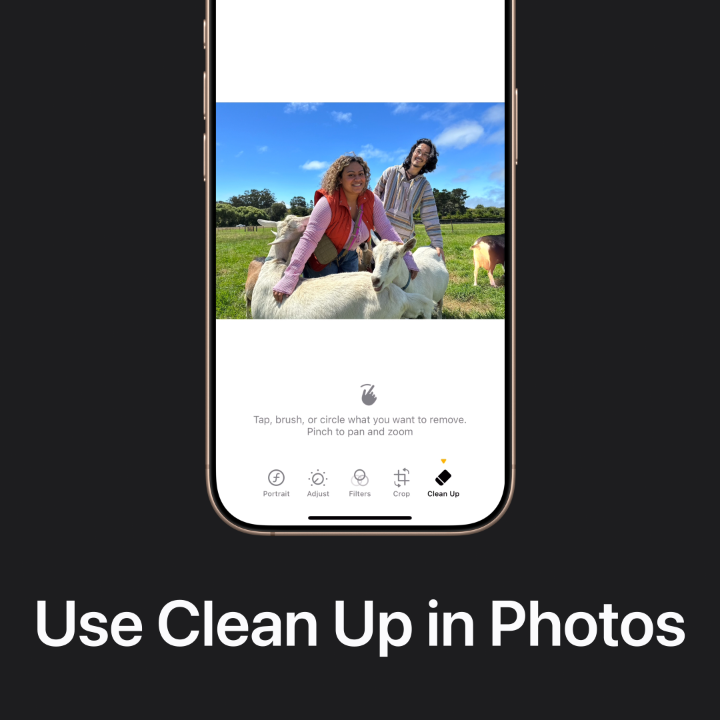
Not every photo is a keeper. 🤪 Here’s how to quickly select and delete multiple items in Photos.

104,672 просмотров • 3 лет назад •via X (Twitter)
Комментарии: 11

Looking for an resolution from @AppleSupport is just a dream. When you guys can’t fix the problem created by your own team, just blame the consumer and avoid the problem. NOT DONE!!!! VERY DISAPPOINTING

We're glad to help! Please meet us in DM where we can look into your issue further with you. We'll meet you here:

I feel that Apple should be looked at as a monopoly company. I have a friend who upgraded every thing on his phone took him all day then he went to sleep woke up the next morning it asked to update the few apps he update the day the next day upgrade again . WHY.

We are facing the issues that, your Apple ID is not active. But i want to solve this issue via apple support chat
Hello! We'd be happy to get you headed in the right direction. Meet us in DM using the link below and we’ll gather a few details from you to determine next steps.

My Stolen iPhones how to find out Don't track to offline

My Apple ID ask fr password and if I put it all I get is account not active still it won’t log out
Hello! We see that you’ve sent us a DM, we’ll continue there.

Every baby can’t understand English

Blimey, I thought Apple has a new Delete Duplicates feature!
You can delete duplicates on your iPhone with the steps here: The post you’re responding to helps with deleting multiple items that are not duplicates. For more assistance with Photos, send us a DM so we can help: