Загрузка видео...

Не удалось загрузить видео

На главную

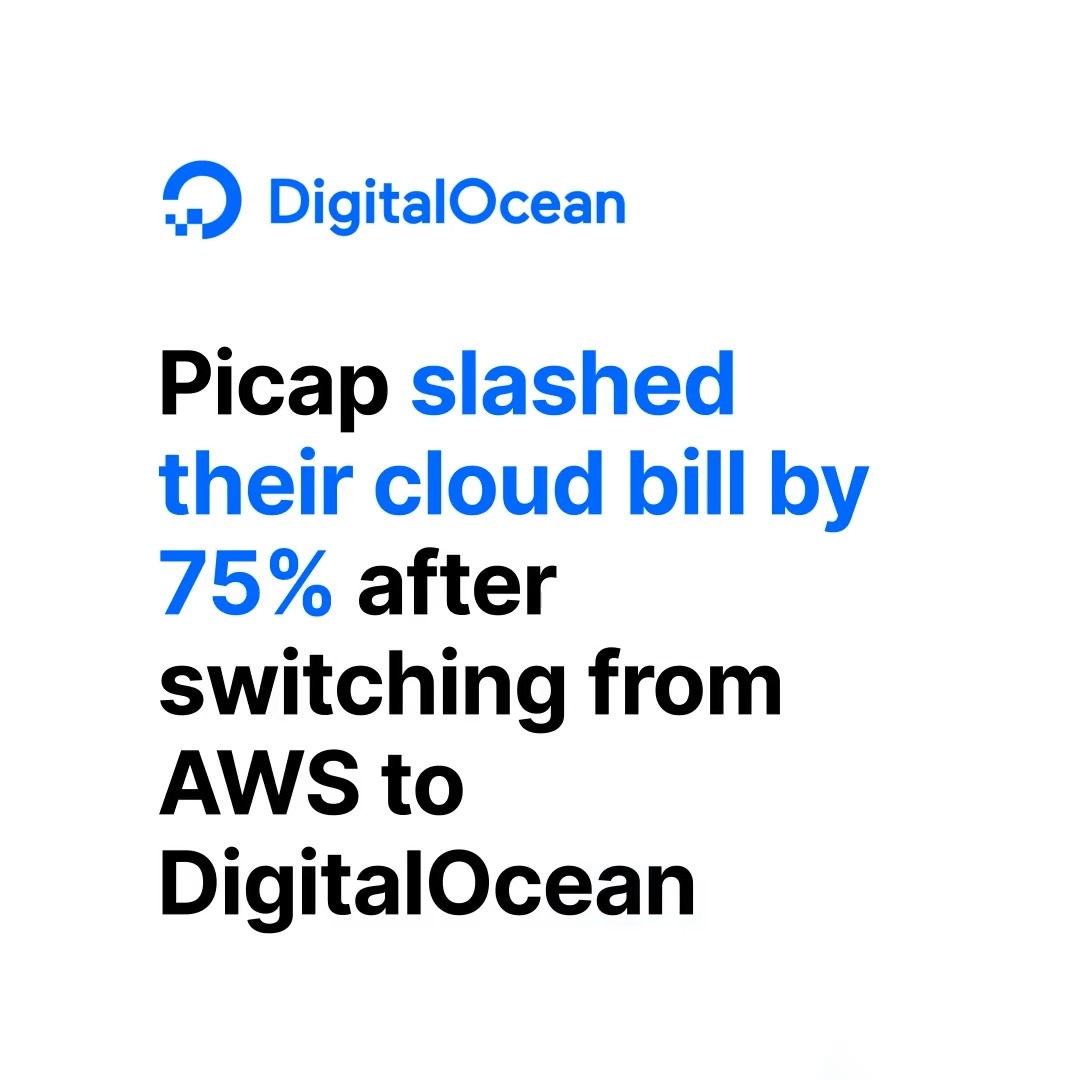
Now available: Qwen 3.8-2.4T-A95B from Alibaba Cloud on DigitalOcean Serverless Inference via NVIDIA HGX™ B300 GPUs. 🤖 1M context, built for long-horizon coding. 🔗 One API, usage-based pricing, no infra to manage.

110,300 просмотров • 2 дней назад •via X (Twitter)

Комментарии: 0

Нет доступных комментариев

Здесь появятся комментарии из оригинального поста
Похожие видео

Introducing Pods Hyperspace Pods lets a small group of people - a family, a startup, a few friends, to pool their laptops and desktops into one AI cluster. Everyone installs the CLI, someone creates a pod, shares an invite link, and the machines form a mesh. Models like Qwen 3.5 32B or GLM-5 Turbo that need more memory than any single laptop has get automatically sharded across the group's devices - layers split proportionally, inference pipelined through the ring. From the outside it looks like one OpenAI-compatible API endpoint with a pk_* key that drops straight into your AI tools and products. No configuration beyond pasting the key and changing the base URL. A team of five paying for cloud AI burns $500–2,000 a month on API calls. The same team's existing machines can serve Qwen 3.5 (competitive on SWE-bench) and GLM-5 Turbo (#1 on BrowseComp for tool-calling and web research) for free - the hardware is already on their desks. When a query genuinely needs a frontier model nobody has locally, the pod falls back to cloud at wholesale rates from a shared treasury. But for the daily work - code reviews, refactors, research, drafting - local models handle it and nobody gets billed. And when it is idle, you can rent out your pod on the compute marketplace, with fine-grained permissions for access management. There's no central server involved in inference. Prompts go from your machine to your pod members' machines and back: all of this enabled by the fully peer-to-peer Hyperspace network. Pod state - who's a member, which API keys are valid, how much treasury is left - is replicated across members with consensus, so the whole thing works on a local network. Members behind home routers don't need port forwarding either. The practical setup for most pods is three models covering different jobs: Qwen 3.5 32B for code and reasoning, GLM-5 Turbo for browsing and research, Gemma 4 for fast lightweight tasks. All running on hardware you already own. Pods ship today in Hyperspace v5.19. Model sharding, API keys, treasury, and Raft coordinator are all live. What Makes This Different - No middleman. Your prompts travel from your IDE to your pod members' hardware and back. There is no server in between reading your data. - No vendor lock-in. Pod membership, API keys, and treasury are replicated across your own machines using Raft consensus. If the internet goes down, your local network keeps working. There is no database in someone else's cloud that your pod depends on. - Automatic sharding. You don't configure layer ranges or calculate VRAM budgets. Tell the pod which model you want. It figures out how to split it across whatever hardware is online. - Real NAT traversal. Your friend behind a home router with a dynamic IP? Works. No VPN, no Tailscale, no port forwarding. The nodes handle it. - Free when local. This is the part that matters most. Cloud AI bills scale with usage. Pod inference on local hardware scales with nothing. The marginal cost of your 10,000th prompt is the electricity your laptop was already using. Coming soon: - Pod federation: pods form alliances with other pods. - Marketplace: pods with spare capacity can sell inference to other pods.

Varun

308,956 просмотров • 3 месяцев назад

This Chinese developer launched Llama 70B locally on a MacBook on a plane and for a full 11 hours without internet ran client projects. He was sitting by the window on a transatlantic flight with a MacBook Pro M4 with 64 GB of memory. WiFi on board cost $25 for the flight. He declined. No cloud API, no connection to Anthropic or OpenAI servers, no internet at all. Just a local Llama 3.3 70B on bf16 and his own orchestrator script. The model runs through llama.cpp. Generation speed, 71 tokens per second. Context around 60,000 tokens. Memory usage, 48.6 GiB out of 64. Battery at takeoff, 3 hours 21 minutes. And he gave the orchestrator this system prompt before takeoff: "You are an offline orchestrator running on a single MacBook. There is no network. The only resources you have are local files in /Users/dev/work, the Llama 70B inference server at localhost:8080, and a battery budget of 3 hours 21 minutes. Process the queue at /Users/dev/work/queue.jsonl (one client task per line). For each task: draft → run local evals → save artefact to /Users/dev/work/done/. Save context checkpoints every 12 tasks so you can resume after a battery swap. Stop only on empty queue or when battery drops below 5%." So the system knows exactly what resources it is running on. It knows it has no connection to the outside world for the next 11 hours. It knows it has finite memory and a finite battery. It knows the human will not intervene until the plane lands. The system runs in 1 loop. Takes a task from the queue, runs it through inference, saves the artifact, writes a checkpoint. Task after task, just like that. And only when the battery drops below 5% does the orchestrator automatically pause, waits for the laptop to switch to the backup power bank, and continues from the last checkpoint. Here is what the system actually writes in his log during the flight: "saved context checkpoint 8 of 12 (pos_min = 488, pos_max = 50118, size = 62.813 MiB)" "restored context checkpoint (pos_min = 488, pos_max = 50118)" "prompt processing progress: n_tokens = 50 / 60 818" "task 37016 done | tps = 71 s tokens text → /Users/dev/work/done/proposal_westside.md" Outside the window, clouds, blue sky, and no WiFi. On the tray, 1 MacBook, an open terminal on 2 screens, and an inference server on localhost. From what I have observed, this is the cleanest offline AI workflow I have seen in the past year: 11 hours of flight, $0 for WiFi, and the entire client queue closed before landing.

Blaze

1,841,161 просмотров • 3 месяцев назад

We are in an insane run of open-weight drops. Every modality, open source is winning. This is what an open source AI summer ☀️ looks like: 🧠 LLMs & Reasoning → DeepSeek-V4-Flash-0731 (my king 👑): 304B MoE refresh, Terminal-Bench 2.1 jumps 61.8→82.7 over the preview, DeepSWE 7.3→54.4. Closes in on Opus-4.8 on Agents' Last Exam (25.2 vs 25.7). MIT. → Muse-Glimmer-30B, from Meta (they are back!!): their first open agentic model. ~29.6B dense + perception encoder, 131k+ context, built to run fully local, no cloud. Apache 2.0. → Liquid AI LFM2.5-2.6B: 2.69B params, 131k context, 220 tok/s on an M5 Max in under 2.5GB RAM. Competitive with models 4x larger on agentic tasks. → inclusionAI Ling-3.0-flash: 124B total, only 5.1B active, ~12% the size of their old 1T flagship Ring-2.6, matches it on key benchmarks. MIT. → inclusionAI Ling-3.0-tiny: 7.9B total, 1.3B active, 86-90 tok/s on an M4 Pro MacBook at ~8GB peak memory. MIT. → NVIDIA Nemotron-3.5-Lightning-30B-A3B: hybrid Mamba-2+MoE+Attention, up to 1M context, runs on a single H100 or DGX Spark, SWE-bench Verified 52.8. → deepgrove maple-preview: 20B-A1B ternary-weight reasoner, 218 tok/s on a Mac mini M4, 5.3GB checkpoint. MIT. → BigBang-v1 (endless-frontier): fine-tuned from Qwen3.6-35B-A3B via a self-evolving generator/critic synthetic-data loop. Lands aggregate performance between DeepSeek V4 Flash (284B) and V4 Pro (1.6T), at 35B. Apache 2.0. 🎬 Video → MiniMax-H3: 33B dense omni model, native stereo audio, up to 2K/15s. 3.6k+ likes already. → Minimax-H3-Turbo (lightx2v): Apache-2.0 turbo distillation of H3 for fast inference. → Lightricks LTX-2.5: image-to-video update, custom Gemma-4-12B text encoder, a markedly stronger distilled model. 🔊 Voice → NVIDIA NemotronLabs VoiceChat-11B: full-duplex speech-to-speech, ~450ms turn-taking, #2 on open VoiceBench, and the first open full-duplex model with live tool-calling mid-conversation. 🛡️ Safety → Mistral Shieldstral-1.0-3B: 3B multimodal guardrail that takes your safety policy as plain text instead of fixed categories. Beats LlamaGuard-4-12B and ShieldGemma-9B on HarmBench (99.4) and ToxicChat (84.1) at a fraction of the size. Apache 2.0.

Victor M

39,217 просмотров • 2 дней назад

i just ran Google's brand new Unsloth Gemma4 12B dense GGUF on my RTX 4060 using llama.cpp + CUDA 13.2 21 tokens per second. on a budget consumer GPU. locally. no API. no cloud. no subscription. and the benchmarks are absolutely cooked # first let's talk architecture because this is genuinely different every multimodal model you've used has a frozen vision encoder + frozen audio encoder + LLM backbone glued together Gemma 4 12B is different it's a single decoder only transformer. that's it. vision? raw 48×48 pixel patches → one matmul → projected directly into the LLM audio? raw 16kHz signal sliced into 40ms frames → linear projection → same LLM input space no encoder tax. no latency penalty. no fragmented memory to put the encoder savings in perspective: old Gemma 4 26B approach: - 550M param vision encoder (frozen) - 300M param audio encoder (frozen) - LLM backbone Gemma 4 12B: - 35M param vision embedder (a single matmul) - no audio encoder at all - LLM backbone handles EVERYTHING 550M → 35M for vision alone. that's a 15x reduction this is why the gemma-4-12b-it-Q4_K_M.gguf is just 6.6 GBs!!! and it has 256K native context context # Benchmarks: AIME 2026 (math olympiad): 77.5% GPQA Diamond (expert science): 78.8% LiveCodeBench v6 (real code): 72% Codeforces ELO: 1659 MMLU Pro: 77.2% MATH-Vision: 79.7% BigBench Extra Hard: 53% inference → llama.cpp, LM Studio, vLLM, SGLang llamacpp flags: -m "gemma-4-12b-it-Q4_K_M.gguf" -ngl 99 -c 8000 -v --port 8080 Available on huggingface now! Link below

Alok

280,255 просмотров • 2 месяцев назад

Big win for open-source LLMs! DeepSeek V4 Pro holds the top open-weights score on SWE-bench Verified, in the GPT-5.5 range. GLM 5.2 leads the open-weight intelligence index and sits near the closed frontier on long-horizon coding. But this leaderboard number is a weak proxy for real performance. It comes from one task set, run through one harness, served at one precision. The same weights can even score differently across providers, since many hosts quantize activations to fp8 and drift the model off its reference weights. Real performance is determined based on whether a model can read a repo, make coordinated edits across files, run the tests, and recover when one breaks. By that measure, the top open models hold up, but only inside the right harness. The teams that actually put DeepSeek V4 into production pipelines as a frontier substitute got there through the harness they built around the model, not by picking a stronger model. If you want to see this in practice, Cline (64k+ stars) has actually built that harness around open models, tuned so they run at production quality. And it's tuned so that these LLMs can run at production quality, with plan and act modes, checkpoints, and terminal feedback. ClinePass is the new access layer on top of it. It runs a curated set of those models inside Cline, narrowed to the ones tested for coding-agent use, with 2 to 5x the standard rate limits and no separate provider accounts, keys, or billing to track. The video below shows the setup, and I worked with the team to put this together. It runs alongside custom keys and local models as well, not in place of them.

Avi Chawla

44,124 просмотров • 1 месяц назад

Free NVIDIA GPU with 16 GB VRAM GPU for Running Local LLMs! If you want to master local LLMs but you're waiting until you can afford a $1,500 GPU, you're honestly not going to make it. The open source AI ecosystem is moving way too fast for you to wait on your budget to catch up. Especially when you can build a bleeding edge inference engine from scratch right now, completely for free. You don't need a heavy local rig to start. Google is literally letting you use an enterprise grade NVIDIA Tesla T4 GPU for $0/hour. At standard cloud computing rates (~$0.20/hr), Google Colab’s 4 hour daily free tier hands you roughly $24 worth of data center tier GPU compute every single month. And most people just waste it. Let’s talk about the hardware you get access to for free. The NVIDIA Tesla T4 is an absolute workhorse: - Architecture: NVIDIA Turing (TU104) - VRAM: 16GB GDDR6 (320 GB/s bandwidth) - Compute: 320 Tensor Cores | 2560 CUDA Cores - Performance: 130 TOPS INT8 | 8.1 TFLOPS FP32 - Power: Sipping energy at a max 70W TDP This is the exact same hardware I used to run DeepMind's Gemma 4 26B A4B QAT MoE at a 250,000 context window without a single Out Of Memory (OOM) crash. If you have a web browser and 10 minutes, you have everything you need. I’ve put together a fully documented, cell by cell Google Colab notebook that teaches you exactly how to do this. Here is what the notebook actually teaches you: - How to provision an Ubuntu Linux environment with CUDA 13.0 and verify your driver stack. - How to pull the source code and compile the latest llama.cpp C++ binaries from scratch, specifically optimizing the build for your exact GPU using the -DCMAKE_CUDA_ARCHITECTURES=native flag. - How to directly download quantized local LLMs (GGUF format) straight from HuggingFace using the CLI. - How to manage 16GB VRAM limits, offload neural network layers to the GPU, and push massive context windows. Compile raw llama.cpp, ollama run a model, or spin up the LM Studio CLI. Pick whatever stack you are comfortable with. just start building. No hardware. No credit card. No excuses. Bookmark this post right now so you don't lose the tutorial. Even if you don't have time to run it today, you are going to want this workflow in your engineering toolkit. The link to the free Colab Notebook is in the comments below. Lemme know if you need more tutorials like this.

Alok

178,744 просмотров • 1 месяц назад