Video yükleniyor...
Video Yüklenemedi
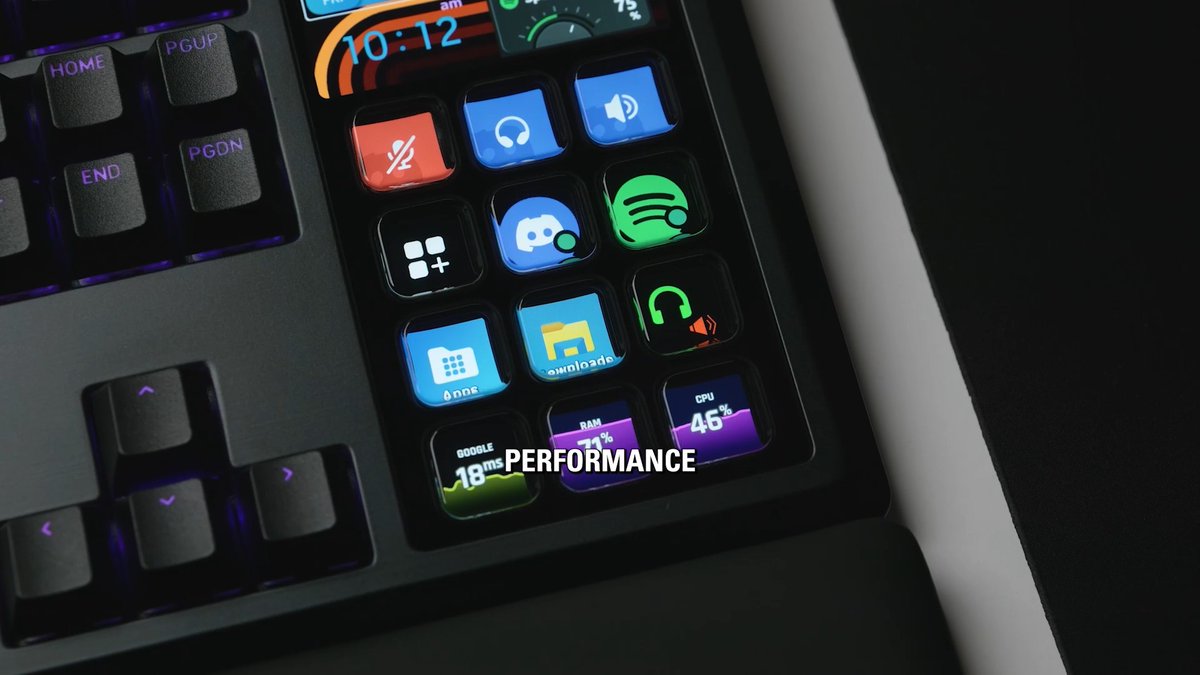
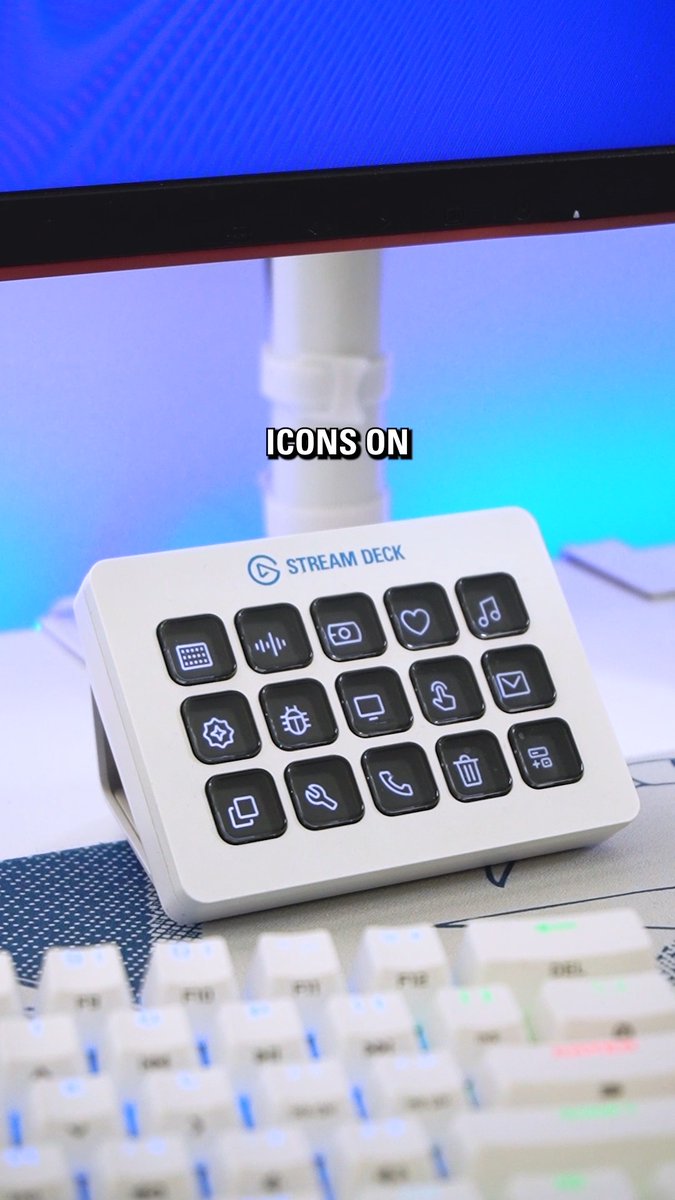
Our new on-screen Virtual Stream Deck is now in beta! 🖥️ Create unlimited virtual keys, customize actions and shapes, then pin them in place or summon to your cursor. Get early access today with eligible hardware:

41,916 görüntüleme • 1 yıl önce •via X (Twitter)
10 Yorum

Oh this is super cool 👀

Thank you so much for this. Been wishing for it for years.

Good things come to those who wait. Thanks for sticking with us all this time. 🙌

Just tested this for myself and the possibilities are ENDLESS. After experiencing it, I am so much more excited for what I can enable these to do. Yeah...this is sick.

YOOOOO you guys literally don’t miss. Can’t wait to use this.

Would it be possible to resize the individual keys? Like making one big "Go Live" button for example?
This is currently not possible, but you can request this feature here:

is there any way to create a open / close button for V-StreamDeck on my steamdeck?
Yes! Just set your Virtual Stream Deck to have "Always Visible" off, lock position, and set a keyboard shortcut. Then, add a hotkey action to your physical Stream Deck.

Well done, @elgato. This looks great 👍