Video yükleniyor...

Video Yüklenemedi

Ana Sayfaya Dön

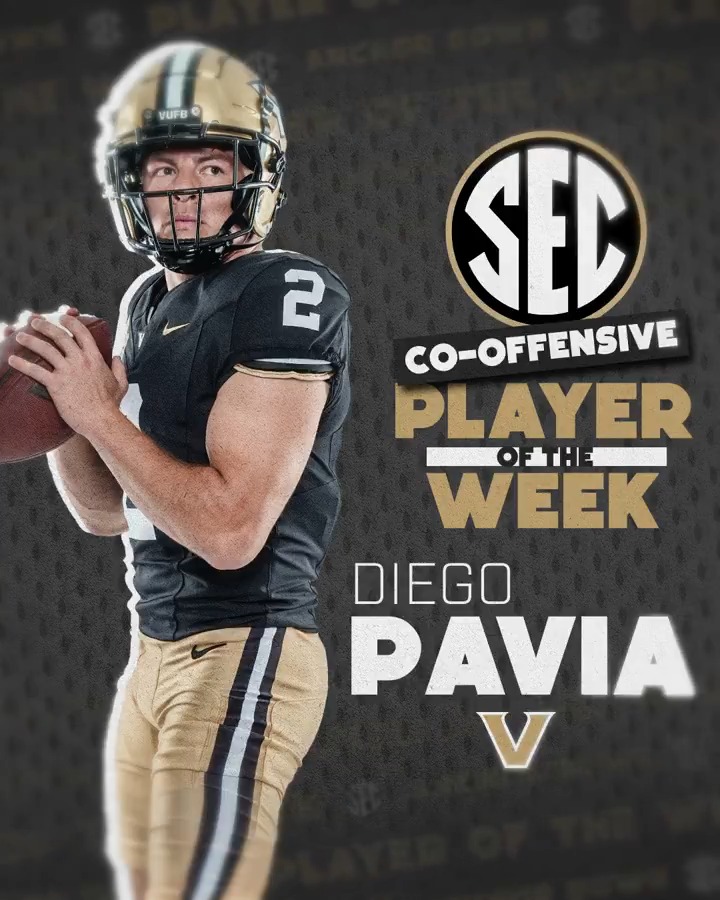
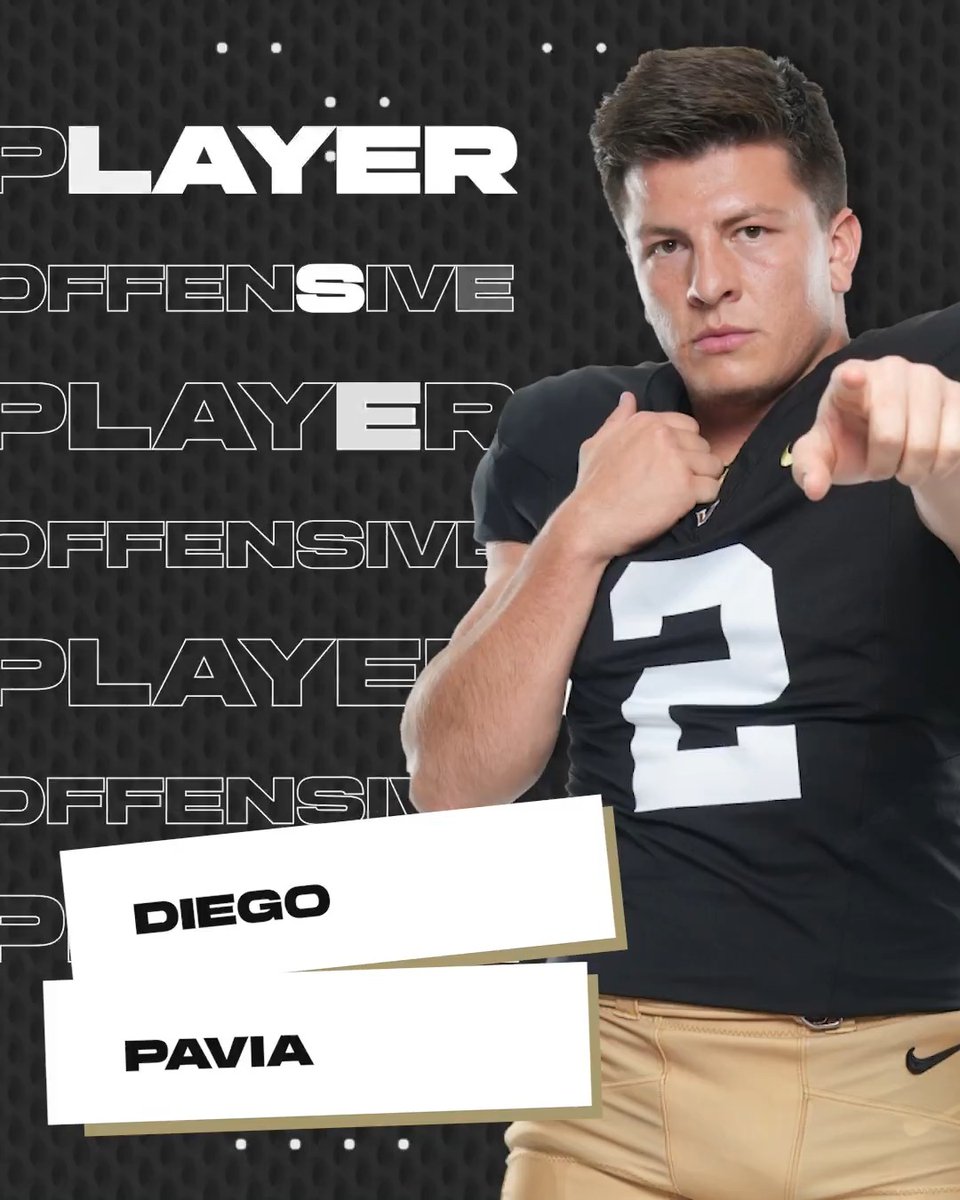
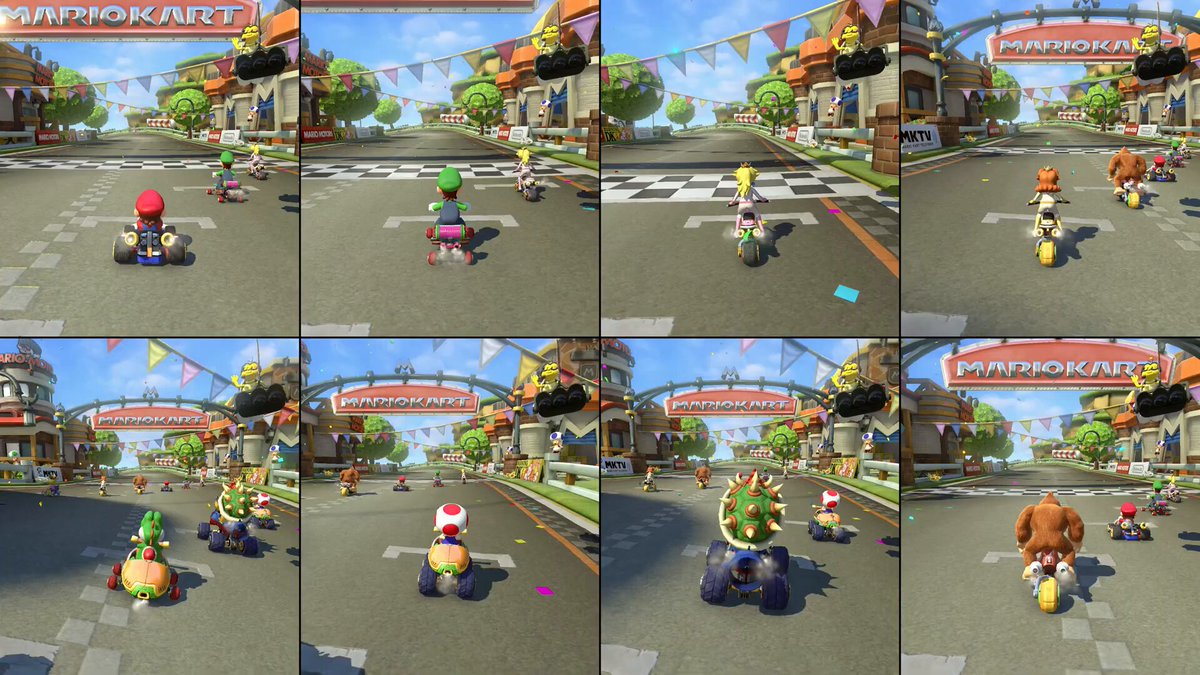
Player ID Prompt Explained 🤓🔊 - 120 man roster - 9 screen dimensions - 8 data inputs per player - 1000+ high res renders - 1 prompt Ft. Vanderbilt Football

35,636 görüntüleme • 1 yıl önce •via X (Twitter)

0 Yorum

Yorum bulunmuyor

Orijinal gönderinin yorumları burada görünecek

Benzer Videolar

Hermes + Claude + Higgsfield MCP + ViralBuilder = 💰💰💰 Four tools. One prompt chain. Hook to finished video in 10 minutes. I built a Claude skill that writes shot-by-shot Higgsfield prompts from a single creative brief. ViralBuilder tells you what's winning. The skill turns it into a production-ready prompt. Higgsfield renders it. No creative director. No guessing. No separate tools. Here is the setup: Higgsfield MCP → Open Claude Code → Settings → Connectors → Enter: → Connect your account Hermes → The agent layer running underneath Claude Code → It holds your skills, crons, memory, and routing rules → When you prompt Claude, Hermes feeds it the context it needs ViralBuilder (like Gethookd) → The winning ecom video database → Scrapes top performing ecom videos across platforms → Claude reads the data and extracts what styles, hooks, and formats are actually scaling The skill: video-prompt-builder → Installed inside Claude via Hermes → Takes a creative brief and outputs a full shot-by-shot prompt → Covers camera work, effects, transitions, pacing, and energy arc → Every output is structured for Higgsfield to render without ambiguity No switching apps. No export steps. Everything runs from one place. ▸ FIND WINNING CREATIVE ANGLES ViralBuilder tells you what the market already validated. Claude reads it and extracts the pattern. Prompts to run: "Search ViralBuilder for the top performing ecom videos in [niche] over the last 21 days. Extract the 3 dominant hook styles and rank by view velocity." "Pull the winning video formats in [niche] from ViralBuilder. Which opening 3 seconds appears most across videos spending over $10k?" "Find what video style is scaling right now in [niche] for the US market. UGC, talking head, or product demo. Filter for videos with over 1M views." "Pull the last 30 days of viral ecom hooks in [niche] from ViralBuilder. Cluster by emotional trigger. Which cluster has the most longevity?" You are not guessing at angles. You are reading what the market already spent money validating. ▸ BUILD THE PROMPT WITH THE SKILL This is where the video-prompt-builder skill takes over. You give Claude the winning angle. The skill outputs a complete shot-by-shot prompt with effects, transitions, pacing, and energy arc ready to fire into Higgsfield. Prompts to run: "Use the video-prompt-builder skill. Brief: 15-second UGC ad for [product] in [niche]. Hook style: [style from ViralBuilder]. Tone: direct to camera, US English. Output the full shot-by-shot effects timeline, effects inventory, density map, and energy arc." "Use the video-prompt-builder skill. The dominant hook in [niche] this week is [hook]. Build a 10-second product video prompt that opens with a speed ramp into a close-up product reveal. Include a signature visual effect and a low-density CTA landing." "Use the video-prompt-builder skill. Brief: replicate the pacing and energy of a [style description] video for [product]. Target duration: 20 seconds. Output all four sections. Then generate the video with Higgsfield using the shot-by-shot prompt." The skill outputs four sections every time: → Shot-by-shot effects timeline with camera, movement, and transitions per shot → Master effects inventory showing every technique used and where → Effects density map showing high, medium, and low intensity across the timeline → Energy arc describing how the video opens, builds, and lands That output goes directly into Higgsfield. No rewriting. No translating. ▸ GENERATE THE CREATIVE Claude writes the brief via the skill. Higgsfield MCP builds the video. Both happen in the same session. Prompts to run: "Use the video-prompt-builder skill to write a 15-second UGC prompt for [product]. Hook in the first 3 seconds, speed ramp into product reveal, slow-motion CTA landing. Then generate with Higgsfield in 9:16 format." "Build 3 prompt variations on this winning angle: [angle]. Each variation opens with a different effect — speed ramp, digital zoom, whip pan. Use the video-prompt-builder skill for each. Then generate all three with Higgsfield." "Use the video-prompt-builder skill. Brief: problem-solution ad for [product], 20 seconds, US market. Problem shot at high density, product reveal at medium, result and CTA at low. Generate with Higgsfield in 9:16." No separate tool. No file transfer. The video comes back in the same thread. ▸ CHAIN THE WHOLE STACK One prompt. All four tools firing together. "You are my ad creative director. Hermes has loaded my brand context. Pull the top performing video style in [niche] from ViralBuilder this week. Use the video-prompt-builder skill to write a full shot-by-shot prompt for [product] that replicates that style — 20 seconds, 9:16, US market, hook in the first 3 seconds. Output the effects timeline, inventory, density map, and energy arc. Then generate the video with Higgsfield." That single prompt replaces a half-day of production. The math before this stack: Brief: 30 minutes Script: 1 hour Creative production: 2 to 3 hours Agency or freelancer cost: $500 to $2,000 per creative With this stack: Hook to finished creative: 10 minutes Cost per creative: tool subscription, a fraction of agency rate 5 product tests in the time it used to take to brief one Bad product tests are where US ad budget disappears. $600 to $1,500 per failed test, before you even know if the angle works. This stack shows you what the market already validated before you spend a dollar on production. Hermes = your context layer. Brand, goals, past performance. Claude is always informed. ViralBuilder = your winning video database. See exactly what styles, hooks, and formats are scaling before you produce anything. video-prompt-builder skill = the translation layer. Turns a creative brief into a structured, production-ready Higgsfield prompt every time. Claude = the brain. Reads the market, writes the brief, chains the tools. Higgsfield MCP = the output. Video generated directly from the prompt. No export step. Four tools. One session. 10 minutes. Comment + RT "STACK" and I'll DM you the full workflow + the video-prompt-builder skill file.

Kid Pak

57,123 görüntüleme • 2 ay önce

POV: You don't need a film crew to make a World Cup commercial anymore. From a simple idea to a cinematic football story—powered entirely by AI. Made with Kling 3.0 on Pollo AI Prompt: PART 1 (0:00–0:15) | 16:9 | Cut Scenes 0:00–0:03 | Wide Living Room Camera: Slow handheld dolly-in. TV visible behind Jessy. Action: Jessy lounges watching Argentina vs Brazil, tosses popcorn at the TV after a bad pass. Dialogue: Jessy: "Come on!" Audio: Stadium crowd, commentator, room ambience. 0:03–0:06 | Over-the-Shoulder Camera: Medium OTS toward the TV. Action: The player stops, looks directly at Jessy, smiles. She grabs the remote. Dialogue: Jessy: "Wait... me?" Audio: Crowd softens, remote click. 0:06–0:10 | TV Exit Camera: Medium-wide tracking shot. Action: TV ripples like water as the player steps into the living room. Jessy freezes. Dialogue: Player: "Nice place." Audio: Water ripple, boots on floor, TV commentary. 0:10–0:15 | Couch Camera: Medium two-shot. Action: Jessy quietly sits back as the player casually joins her on the couch. Dialogue: Jessy: "...Okay." Audio: Stadium ambience. Cut. PART 2 (0:15–0:30) | Cut Scenes 0:15–0:18 | Watching Together Camera: Medium two-shot. Action: They watch the match in silence. Dialogue: Player: "Brazil's shaky." Jessy: "Yeah..." Audio: TV crowd and commentary. 0:18–0:21 | Realization Camera: Alternating close-ups. Dialogue: Jessy: "You're playing." Player: "Break time." Audio: Stadium crowd building. 0:21–0:25 | Goal Celebration Camera: Handheld whip-pan. Action: Argentina scores. The player jumps up, sending popcorn everywhere. Dialogue: Player: "GOAL!... Oops." Jessy: "Seriously?" Audio: Massive crowd roar, popcorn scattering. 0:25–0:30 | Hallway Camera: Follow, then slow pullback to wide. Action: The player heads toward the hallway. Jessy watches the TV—his position on the pitch is empty. Dialogue: Player: "Bathroom?" Jessy: "Second left." Jessy (to herself): "...Sure." Audio: Boots clicking, TV commentary, fade to black. #PolloAI #BringTheWorldCupHome #WorldCup2026

Jessica Collins

43,567 görüntüleme • 24 gün önce

20 ChatGPT Vision/GPT-4V Prompts to Elevate Your Business. Supercharge your business decisions with AI insights. [🔖Bookmark for future reference] 1. Ad Effectiveness Review Prompt: "Review this ad draft for our upcoming (user-specified event, e.g., 'Black Friday sale'). Break down the visual elements for clarity, emotional impact, and brand alignment, then suggest changes to improve conversions." 2. Email Campaign Visuals Feedback Prompt: "Analyze the visuals in this email campaign for our (user-specified product line, e.g., 'summer collection'). Evaluate the visual flow, image-to-text balance, and color scheme, offering steps to enhance attention and cohesion." 3. Landing Page Conversion Analysis Prompt: "Review this landing page for our (user-specified campaign, e.g., 'new software launch'). Point out user friction areas, suggest improvements for call-to-action visibility, and recommend design tweaks to build trust." 4. Packaging Design Assessment Prompt: "Look at the design of this packaging for our new (user-specified product, e.g., 'organic tea range'). Assess its market distinctiveness, readability, and emotional appeal, and offer design recommendations for better shelf appeal." 5. Social Media Post Review Prompt: "Assess this draft of our social media post for (user-specified event or day, e.g., 'World Coffee Day'). Examine its potential engagement, authenticity, and visual appeal, suggesting methods to increase interactions and reach." 6. Logo Redesign Feedback Prompt: "Check our redesigned logo for the (user-specified market, e.g., 'youth sports gear'). Evaluate its adaptability across platforms, memorability, and target audience relevance, providing feedback for refinement." 7. Sales Brochure Analysis Prompt: "Examine this sales brochure for our (user-specified service, e.g., 'cloud hosting solutions'). Highlight areas of strength and suggest design or content areas that could be more compelling." 8. Product Image Review Prompt: "Evaluate these product images intended for our online store featuring (user-specified product type, e.g., 'handmade jewelry'). Suggest changes to improve clarity, appeal, and potential sales conversion." 9. Newsletter Layout Critique Prompt: "Analyze this newsletter layout intended for our monthly (user-specified topic, e.g., 'tech innovations update'). Point out visual or content segments that could be made more engaging or clear." 10. Business Report Presentation Prompt: "Assess this business report presentation for our upcoming (user-specified event, e.g., 'shareholder meeting'). Offer feedback on data visualization, clarity, and overall professional appeal." 11. Press Release Format Prompt: "Review this press release format for our upcoming (user-specified announcement, e.g., 'merger news'). Suggest changes to improve clarity, engagement, and media appeal." 12. Product Tutorial Clarity Prompt: "Evaluate this product tutorial for our (user-specified product, e.g., 'smart blender'). Recommend steps to make instructions clearer and more user-friendly." 13. Membership Card Design Prompt: "Review our new membership card design for our (user-specified program, e.g., 'loyalty rewards'). Suggest changes for improved visual appeal and brand representation." 14. E-commerce Site Review Prompt: "Evaluate our e-commerce site focused on (user-specified product category, e.g., 'vintage apparel'). Offer insights to improve navigation, product presentation, and checkout experience." 15. Workshop Flyer Review Prompt: "Check out this flyer for our upcoming workshop on (user-specified topic, e.g., 'digital marketing trends'). Recommend design or content enhancements to boost registrations." 16. E-book Cover Feedback Prompt: "Review the cover of our e-book titled (user-specified title, e.g., 'The Future of E-commerce'). Provide feedback for visual impact, readability, and market appeal." 17. Mobile App Interface Review Prompt: "Check out the user interface of our mobile app created for (user-specified purpose, e.g., 'inventory management'). Highlight usability areas of concern and provide design improvement suggestions." 18. Product Launch Teaser Evaluation Prompt: "Review this teaser image for our upcoming product launch in the (user-specified category, e.g., 'smart home devices') sector. Assess its intrigue factor, clarity of the hint, and alignment with our brand identity. Provide recommendations to ensure maximum anticipation and online buzz leading up to the launch." 19. Viral Marketing Campaign Potential Prompt: "Examine this visual concept for our planned viral marketing campaign targeting (user-specified demographic, e.g., 'Gen Z on TikTok'). Evaluate its potential reach, emotional connection, and call-to-action strength. Offer insights and tweaks to maximize chances of trending and high engagement on platforms like X." 20. Corporate Video Thumbnail Analysis Prompt: "Evaluate the thumbnail chosen for our corporate video about (user-specified subject, e.g., 'company culture'). Suggest changes to increase click-through rates and viewer engagement." ————————————————— Thanks for reading! If you enjoyed this post, feel free to: 1. Repost to share the knowledge with your audience. 2. Follow Bryan Marley for more high-value AI insights. Which prompt did you like the most? Let me know in the comments! 👇🏾

Bryan Marley

74,304 görüntüleme • 2 yıl önce