Video wird geladen...

Video konnte nicht geladen werden

Zur Startseite

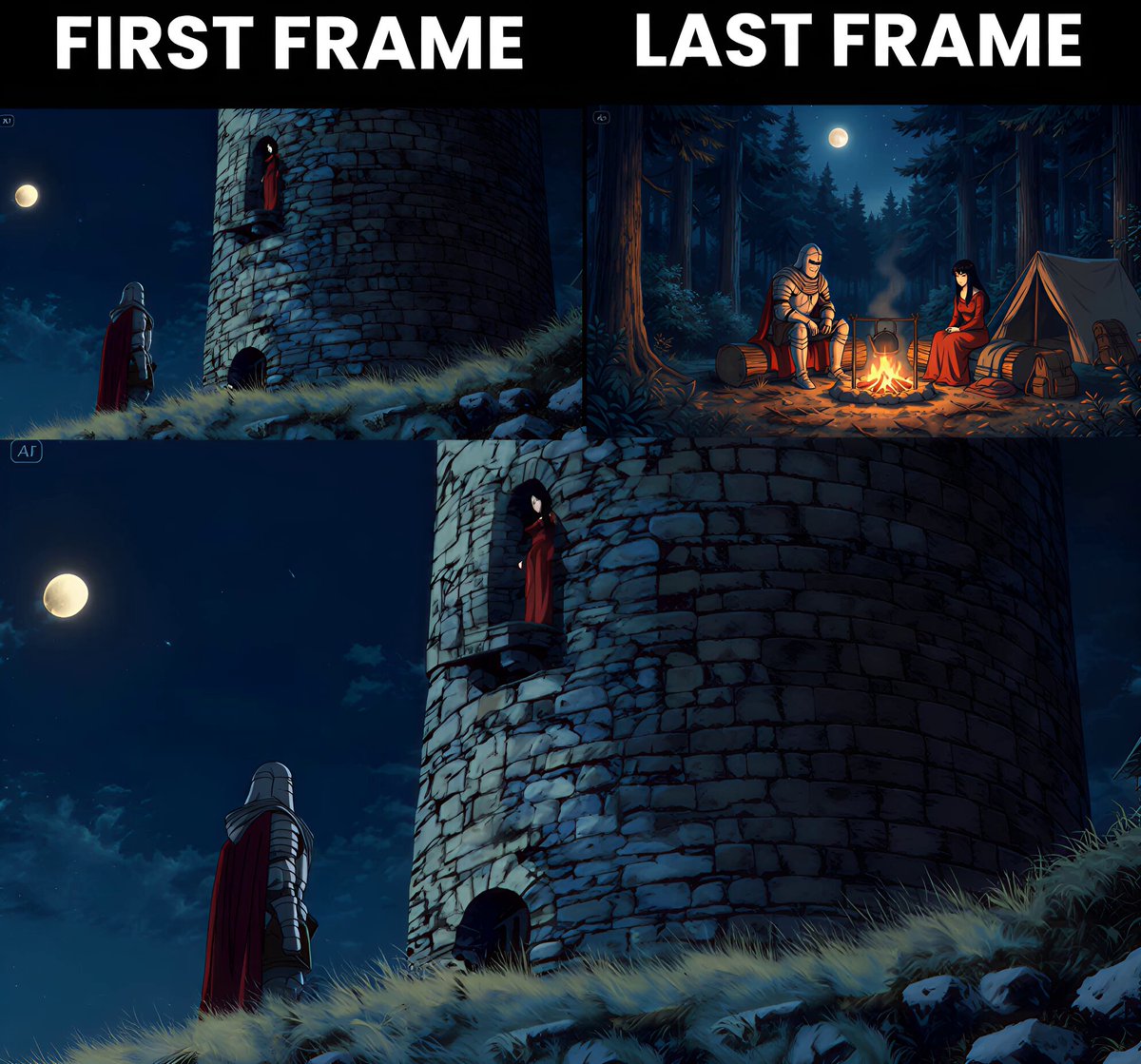
Qwen Image Edit w/ Camera Control is wild 🤯 Quickly rotate the camera, switch between bird's eye and worm's eye views using just clicks. Here's how plus 7 wild examples:👇

309,108 Aufrufe • vor 8 Monaten •via X (Twitter)

0 Kommentare

Keine Kommentare verfügbar

Kommentare vom Original-Post werden hier angezeigt

Ähnliche Videos

Every click preserves a moment that can never be repeated Generated with BudgetPixel AI Prompt 👇 A professional female wildlife photographer in a dense jungle, shot in true-to-life documentary style, early morning golden hour with soft mist, natural lighting, highly realistic environment. She moves carefully and silently through foliage with a high-end DSLR and telephoto lens, wearing neutral outdoor gear. Subtle handheld camera movement for realism.* She suddenly spots a Bengal tiger resting with two cubs in the wild. The scene feels authentic and undisturbed. She slowly crouches, stabilizes her camera, adjusts focus and aperture — extreme close-up of her finger pressing the shutter, capturing the moment. Cut to ultra-realistic telephoto shots: the tiger calmly watching, cubs playfully moving around, detailed fur, natural eye movement, dust particles in the air. No exaggeration — pure documentary realism. Include professional camera work: over-the-shoulder shot, tight lens framing, shallow depth of field, natural focus pulls, slight lens breathing. Add subtle slow-motion (only for key moments like cub movement and tiger head turn), maintaining realism.* Ambient audio: real jungle sounds — birds, insects, leaves rustling, distant animal calls, camera shutter clicks. No artificial effects. Ending: she quietly exhales in awe, small genuine smile, reviews the captured shots on camera screen. No dramatic acting — natural human reaction. Ultra-realistic, 4K, HDR, National Geographic/BBC Earth style, cinematic but grounded in reality.

Ai Bella

20,682 Aufrufe • vor 2 Tagen

📖THE STEP MOST CREATORS SKIP IS WHY THEIR AI ANIMATION LOOKS INCONSISTENT Consistency across clips doesn't come from prompting — it comes from the reference image. The pipeline, step by step: ▪ Start with ChatGPT Image 2 — generate a full character design sheet first, not just a single frame. Multiple angles, expressions, and outfit variations in one image keeps the character consistent across every scene ▪ Build a storyboard inside ChatGPT Image 2 as well — define each shot, camera angle, action, and mood before touching Seedance at all. This is the step most people skip and it's the reason clips look disconnected ▪ Define a color palette and lighting mood early — golden afternoon light, soft warm tones, dramatic shadows. Lock those values and repeat them across every prompt ▪ Take each storyboard frame into Seedance 2.0 as the reference image — one frame becomes one clip ▪ Write the Seedance prompt around the character action, not the scene description. The scene is already in the image. The prompt handles motion, camera behavior, and timing ▪ Keep clip duration between 4-6 seconds per shot — shorter clips give more control over pacing and reduce motion drift on character faces ▪ Match camera movement type across consecutive clips — if one shot dollies in, the next should hold or pull back, not dolly again The consistency across these frames comes from the character design sheet, not from luck. Seedance reads the reference image and the prompt together — if the reference is detailed enough, the output stays on-model. This video was created by ALOKXMEHTA 📥 tomorrow: the exact ChatGPT Image 2 prompt structure used to generate a multi-angle character design sheet like this one 🔖One article covers the entire workflow — it is pinned below, do not scroll past it.

Zentrix⌚️

12,846 Aufrufe • vor 13 Tagen