Loading video...
Video Failed to Load
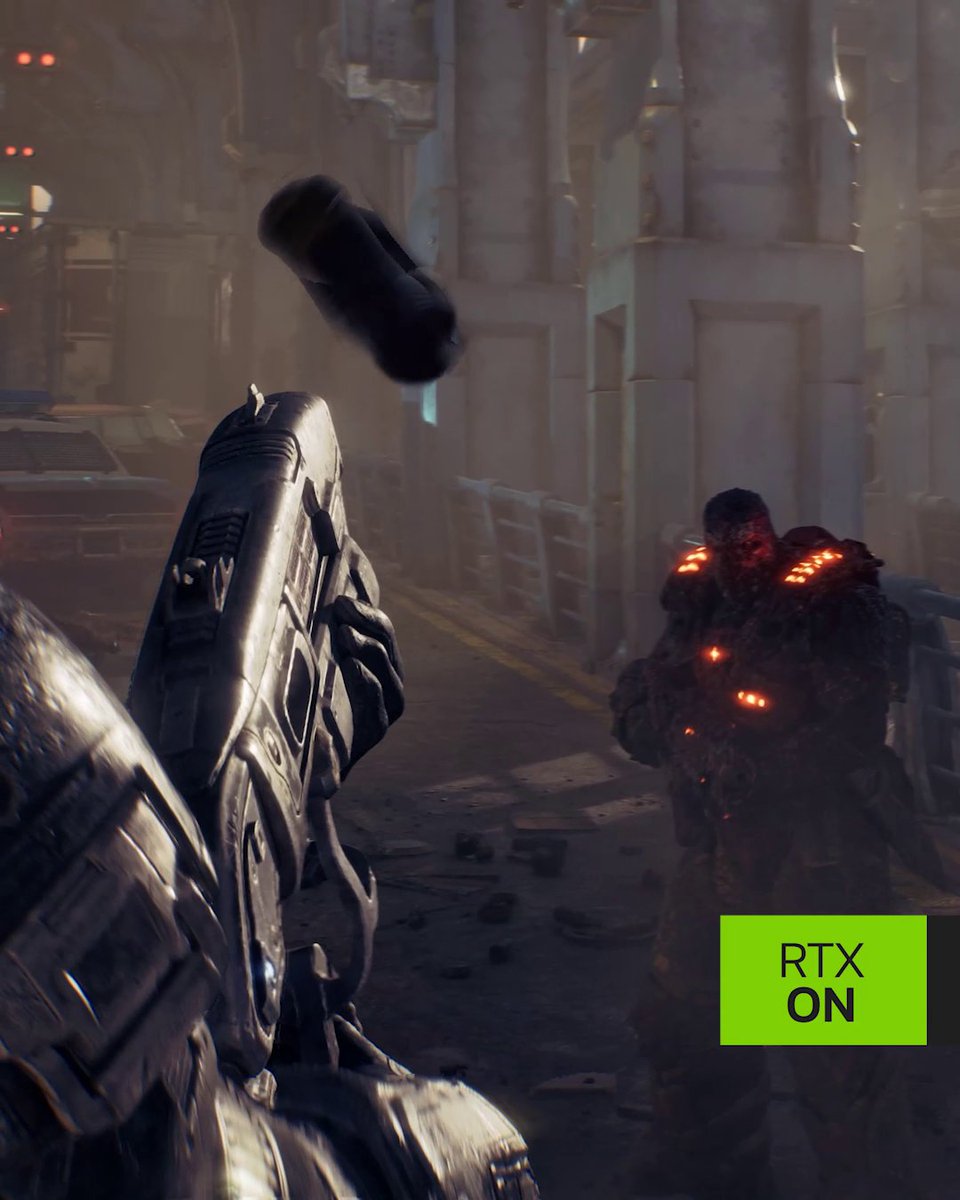
RTX Mega Geometry On vs Off in Gears of War: E-Day. Visuals, Performance & VRAM usage.

24,044 views • 4 days ago •via X (Twitter)
21 Comments

Huge hit on VRAM usage and a significant hit on performance for no relevant visual change.

It definitely improves the visuals, but I don't think it's worth the perf cost on anything slower than a 4090 or 5090.

No one will notice even the most prominent things like lack of shadows under those boxes. It does seem to be more noticeable in mirrors though. But still no one will notice this. On the other hand the hallmark of UE5's RT lighting - boiling artefacts are quite noticeable.

First time seeing how it affects reflections. I mean yeah it looks better and more accurate, but is it worth the performance and VRAM cost? I doubt it...

As a wise man once said: if you can’t notice the difference during gameplay, it’s not worth it.
The golden rule for Optimized Settings!

when are u doing optimised settings for e day video?
I'm working on it

This game uses 27/32gb of my ram lol, its leaking!

زعلت ان الفرق جداً ضئيل ... تمنيت لو انهم دعموا Ray Reconstruction

Is this really Mega Geometry or is it poorly implemented?
It’s the real RTX Mega Geometry and it’s working as intended. The visual difference is small because the game already uses screen space shadows to capture small details, and the based ray tracing geometry is already good enough, especially for RT shadows. The impact is also scene-dependent, I suspect Mega Geometry will make a bigger difference in areas with lots of small, complex geometry, like dense vegetation, but I haven’t come across any areas like that yet.

It's funny thinking about what this is. It's basically like "oh you know how we optimize our game so we can reduce draw time by introduces things like LODs? what if we didn't?" RTX Mega Geometry is like a game unoptimizer toggle (to me).

I thought mega geometry was supposed to reduce vram usage with neural rendering while improve visuals. I guess its all about visuals now

Have you tried megageometry on vs off in semi open areas of act 2 and especially when panning the camera? I think the impact his even greater there, particulary on 1% low. I hadn't played a game so badly optimezed in a long while
Sure, I'll try it there. I also suspect the visual and performance impact will be more noticeable in areas with dense foliage and smaller vegetation, but I haven't reached any areas like that yet.
Yes, performance changes a lot depending on the stages. I've a 4090 and a 5900x, I'm using preset ultra with no frame gen and some areas run fine but others are a stutter mess. I'm sure your optimized settings will improve general perf but I feel it can't be completely fixed

The game looks great. But we need a path traced version :)

The setting is broken. It is adding shadows.

They really shot themselves in the foot implementing this with no RR. It actually performs better if it's used alongside properly implemented RR (ultra+ override isn't proper). Control Resonant is a good example of this where ultra transparency performs better than high.

Cuantos fps bajan al activarlo?