Video wird geladen...

Video konnte nicht geladen werden

Zur Startseite

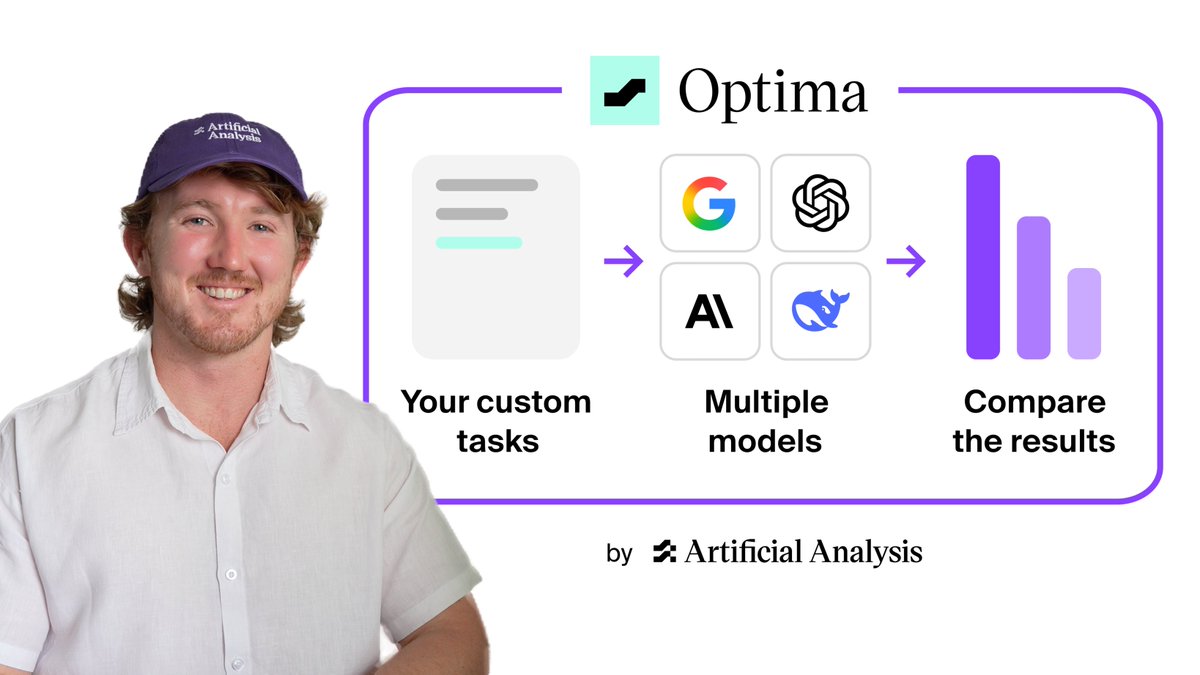
Run evals—directly from the OpenAI dashboard. Use your test data to compare model performance, iterate on prompts, and improve outputs. Here's a quick walkthrough:

86,738 Aufrufe • vor 1 Jahr •via X (Twitter)

10 Kommentare

Profilbild von alex fazio
alex faziovor 1 Jahr

just a chill guy k-lling thousands of startups with a single post

Profilbild von Markus Odenthal
Markus Odenthalvor 1 Jahr

This is pretty cool! Most people miss the evaluation steps. But it's actually crucial.

Profilbild von Quintus 🏛️
Quintus 🏛️vor 1 Jahr

Can you let us export the eval to a .csv?

Profilbild von Prompt Perfect
Prompt Perfectvor 1 Jahr

this is a healthy post.

Profilbild von william
williamvor 1 Jahr

eval api wen?

Profilbild von Diego | AI 🚀 - e/acc
Diego | AI 🚀 - e/accvor 1 Jahr

🧪 What Are OpenAI Evals? OpenAI Evals is a tool to test and measure how well AI models perform specific tasks. Think of it like a report card for AI—researchers and developers use it to ensure the model gives accurate and helpful answers before it’s used in the real world. 📊🤖

Profilbild von TestingCatalog News 🗞
TestingCatalog News 🗞vor 1 Jahr

I think now we will need a way to run these on CI 😋

Profilbild von Jim Hull
Jim Hullvor 1 Jahr

This is same as it has been for two months right? Took me a bit to wrap my head around it, but now i want to eval EVERYTHING! Great feature.

Profilbild von Chase Brower
Chase Browervor 1 Jahr

The factuality passing grades seems to be mixed up somewhere in the pipeline, it gives a result (A) matching what I selected, but then it says fail. I found if I check the 'Response disagrees with the ground truth' (and only that) then it says success.

Profilbild von Soumyajit
Soumyajitvor 1 Jahr

This is a great feature.

Ähnliche Videos

how you can use openAI codex & gpt 5.5 completely FREE (the full guide) 100% legit. no subscription, zero API cost. up to 1M+ token/day. you need just an openAI account and here's how to set it up in 5mins. openAI has a program that gives eligible developers free API usage every day in exchange for sharing API data that helps improve future models. it's not a one-time credit, your allowance refreshes daily. depending on your usage tier, you can get access to hundreds of thousands, or even millions, of free tokens every single day on supported models. here's how to activate it: 1️⃣open your API dashboard: 2️⃣go to settings → data controls 3️⃣enable data sharing for your organization or project 4️⃣make sure your account has a positive API balance 5️⃣save the settings if your account is eligible, you'll see a message confirming access to complimentary daily usage. before you turn it on, know the tradeoff: • prompts and outputs from shared projects can be used to improve openai's models • don't use it for confidential information, client work, or sensitive data • eligibility depends on your account type and settings for everyone else, it's an incredible deal. use it to: • learn AI development • build side projects • experiment with codex • test agents and automations • prototype ideas without worrying about API costs most developers burn money testing ideas. this lets you experiment at scale while spending little to nothing.

m0h

71,147 Aufrufe • vor 4 Monaten

10 agent evals every AI engineer should know 1) golden set a frozen set of cases you run after every prompt model or tool change use it as your baseline to see whether the system improved or quietly broke OpenAI Evals helps you build repeatable benchmark sets and compare model changes → 2) llm as judge a second model scores open ended answers against a written rubric use it when there is no exact output to compare against OpenEvals provides ready made evaluators for LLM applications → 3) rubric scoring score correctness tone safety and cost separately one quality number hides the problem DeepEval helps you create custom metrics and score every dimension independently → 4) trajectory eval grade the path the agent took not only the final answer AgentEvals checks agent actions decisions and tool calls across the full trajectory → 5) tool unit tests test every tool with fixed inputs and outputs no model in the loop MCP Inspector helps you inspect and test MCP servers tools and responses separately → 6) regression suite replay previous runs against every new prompt model or toolset then compare the results Promptfoo helps you run repeatable eval suites catch regressions and add checks to CI → 7) a b in prod split real traffic between two versions and compare actual outcomes GrowthBook provides feature flags controlled experiments and product analytics → 8) human review sample real runs and let a person grade them honestly use it to calibrate your automated judge Argilla helps teams collect human feedback review outputs and build better datasets → 9) shadow run let the candidate run on real traffic while its output is shown to nobody use it before a risky rollout Langfuse helps you trace production runs compare candidates and monitor eval results → 10) red team attack the system before somebody else does jailbreaks prompt injection data leaks and tool abuse Garak scans LLM systems for vulnerabilities and unsafe behavior → offline evals tell you it works online evals tell you it still works you probably do not need all ten today start with the two that would have caught your last outage bookmark this

elune

155,026 Aufrufe • vor 3 Monaten