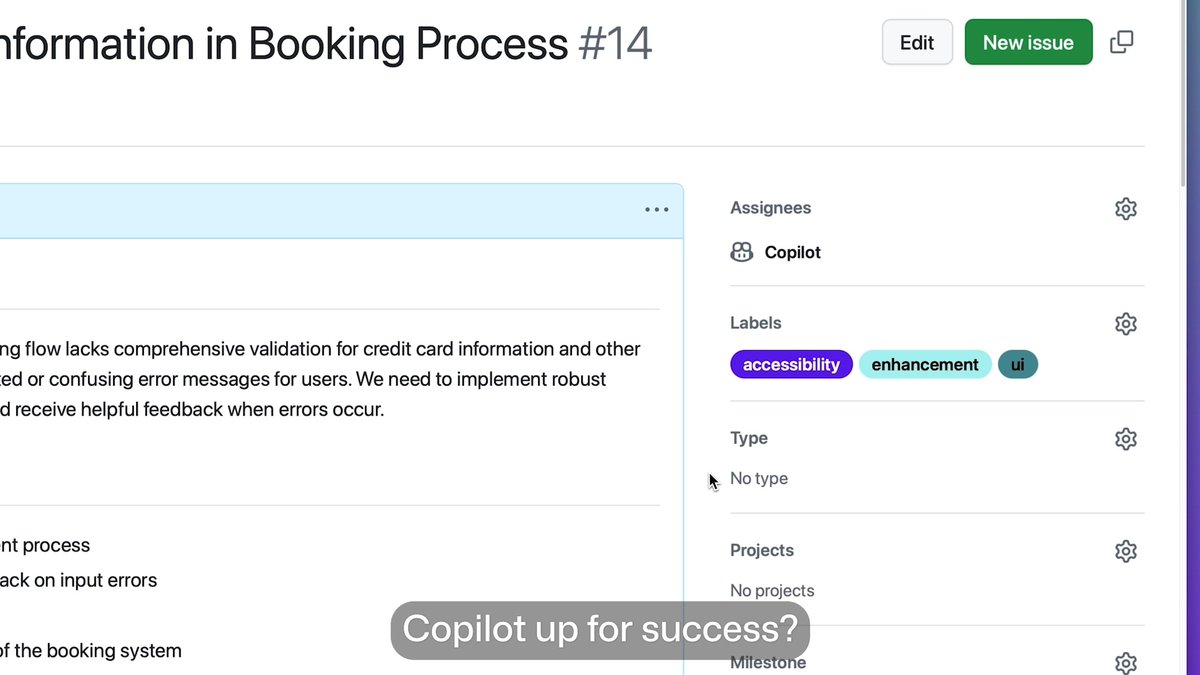
Set up your new GitHub Copilot agent for success! 🚀 This video will show you how to:

2.7M followers
69,844 views
4 Comments
Comments from the original post on X (Twitter)

@DomLiu_
Just wired up my Copilot agent using MCP—super smooth once you get the hang of it. Loved the visual guide GitHub shared—made the tool access flow click 💡 #GitHubCopilot #AIagent #DeveloperTools
2 likes

@opensourceCM
What’s the cost of mistakes in your contracts? If you work with contracts day-to-day, it’s time to automate. Track every detail, streamline workflows ... ✨ Make managing contracts as easy as a few clicks. Visit our new website & book your demo today!
392 likes

@harupy36
Is there a REST API to assign an issue to Copilot agent?

@bytewise010
Setting up Copilot agents with clear issues, custom instructions, and proper environment setup really makes a difference. Love how MCP integration lets agents access the right tools for the job—makes coding even smoother.