Loading video...

Video Failed to Load

Go Home

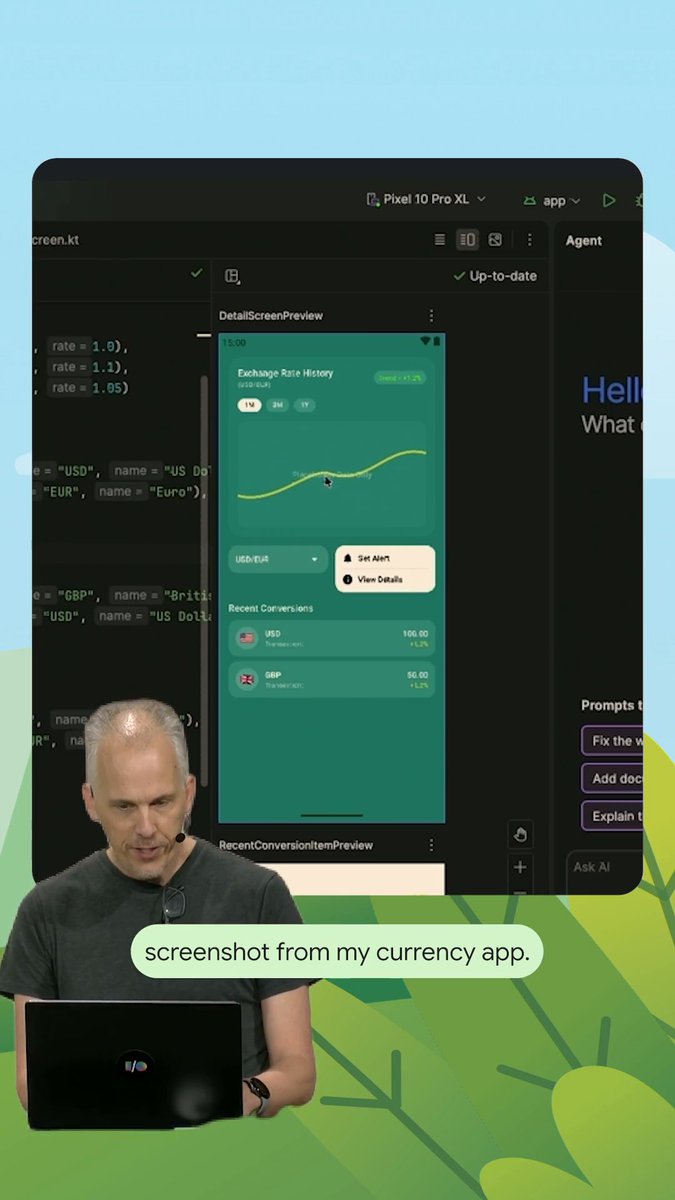
Spend your time on innovation and not the boring bits. Let Gemini in Android Studio handle the heavy lifting → How Agent Mode assists your data layer: 📄 Ingests custom API documentation 🛠️ Generates thin Retrofit data sources 📐 Adheres strictly to project interfaces

27,510 views • 1 month ago •via X (Twitter)

4 Comments

Costa's profile picture
Costa1 month ago

@AndroidStudio wew lad @ tomcolvin (you even on this hellsite? i dunno)

Raphael gwar gwar's profile picture
Raphael gwar gwar1 month ago

@AndroidStudio

Caprini Dev's profile picture
Caprini Dev1 month ago

@AndroidStudio Lo de "ingiere documentación de API personalizada" es la parte que más curiosidad me da. ¿Alguien lo ha probado con una API interna rara, no con Retrofit de libro? Ahí se nota si el modo agente entiende de verdad el contrato o solo rellena huecos con lo que ya sabía.

Caner Kaşeler's profile picture
Caner Kaşeler1 month ago

@AndroidStudio Is there a way to define SKILL set for Gemini?

Related Videos

Your agents can't keep up with real-time data. Especially when it's scattered across dozens of sources. Most teams waste weeks building custom connectors for every database, API, and data warehouse. Then they build ETL pipelines to sync everything. By the time your agent retrieves the data, it's already outdated. Picture this: Your Postgres database updated 5 minutes ago. Your MongoDB collection changed 2 minutes ago. Your agent is still pulling from yesterday's snapshot. This is why most production RAG systems fail. There's a better approach: MindsDB is an open-source AI platform with a federated data engine that lets you query multiple data sources in real-time using SQL - without moving any data. Here's what makes it different: ↳ Your data stays in place. No ETL pipelines or data duplication ↳ Query Postgres, MongoDB, REST APIs, and more using consistent SQL ↳ JOIN across different sources in real-time with a unified interface ↳ Works with both structured and un-structured data And here's the best part: You don't even need to write SQL. Just describe what you want in plain English, and MindsDB converts it to SQL automatically. The system does all the heavy lifting. The breakthrough for AI agents is simple: When data updates at the source, your agent gets fresh results immediately. No sync delays. No stale embeddings. No custom code for each integration. You can literally write a SQL query that joins a Postgres table with a MongoDB collection and gets live results. This is what production AI applications need but rarely get. In this video, I give you a complete walkthrough of what we just discussed and how to actually do it. Make sure you watch this till the end. I've shared the link to MindsDB's GitHub repo in the next tweet!

Akshay 🚀

65,672 views • 10 months ago