Loading video...

Video Failed to Load

Go Home

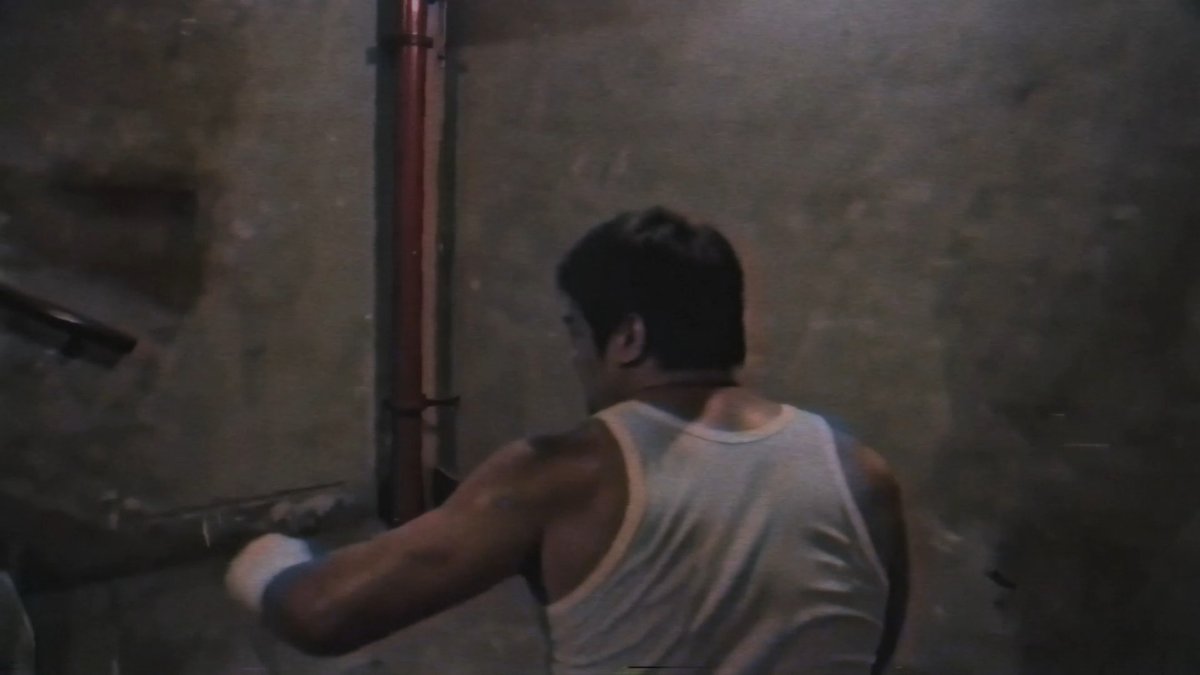
Storytelling feels different when your characters are reusable. 🎬 Using CapCut Video Studio's Director Mode to organize assets, switch environments, and keep every scene consistent. #CapCut #CapCutVideoStudio #AIVideo #AIStorytelling #DirectorMode
0 Comments

No comments available

Comments from the original post will appear here

Related Videos

What’s the point of 4K? Honestly, most people use 4K for those hyper-detailed, slow-mo macro shots. And I get it—they work because they grab attention. But I’m interested in something else: a raw, realistic aesthetic that feels less like a digital file and more like a real film—the kind that forces you to stop and watch, rather than just scroll past. When CapCut invited me to try Seedance 2.0 4K, I didn't want to make just another promo ad. I wanted to see if I could push the tech into territory that feels like a real film. I set up a few stress tests to see if this 4K could handle cinematic storytelling: - Dark Environments: Low-light gradients that usually turn to digital mush at lower resolutions. - Vibrant Color: Hyper-saturated schemes that often band and block. - Macro Shots: Using those "attention-grabbing" angles, but giving them a narrative purpose rather than just using them as a gimmick. I channeled the gritty, flashing-light aesthetic of Gaspar Noé for this. (A quick warning: his films are intense—careful.) The result is "Salty." Seedance 2.0 4K handled the mood and the detail better than I expected. Whether you're making films for fun or for a living, it’s a powerful tool for bringing those wilder, cinematic ideas to life. Huge thanks to the team at CapCut for trusting me with early access to Seedance 2.0 4K. Getting to experiment within CapCut Video Studio was a true honor—I really appreciate the creative freedom they gave me for this film. Salty A film by Jordan Daniel Chesney Produced by CapCut Music by Brendon Moeller CapCut #capcut 4K YouTube version in the comments.

Jordan Daniel Chesney

132,113 views • 1 month ago

i built a way to generate realistic AI influencer vlogs without ever touching a camera. this was supposed to stay internal but f*ck it, i'm leaking the entire production system. pick any topic. or paste in a script. a few minutes later you've got a finished influencer-style vlog with: > a consistent AI character > cinematic shots > natural dialogue > realistic iPhone footage > b-roll here's how it works: the workflow first breaks your script into a complete scene-by-scene storyboard with timestamps, camera directions, dialogue, environments, pacing, and shot planning so every clip has a purpose instead of feeling randomly generated. each scene gets its own reference image prompt for Higgsfield that locks the character's identity, clothing, camera angle, lighting, and environment to keep the person looking the same across the entire vlog. those reference images are then animated in Seedance 2.5 using scene-specific prompts that control movement, lip sync, ambient audio, dialogue, camera motion, and timing so every clip feels like it was filmed on an iPhone instead of generated by AI. finally everything gets assembled in CapCut with b-roll, subtitles, transitions, music, pacing, and final polish into a complete vlog that's ready to upload. you're not filming,hiring actors or recording voiceovers. the whole thing goes from idea → finished AI influencer vlog. the document i'm sharing includes: > the complete scene breakdown framework > every Higgsfield image prompt > every Seedance 2.5 animation prompt > dialogue for every scene > b-roll prompts > editing workflow inside capcut > structural notes that make the vlog feel real instead of AI RT + reply "AI VLOG", i'll DM you the entire production blueprint.(must be following so i can DM.)

Sulfur

72,644 views • 13 days ago