Загрузка видео...
Не удалось загрузить видео
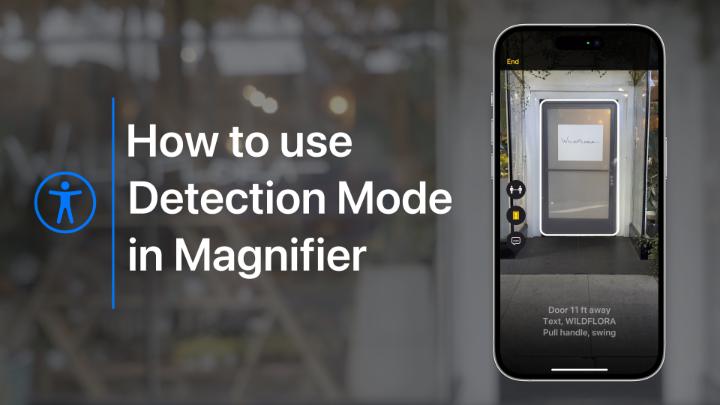
Take a screenshot. Lock your screen. Turn on Detection Mode. And much more, with Back Tap. #AppleAccessibility Perform an action of your choice when you double-tap or triple-tap the back of your iPhone. Here’s how:

118,495 просмотров • 3 лет назад •via X (Twitter)
Комментарии: 10

There is error in freeform app. Your team fails to sort that out.

The gesture is good. But the gesture sensitivity too less. That we need to beat him like a ravana. Using in silicon cover it is hard to recognise touch I like this using to control my tab but i would like to request more options in controling tab

Hi support team my iphone14 gets silent with a single ring, and attention option is turned off for my phone, also many times for whatsapp sounds gets off, even if its on the higher volume.This is the first time im facing app hanging issues in apple after using apple for 8 years

We want you to have a good experience when using your iPhone. Allow us to assist. Let’s start off by teaming up in a DM. We’ll have more room to communicate there. Let us know which iOS version you’re using. Go to Settings > General > About to find it:

Hello I want to ask Is it apple support indonesia only available on call? Is it impossible to message?
@sadgurlsz_ We can help. Try following our Get Support link here: Depending on what your issue is, it’ll show you all available support options you have to get in contact with us. Messaging might not be available. DM us if you need more help!

I have a fantastic idea call double screen for iphone hope you are interested.
We always welcome suggestions. While we are unable to respond to each submission individually, we welcome and read all thoughts, comments, and suggestions on any Apple product or services. Please click here to submit your feedback:

I set the double tap on the back of my iPhone, and it doesn’t work.
We’d be happy to take a look at this with you! To get started, let us know in DM which iOS version you’re currently on. That can be found in Settings > General > About > Version. This will help ensure we get started off on the best foot possible.