Video yükleniyor...

Video Yüklenemedi

Ana Sayfaya Dön

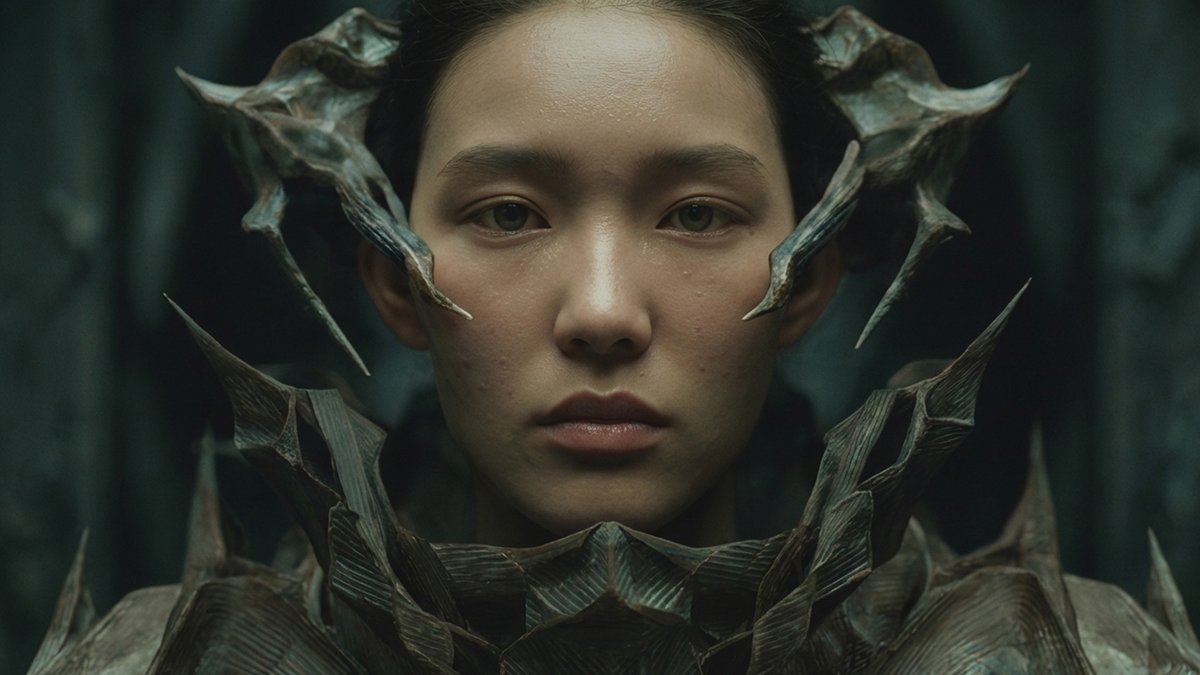
The simplest way to create an AI influencer using workflow (3 steps): Nano Banana → Veo 3 → Arcads AI Workflow Step 1: Build your character with a JSON prompt (Nano Banana Workflow) → Use a structured JSON prompt instead of writing random text → Define the look clearly:...

35,728 görüntüleme • 5 ay önce •via X (Twitter)

10 Yorum

AdrienBrb profil fotoğrafı
AdrienBrb5 ay önce

The real question is character consistency across sessions. Once you nail the JSON prompt in Nano Banana, how do you keep the visual identity locked between generations? That's where most AI influencer pipelines break down at scale.

Keith Thomas profil fotoğrafı
Keith Thomas5 ay önce

Create an AI influencer easily with this workflow.

Goutham. k m. profil fotoğrafı
Goutham. k m.5 ay önce

Do you still manually post from old iphone or content schedulers ?

Carmelo schepis profil fotoğrafı
Carmelo schepis5 ay önce

wow

Nardi profil fotoğrafı
Nardi5 ay önce

Step 4: automate posting and scheduling with SocialClaw

Rehaan Hussain profil fotoğrafı
Rehaan Hussain5 ay önce

insane how we AI UGC creators apparently get things done

Boris profil fotoğrafı
Boris5 ay önce

Gold

Chahid Chirchi profil fotoğrafı
Chahid Chirchi5 ay önce

thx alex, this seems super straightforward!! gonna try it

Paras_ profil fotoğrafı
Paras_5 ay önce

will surely try that.. let's connect @alexcooldev .. I had tried to create my ai avatar but dint work out well so parked that for a while.. probably yours might give me more clarity to rework on it.

Gregor profil fotoğrafı
Gregor5 ay önce

Still mess this up constantly. Spent a week perfecting my character JSON and zero time on what they'd actually say.

Benzer Videolar

THIS IS HOW A $10K/MONTH PRODUCT CONTENT PIPELINE GETS BUILT FROM 1 REFERENCE IMAGE AND A JSON PROMPT The video is not about "better prompting." It is a very simple cheat code: find an image with the exact lighting, color grade and camera feel you want, make AI reverse-engineer the style into a detailed JSON, then feed that structure into Nano Banana Pro with your own product. That is the part people keep missing. They write vague prompts like “make it realistic” and blame the model when it produces plastic garbage. The better workflow gives the model a style contract before asking for the final image. One reference image becomes the art director. The JSON becomes the brief. Your product becomes the asset dropped into a visual language that already works. This is how a solo operator can sell 20-30 "premium" product shots a week without owning a camera, renting a studio or touching a lighting rig. At $150-$300 per image, that is a $3K -$9K/week offer if you can bring clients. Not guaranteed. But the math is why this workflow matters. The article is the same business model underneath: AI output gets valuable when you stop asking for random generation and start building reusable instructions that copy proven formats. No photographer, no studio, no lighting setup, no retoucher, no 12-round creative call. Just reference, extraction, structure and execution. The prompt does not make the photo look expensive. The stolen style system does.

Nekt0

14,833 görüntüleme • 3 ay önce

📖 MOST PEOPLE ARE USING SEEDANCE 2.0 JSON WRONGLY AND HERE'S WHY One small JSON change can improve every video you generate Most users write a prompt, generate a video, dislike the result, and start over. The best creators don’t work that way. They use JSON to give Seedance 2.0 a structured set of instructions that defines exactly what should happen in the video. Instead of a single block of text, JSON breaks everything into components: • Character description • Environment • Camera movement • Actions • Timing • Visual style • Scene transitions This makes outputs far more consistent and predictable. Why JSON is powerful: • Better character consistency across scenes • More control over camera movement • Easier to edit individual elements • Reusable templates for future projects • Faster workflow when creating multiple videos • Less randomness and fewer failed generations A simple workflow: 1.Define the goal of the video. 2.Create the main character description. 3.Describe the environment and visual style. 4.Add actions and camera movements. 5.Organize everything into a JSON structure. Example: Character - AI fitness coach Environment - modern gym Action - walking toward camera Camera - slow cinematic push-in Style - realistic, commercial quality Instead of rewriting the entire prompt every time, you can simply modify individual JSON fields and keep the rest unchanged. That’s why advanced Seedance 2.0 users are moving from prompting to system design. The future of AI video isn’t writing better prompts. It’s building reusable production pipelines. 📥Tomorrow I'll show you what's sitting right next to this opportunity. 🔖The pinned post has the complete system. Use it or watch someone else do it first

Zentrix⌚️

112,210 görüntüleme • 2 ay önce